Mods are an integral part to the Minecraft experience. From Alpha to today, modders have continuously improved Minecraft through mods. While most focus on content, some provide optimizations that make playing a pleasant experience. Here, I will go through some of the more useful performance mods that I use to boost and speed up Minecraft.
1. Sodium
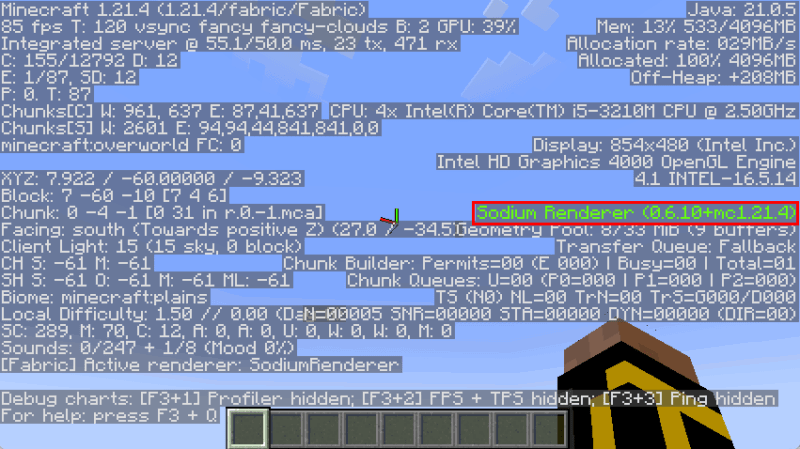
Sodium is a powerful graphics Minecraft mod that introduces a new rendering engine for Minecraft. It works by optimizing the legacy graphics code of the game, making it faster and reliable for all types of hardware. As a result, Sodium is one of the best mods that can provide a significant performance boost on Minecraft, especially on lower end hardware.
Apart from optimizing the rendering engine, Sodium also adds a ton of tweakable options on your game. For instance, the mod can set precise simulation distances, toggle animations, and configure texture blending.
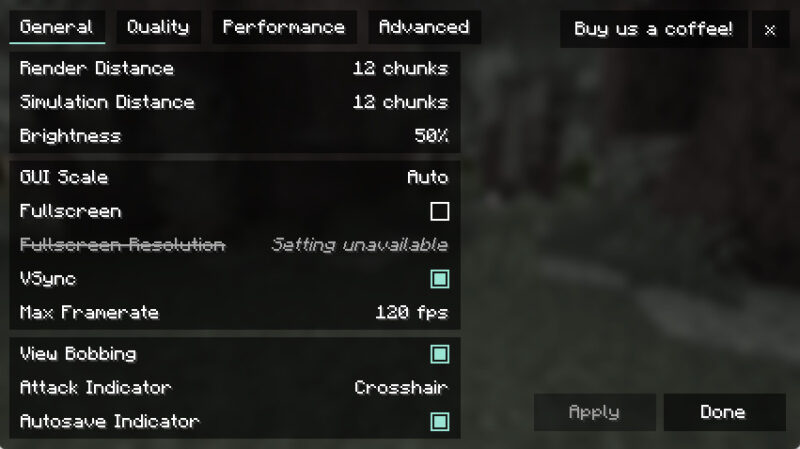
Personally, I use Sodium along with Sodium Extra. This is a companion addon that expands the options that Sodium presents to you. It allows you to finely tune the impact of Minecraft on your system while managing graphical fidelity.
2. Lithium
Lithium is an optimization mod that tweaks how Minecraft mechanics work. It focuses on improving the game’s physics engine, mob AI, and block tick behavior. In my case, this results a decent FPS gains and overall improvement on the game’s responsiveness.
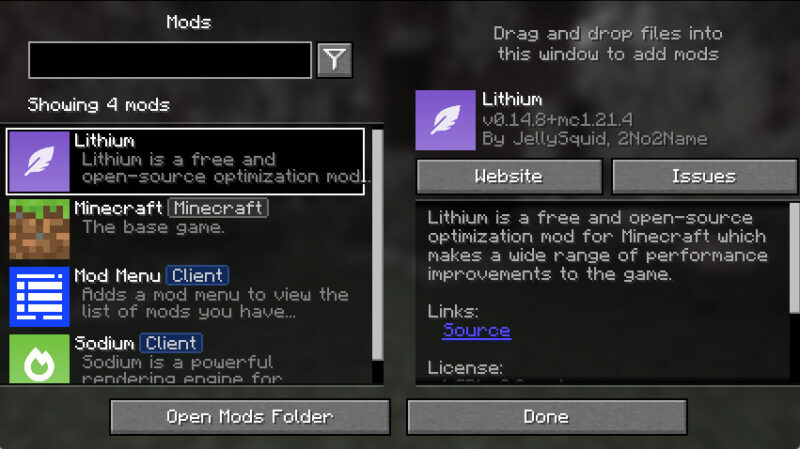
One of the key selling points of Lithium is that it’s completely transparent to the user. It doesn’t provide any user-facing options and it doesn’t change vanilla Minecraft mechanics. This makes Lithium an attractive option for those who want to improve Minecraft but are concerned of game breaking bugs.
Good to know: learn some of the tricks I use to speed up Minecraft on Linux.
3. ScalableLux
ScalableLux is a high-performance mod that improves how Minecraft handles lights and light sources. It works by streamlining the game’s light update algorithm, allowing your PC to handle more lighting-related tasks. This gives a massive boost to Minecraft’s raw performance.
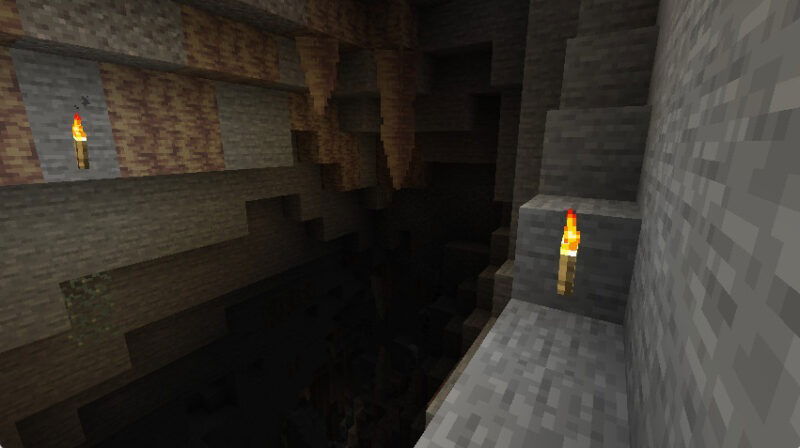
ScalableLux also brings a massive benefit on generating new worlds and loading areas with “dense light sources.” This is especially evident when you load areas with a ton of light blocks. In my experience, ScalableLux really helps when joining large public servers like Hypixel or creating well-lit megabases on my self-hosted Minecraft server.
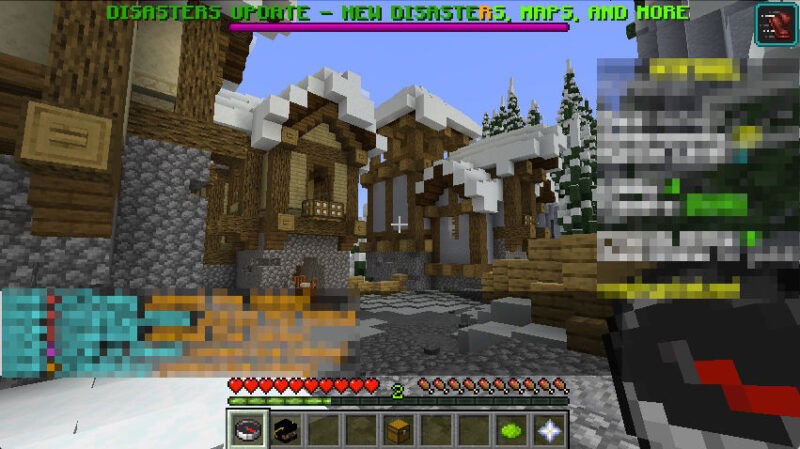
To top it off, the developer of ScalableLux also ensures that it will maintain feature parity with the vanilla lighting engine. This means that you don’t have to worry how your build will look different from Minecraft clients that don’t use ScalableLux.
4. ImmediatelyFast
As a long-term Minecraft player, I’m no stranger to creating large storage systems and map rooms to display my progress. However, they often cause massive lag spikes. This is because Minecraft is very inefficient at rendering large amounts of block entities.
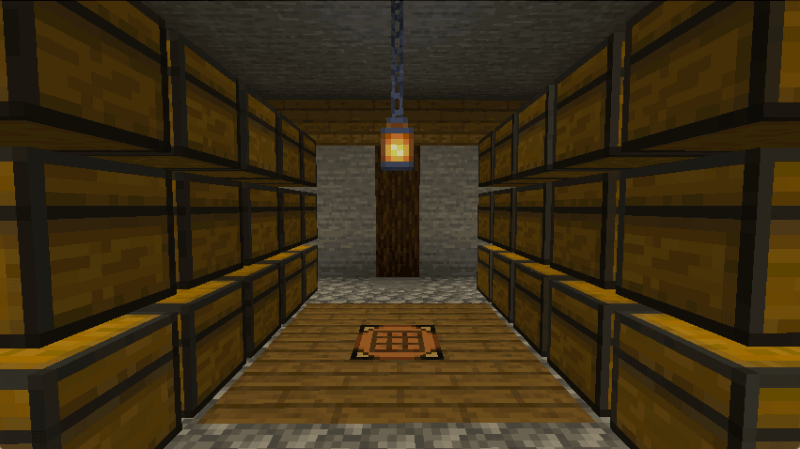
ImmediatelyFast is a small mod for Minecraft’s “immediate mode” rendering. This special type of renderer handles maps, block entities, signs, and several UI elements. ImmediatelyFast optimizes this by adding efficient custom code for handling and sending “draw calls” to your GPU.
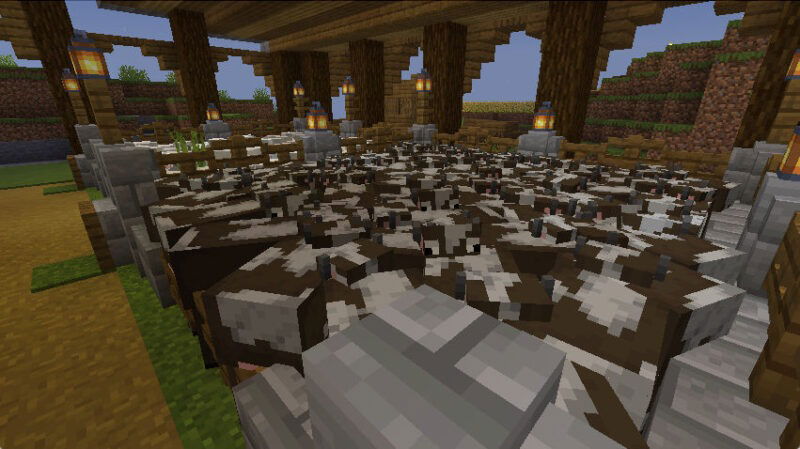
With ImmediatelyFast, you can get around twice your average FPS on entity-heavy areas. Based on my observation, ImmediatelyFast also benefits from Sodium, and I was able to get around three times my average FPS. This makes it great for speeding up storage rooms and technical Redstone farms.
On a side note: learn how you orchestrate a Minecraft server cluster with Crafty today.
5. Dynamic FPS
One of my biggest pet peeves with Minecraft is that it’s unaware of its current window state. This means the game will always run at full speed, even when you minimize or tab out of its window. As someone who occasionally leaves Minecraft minimized, I find it troublesome as the game can cause other programs to lag on my PC.
Dynamic FPS is a simple mod that detects the window state of Minecraft. It then uses this information to tweak the current performance of the game and free up resources on your PC. For example, Dynamic FPS sets a hard cap of 15 FPS whenever you minimize the Minecraft game window.
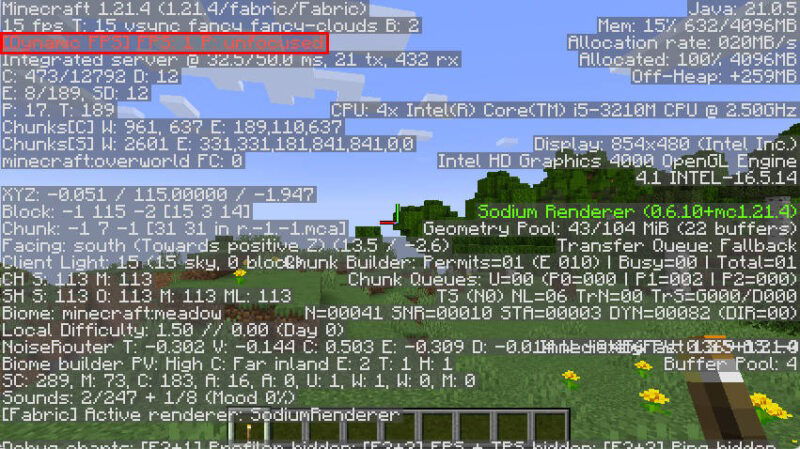
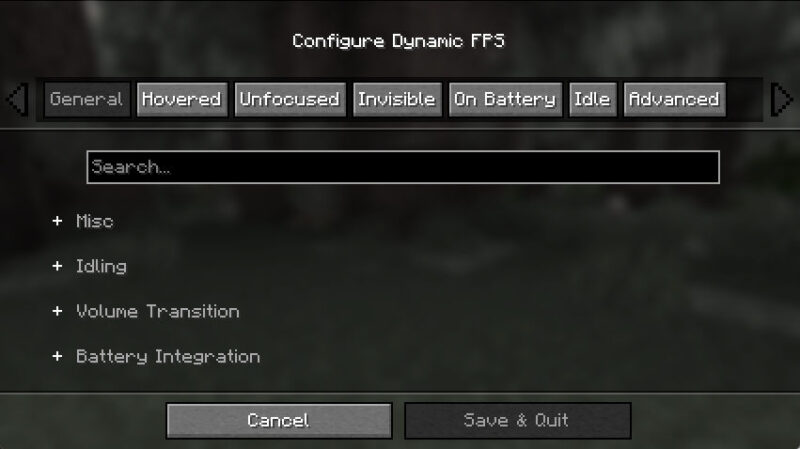
On top of hard capping the FPS, Dynamic FPS can also tweak the game volume and notifications. In my setup, I use Dynamic FPS to set my Minecraft client to be completely quiet and non-intrusive, allowing me to easily AFK in the game.
6. Concurrent Chunk Management Engine
Every Minecraft game divides the world into chunks. These are 16×16 areas that stretch from bedrock up to build height. While most think of Minecraft in terms of blocks, the game actually uses chunks for its base data unit. Every block you place and generate is part of a “chunk file” that gets saved on your PC.

The Concurrent Chunk Management Engine (C2ME) is a technical mod that improves how Minecraft handles chunk generation and loading from disk. It helps solve Minecraft’s dependence on a single thread for the entire game process.
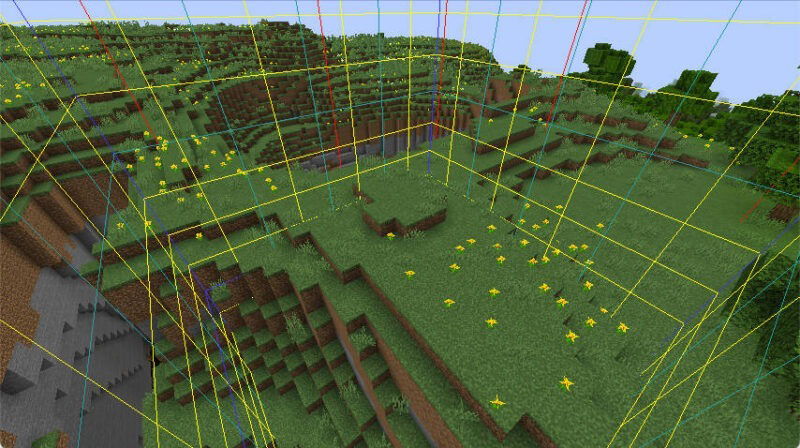
C2ME offloads chunk generation into neighbor CPU threads, giving the game more breathing space for other tasks. As a result, C2ME improves your game’s FPS during world generation and makes it responsive even when playing with a larger render distance.
FYI: Minecraft mods aren’t just limited to performance enhancements. Check out some of the best content mods for Minecraft today.
7. Krypton
Krypton is a powerful networking mod for Minecraft that can improve latency on multiplayer sessions. It uses the latest developments on PaperMC and Velocity to streamline the game’s network code without breaking compatibility with vanilla servers.
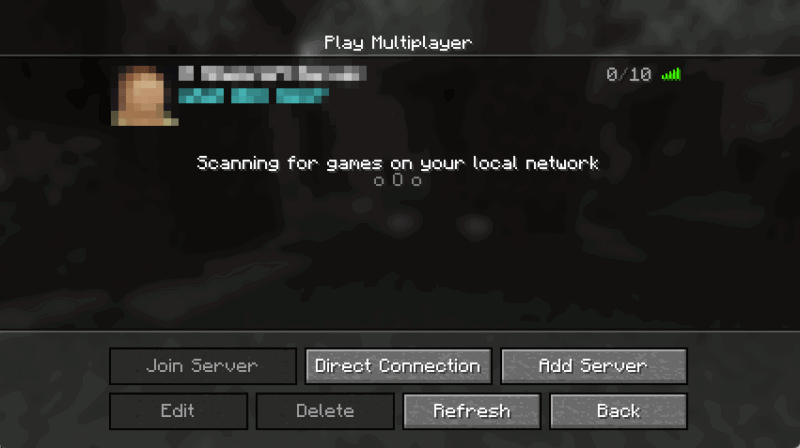
One feature that I really like with Krypton is that it doesn’t require any configuration, and it works on both the client and the server. This makes it an invaluable tool for ensuring that my multiplayer experience is as best as it can be.
Learning some of the best performance-focused mods for Minecraft is just the first step in exploring this wonderful game. Discover the different worlds that you can create by checking out some of the best seeds for Minecraft today.
Image credit: ELLA DON via Unsplash. All alterations and screenshots by Ramces Red.