What I’ve always loved about physical game cartridges is you’re able to share them and easily move them between systems. The switch to digital meant less flexibility, but the latest Nintendo Switch announcement is finally letting you lend digital Nintendo Switch games, with some restrictions of course.
You Can’t Lend to Just Anybody
Instead of creating a wild west free for all of Switch game lending, Nintendo is limiting lending between your own systems, if you have multiple systems, and members of your Nintendo family group.
But, keep in mind, your family group can have up to eight members and, unlike most streaming subscriptions, members don’t have to live in the same household. So, invite your closest friends to your family group. Then, everyone’s free to lend digital Nintendo Switch games between each other.
If you have a Nintendo Switch Online Membership, you can upgrade to the family version and split the cost between everyone in your group. This makes it much cheaper than individual memberships.
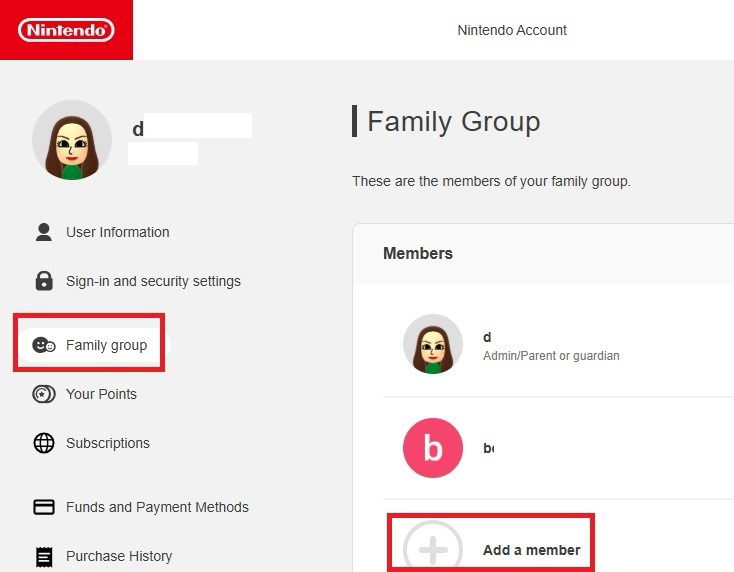
If you don’t already have a family group, log in to your Nintendo account on a desktop or mobile browser to create one. Select Family Group and choose Add a member. You just need your friend or family member’s email address to invite them. Once they confirm with their own Nintendo account, they’ll be added.
Get Ready to Update Your Switch
I’m eager to start lending myself, but the Virtual Game Card system doesn’t officially launch until April 2025. You’ll see a system update sometime in April when you turn on your Switch.
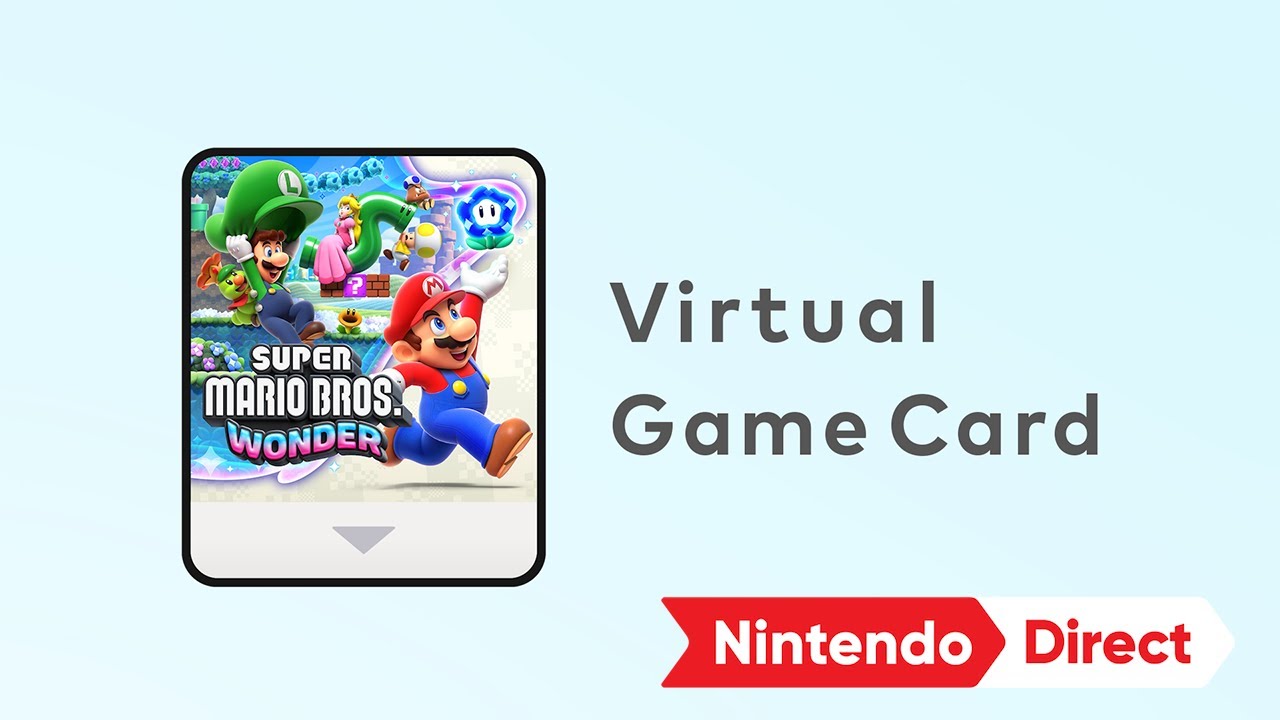
Once you update, your digital games will be called Virtual Game Cards to make them sound more like physical game cards. Don’t worry. Nothing about the games themselves are changing.
Quickly Lend Games to Family Members
When you want to view all your Virtual Game Cards to lend to others, tap Settings and game card icon. Select the game you want to lend and tap Lend to Family Member. Select who you want to lend it to. Tap Lend and you’re done.
Your family member, or friend, gets a notification about receiving a new Virtual Game Card. It’s that simple.
The lending period only lasts for 14 days. Then, it’s automatically sent back to your system. While it’s borrowed, you can’t play it, only the person you lent it to. You can see how the entire process works from Nintendo’s official announcement and tutorial.
However, you don’t lose any of your save data for the game. Once the game’s returned, just pick up where you left off. Even better, if your friend or family member loves the game, they can either ask to borrow it again or buy it and pick up where they left off since none of their save data from the game is deleted when a game’s returned.
Switch Between Switches
In the past, transferring games between Nintendo Switch systems meant using an SD card to transfer save data and downloading the games on the second system. Now, you just need a local Wi-Fi connection. I can honestly say this makes moving games much simpler.
Essentially, you’re going to lend digital Nintendo Switch games to yourself. However, when transferring between two systems connected to the same Nintendo account, there aren’t any time limits.
Go to Settings and select the game card icon. Then, choose Load on another system. You can also choose Load on this system to reload games you’ve lent out. Follow the prompts to switch games between your Switches. Both need to be on and connected to the Internet for this to work.
What You Can and Can’t Lend
Part of the reason for this new lending system is to make moving to the upcoming Nintendo Switch 2 a littler easier. Plus, it’ll make the entire Switch ecosystem more attractive to new players.
But, there are limits on what you can and can’t lend. Nintendo’s already said the Switch 2 will be backwards compatible, but there will be some Switch 2 exclusive games. These exclusive games can only be lent to members with a Switch 2 console.
Also, some digital games may choose not to participate in the program. Though, I suspect most will just to encourage more people to try their games.
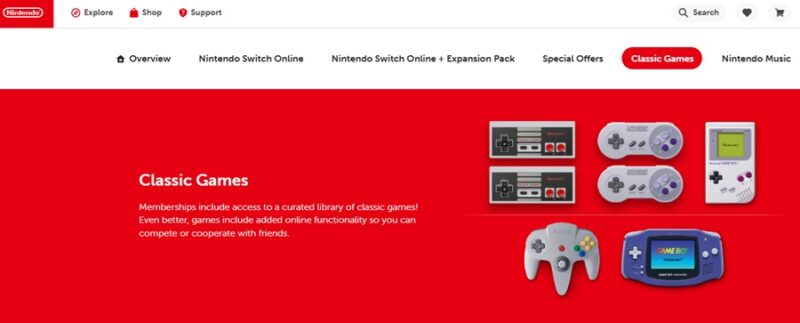
When you download a demo, this can’t be lent out since you don’t own it. Plus, if you’re a Nintendo Switch Online member, you can’t lend digital Nintendo Switch games and bonus content that are exclusive to members. For instance, you can’t lend any of those classic NES, SNES, Game Boy, and Sega games that come with your membership.
While you’re waiting for the new Virtual Game Card system, check out these fun Switch games to play. Or, if you don’t have a Switch, but want to play Switch games on your Mac, see how this emulator helps.
Image credit: Unsplash