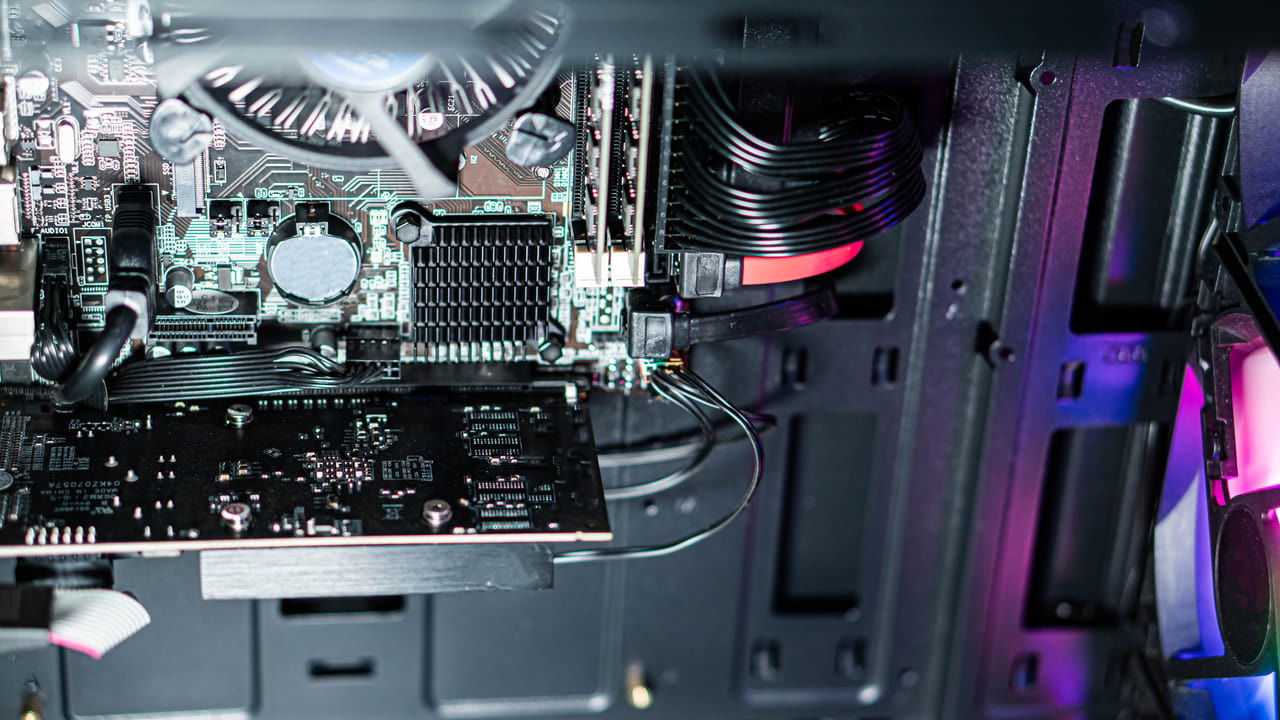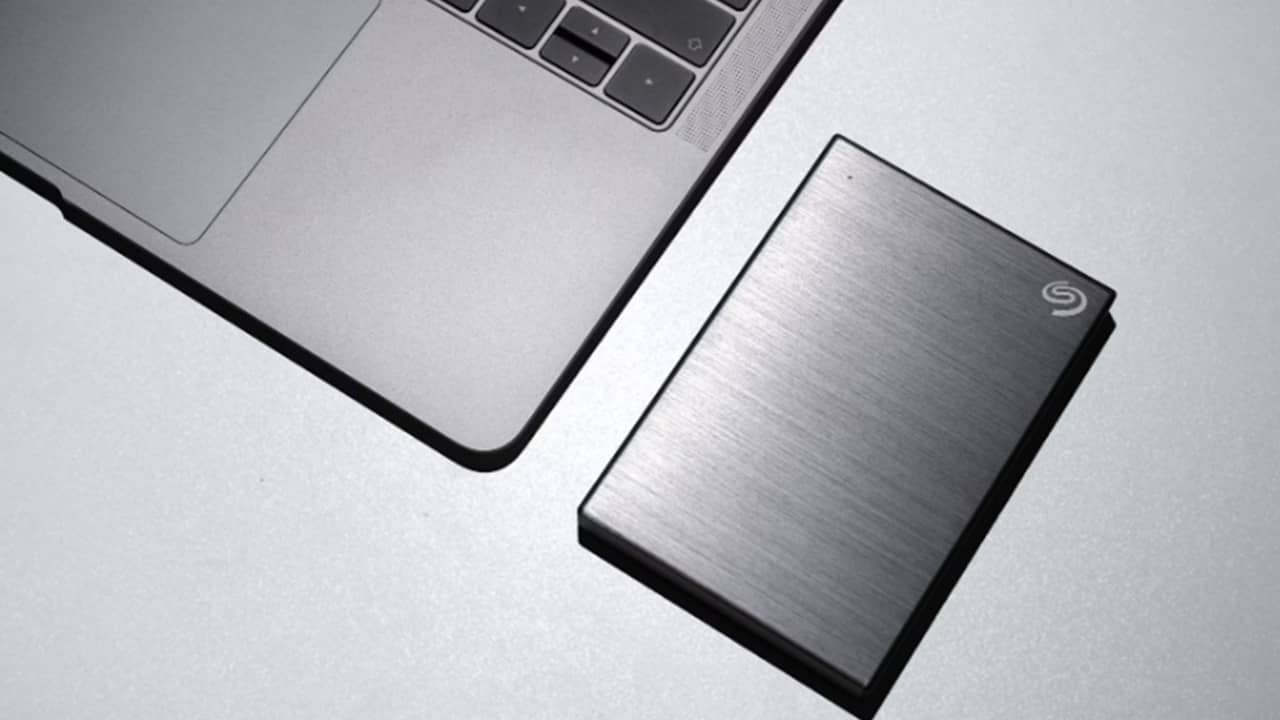
It might make sense to opt for an SSD upgrade when replacing your computer’s hard drive. But when comparing an internal hard disk drive vs. an SSD, sometimes an HDD is the better overall option.
SSDs Offer Numerous Benefits
SSDs, or solid state drives, work differently than HDDs, or hard disk drives. Unlike the HDDs, which have moving components, SSDs are more “solid.” This makes them less prone to damage from being bumped or dropped. Of course, with fewer moving parts, there are fewer things to wear out.
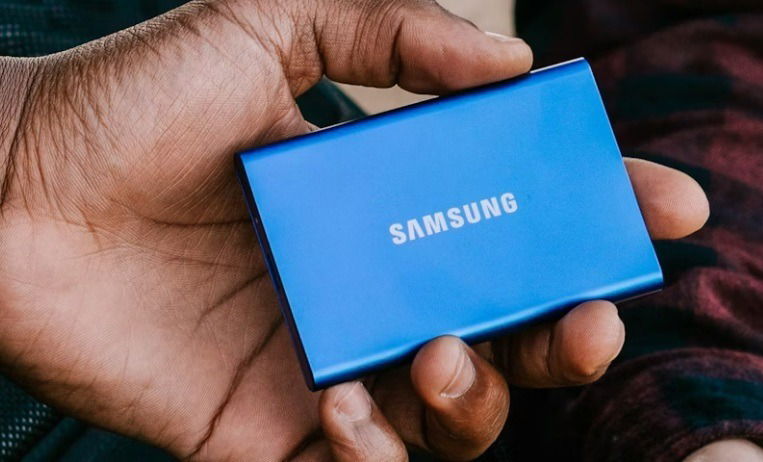
If you’re thinking about an SSD upgrade, there are numerous benefits, including:
- Uses NAND memory cells, so no spinning parts like HDDs
- Allows for rapid boot times, file access, and app loading times
- Lower power consumption
- Smaller physical size (makes them even more popular for external backups)
- Better for traveling, as they’re less prone to damage
- No fragmentation worries
It seems like a no-brainer who the winner is in the internal hard disk drive vs. an SSD battle, right? But, this is just one side of the story. I love SSDs as much as the next person for their speed. Yet, they’re not without some major faults.
You Need More Storage
My biggest complaint is how limited SSDs are in terms of storage capacity. Usually, a mid-range PC with an internal HDD came standard with one to two TB of storage. Now, most computers use SSDs for the benefits listed above, but you only get around 256 to 512 GB of storage for the same price. Before opting for an SSD, consider how much storage you need.
Let’s just say when I bought a new laptop and had to go from my roomy 1 TB HDD to a 256 SSD, I wasn’t thrilled. That’s why I have an external HDD for extra storage.
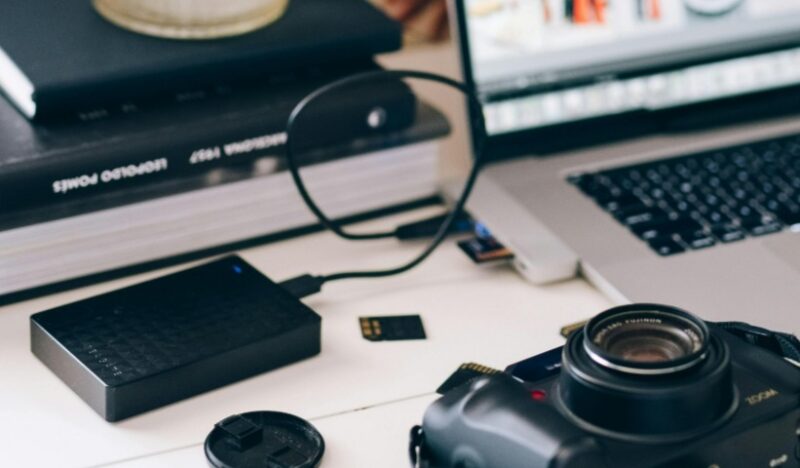
Speaking of storage, the average consumer is typically limited to SSDs up to 8 TB. Currently, Nimbus Data’s ExaDrive is the highest capacity SSD, offering 100 TB of storage. Yet, it’s priced around $40,000, so it’s well out of most consumers’ price range.
One of the largest HDDs currently available has 48 TB of storage, which doesn’t sound like much compared to the ExaDrive’s 100 TB. However, the SanDisk Professional 48 TB HDD is just $1,500. If you buy two, you would have almost the same storage space for $3,000 vs. $40,000.
You Want to Save Money
If you’re torn in the internal hard disk drive vs. SSD argument, take the cost into consideration. As mentioned above, SSDs cost significantly more, though the prices are dropping. For example, I recently purchased a 6 TB Seagate external hard drive to add more storage to my laptop’s 265 GB SSD. The cost: just $133.
Yet, the portable 4 TB SanDisk SSD I bought for traveling cost $300 on sale. Less storage for over double the cost.
For a better comparison, an internal Western Digital SDD with a 2 TB capacity is $160. An internal Western Digital HDD with a 2 TB capacity is just $75.
If you’re on a budget, an HDD saves you money, letting you spend more on other components.
You Need Long-Term Storage
I’ll admit that HDDs often fail sooner than SSDs, just due to the wear and tear of moving them around. But, SSDs only have a limited number of write cycles. This varies based on the manufacturer, but most list a total amount of storage you can expect to use over the lifetime of the device. On average, they’ll last around five years with standard use. Use these tools to check your SSD’s health on Mac and Linux.
There are high-performance SSDs designed for more demanding users. These cost more, of course, but would keep up with your needs.
Why do I wish I hadn’t opted for an SSD upgrade? HDDs are better for long-term storage. If you’re not rough with your computer, an HDD can easily outlast an SSD, as HDDs just keep writing over older data instead of having limited cycles.
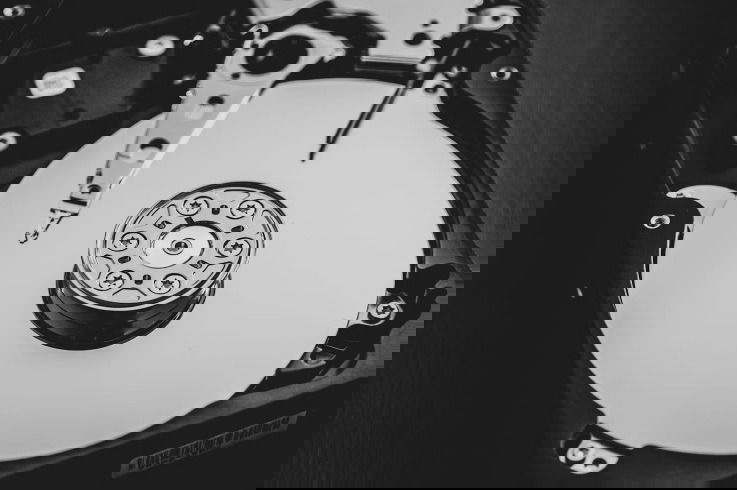
I also chose an HDD for extended storage, specifically so that I wouldn’t have to replace it so soon. I have a laptop that’s over 10 years old that still works fine, even though it’s significantly slower. My three-year-old laptop with an SSD is already slowing down when it comes to write speed.
Plus, if you’re using an SSD for a backup, they can lose data if they’re not powered regularly. That’s not an issue with an HDD. Just don’t get it next to any powerful magnets or drop it.
You’re Concerned About Privacy
In comparing an internal hard disk drive vs. an SSD, HDDs tend to be easier to fully erase than an SSD. Drive erase software just writes over everything on your HDD multiple times until it’s completely done. Trying to do this with an SSD damages the life of the drive and still leaves behind some files.
Many SSD manufacturers make drive erase tools that reset your SSD back to its factory state. This includes eliminating overprovisioning blocks that other tools might miss, including the Windows diskpart utility.
Of course, destroying an HDD’s platters takes care of any data on the drive. You’d need to destroy the flash chips inside the SSD to erase your data.
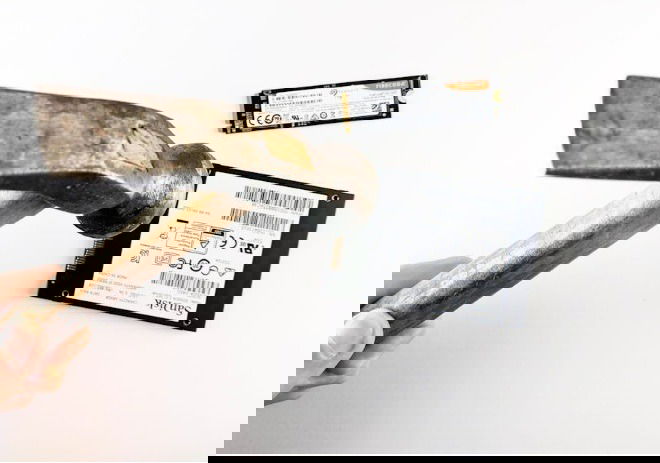
It’s a small benefit of HDDs over SSDs, but still worth mentioning.
Your Computer Isn’t Compatible
This isn’t really an issue with newer computers. However, many older computers don’t support the form factors and interfaces SSDs require. In this case, an SSD upgrade isn’t going to help you. Instead, buy a cheap internal HDD, install Linux, and enjoy a faster computer, even if it’s older.
The best overall option when examining an internal hard disk drive vs. an SSD is to buy a computer with both an internal SSD and HDD to get the best of both worlds. If you’re considering running an SSD in Windows, make sure you do these 10 things. And if it’s not showing up, try these fixes.
Image credit: Unsplash.