From phishing to database leaks, protecting yourself online is becoming increasingly difficult today. Hardware security keys are a viable solution that adds a layer of protection for your online accounts. In this article, I go through how hardware security keys work, their pros and cons, and common issues to determine if they’re the right device for you.
What Are Hardware Security Keys?
Hardware security keys are small, highly secure devices that serve as an additional “factor” for multi-factor authentication (MFA) setups. Similar to traditional OTP, hardware security keys ensure that bad actors can’t access your online accounts even if they have your login credentials.
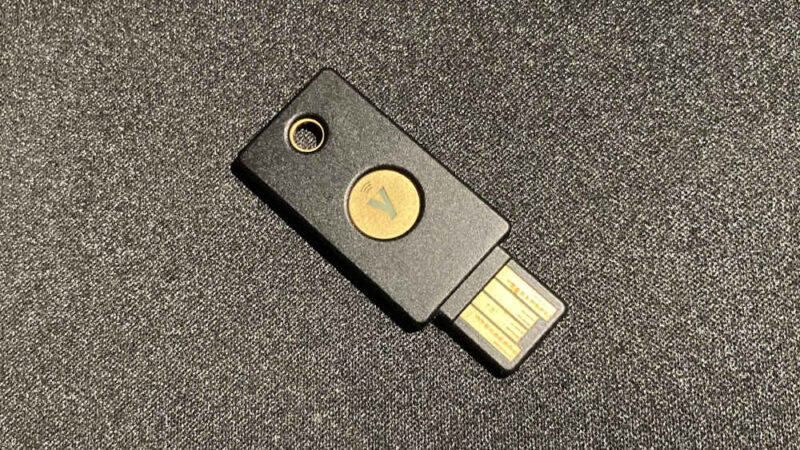
Hardware security keys usually come as an NFC-enabled smartcard or a USB stick that you can plug into your PC. Some, such as the popular Yubikey 5 NFC, offer a USB and NFC combo, allowing you to use the device on both desktop and mobile devices.
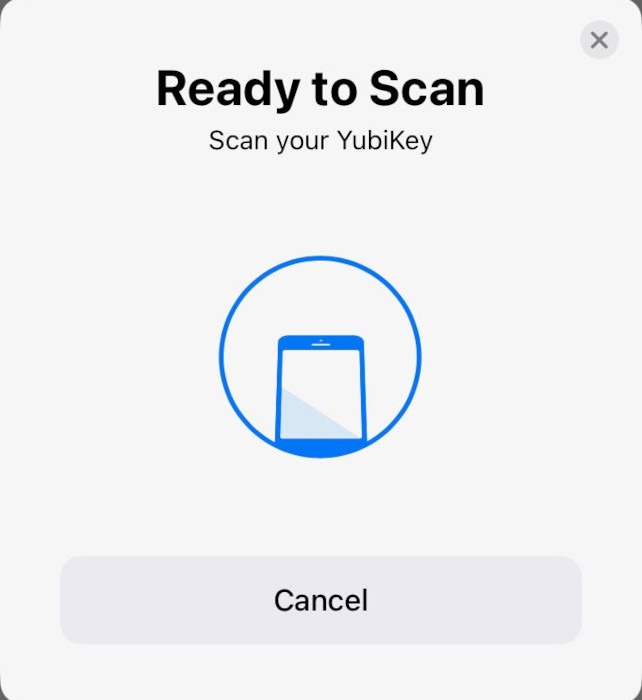
How Hardware Security Keys Work
At their core, hardware security keys use public-key cryptography to authenticate your login credentials. When you first configure a key with a compatible website or app, it generates a cryptographic key pair specific to that service. The key stores the private portion of that keypair in its “secure chip,” while the service takes the public portion and stores it in its servers.
Once you log in successfully, your website or app will prompt you to plug the key into your device or detect it through NFC. The service sends data to your key, which it needs to sign using the private key. The service then takes that data and verifies that it’s signed correctly by the private key using its public key.
On a side note: check out the best hardware security keys you can get today.
Do All Services Allow Hardware Security Keys?
For the most part, hardware security keys should work on major online services. While explicit support isn’t guaranteed, you can expect popular platforms such as Google, Amazon, and X to support hardware security keys. For instance, you can add Yubikey support in X by going to the Security and Account Access section of your Account Settings page.
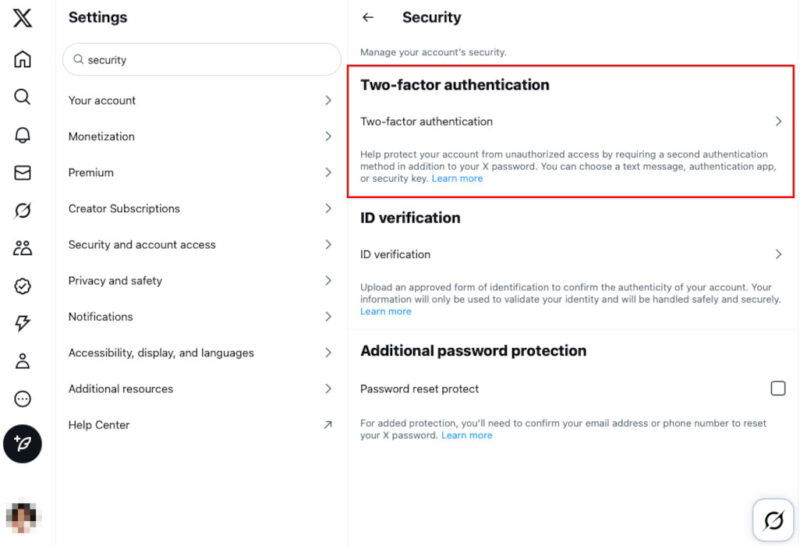
Apart from that, support generally depends on a case-by-case basis. This is because the platform itself is responsible for adding and providing support for hardware security keys. As such, it’s good practice to consider the websites you go to and whether they support this MFA method before committing to a purchase.
Comparing Hardware Security Keys Against Other MFA Methods
Hardware Security Keys vs SMS and Email MFA
One benefit of using a hardware security key over a traditional SMS and Email MFA is that it’s a seamless way of verifying your identity. It doesn’t rely on OTP codes, meaning it doesn’t need any user intervention to log in to an account. Not only does this prevent phishing attacks, but it also speeds up the login process.
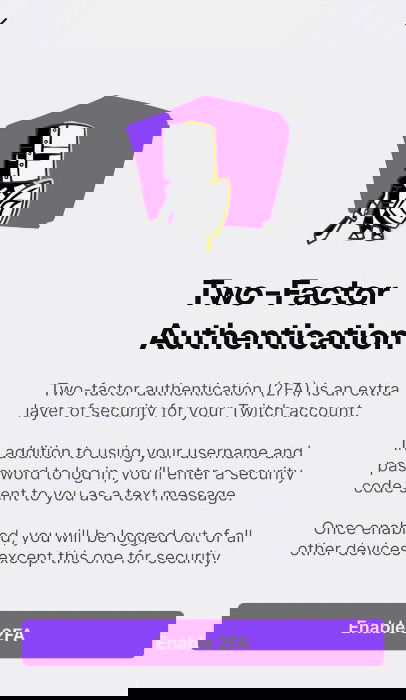
However, this seamless approach also comes with a hefty price. Most hardware security keys today cost between $30 to $80, with the cheaper ones only usable for specific apps. On the other hand, SMS and Email MFA takes advantage of the devices that you already have with you. This effectively reduces the cost of SMS and Email MFA to $0, making it a very affordable way to secure your account.
Hardware Security Keys vs Authenticator Apps
Just like SMS and Email MFA, authenticator apps also suffer from the same core issues when compared to a hardware security key. It relies on an OTP, making it vulnerable to phishing attacks.
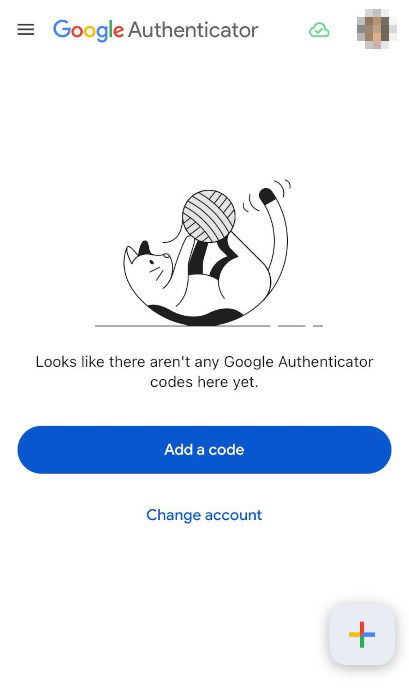
Having said that, most authenticator apps use the RFC 6238 (TOTP) standard, making them one of the most widely accessible MFA methods today. This means there’s a good chance that a website you go to has an option to enable TOTP. It’s also an advantage over hardware security keys since not all websites can support their FIDO2 standard.
Hardware Security Keys vs Biometrics
While hardware security keys and biometric keys offer similar levels of security and convenience, they differ in a couple of important ways. To start, biometric keys are only usable on the device where they’re stored. For example, Touch ID can only authorize logins on your iPhone. This severely limits what a biometric key can do, especially when compared against a hardware security key.
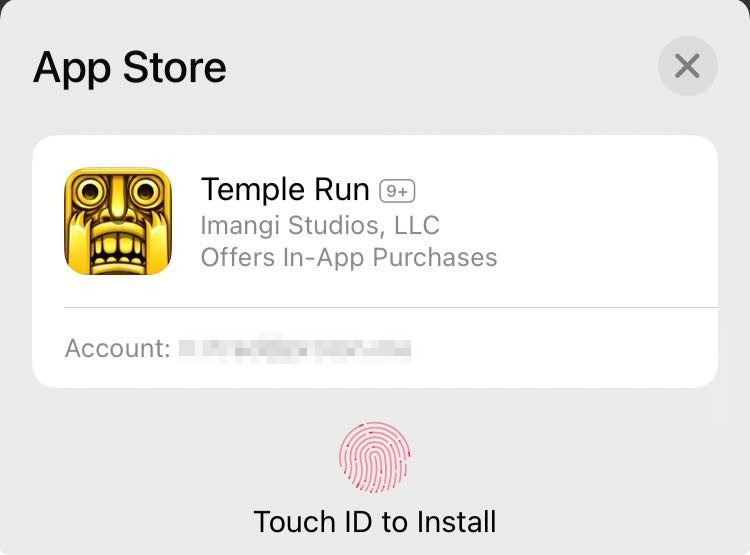
Biometric keys are also usually more convenient and easier to use than hardware security keys. A biometric key doesn’t involve any external device, and it takes advantage of what you already have. It also doesn’t rely on OTP, making it resistant to phishing attacks.
Good to know: want to learn more about authentication tech? Check out our article where we compared 2FA against Passkeys.
What Happens When You Lose a Hardware Security Key?
One of the strengths of a hardware security key is also its weakness. Being a physical object means that it’s possible to lose it. This can be nerve-wracking if you rely on your hardware security key for vital logins, such as your online bank.
When this happens, it’s important to keep in mind that most keys have protection for unauthorized access. For instance, Yubikey 5 requires its user to set a PIN and has a self-wipe mechanism after multiple bad PIN attempts.
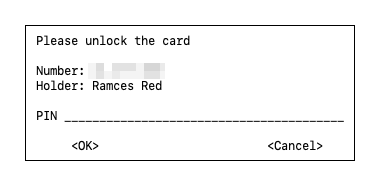
Further, hardware security keys doesn’t store sensitive information such as your username and password. These keys also store the private keys on a secure chip, making it impossible for bad actors to extract them.
Preparing for Hardware Security Key Loss
The easiest way to protect yourself from potential loss is by enabling other MFA methods for your online accounts. This way, you can still use hardware security keys while having an alternate login method if you lose the device.
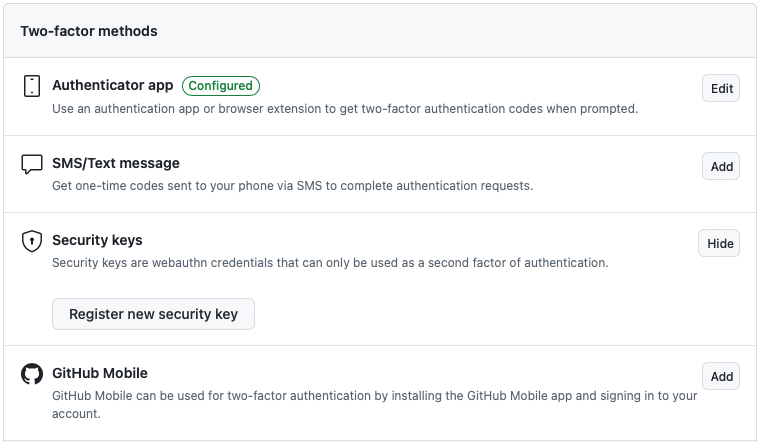
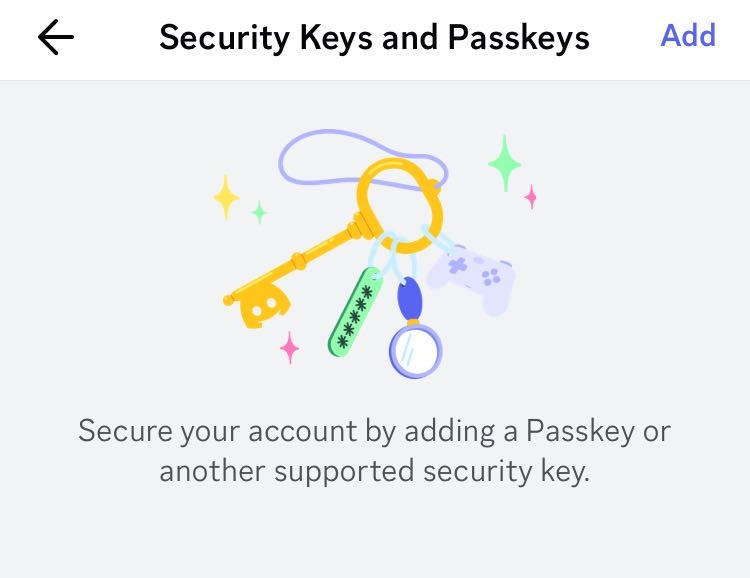
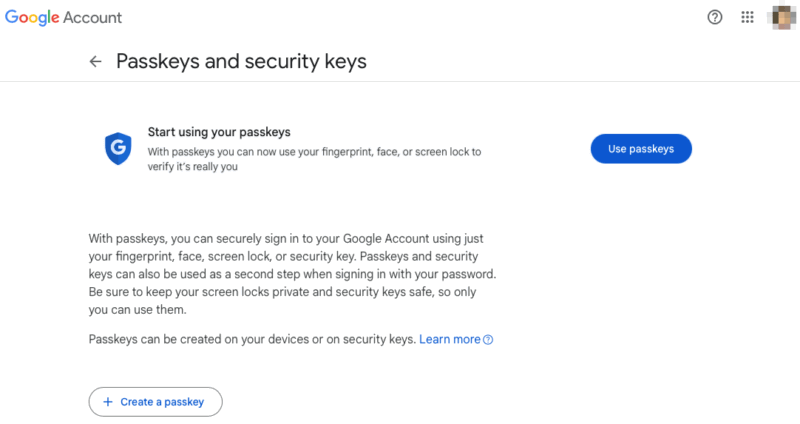
Similar to adding multiple MFA methods, it’s a good idea to enable passkeys if your service supports them. It uses your device’s biometric features to verify your identity. However, passkeys are only currently available for popular online platforms such as Microsoft and Google.
Lastly, some platforms allow multiple hardware security keys on a single account. If your service supports it, it’s good practice to have an identical backup key on hand. Just make sure to perform “sanity tests” on your backup every few months to ensure that you’re prepared for any data loss.
Exploring what hardware security keys are, how they work, and how they stack against others is just a part of online security. Learn how you can further secure your online activities by checking out some of the best VPN services today.
Image credit: Grok via x.ai. All alterations and screenshots by Ramces Red.