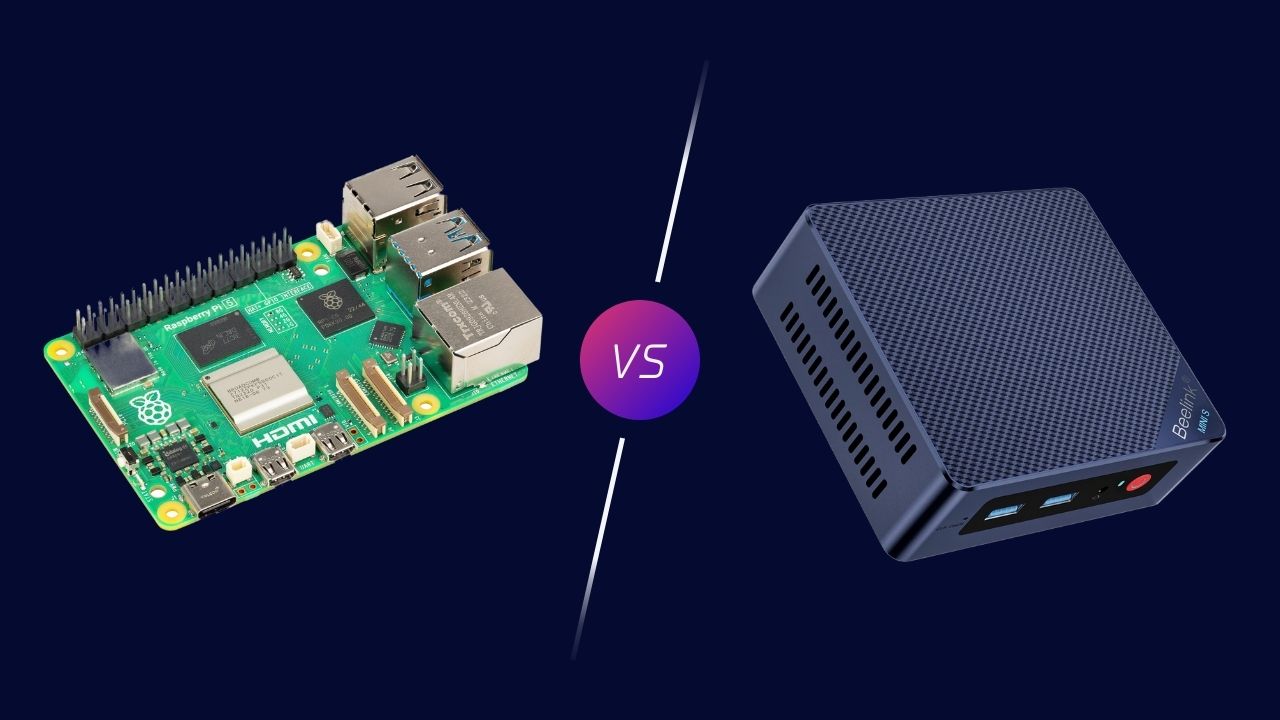
Raspberry Pi has made a name for itself as an affordable and versatile minicomputer, backed by a vast ecosystem of enthusiastic users and third-party companies. But despite its numerous advantages, it won’t be my next minicomputer, and you might want to consider if it should be yours.
The Limitations of Raspberry Pi as a Minicomputer
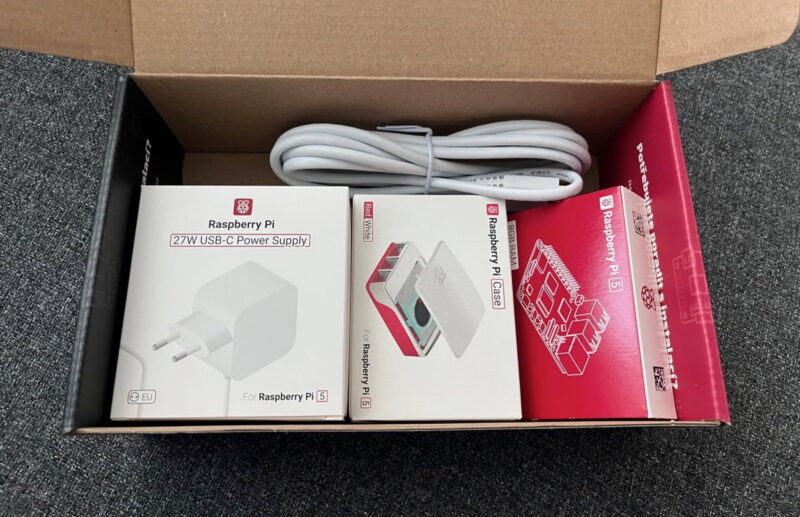
Like many others, I was initially drawn to Raspberry Pi because of its affordable price and decent performance relative to its very low power consumption. While these positive qualities are still relevant (though the price isn’t as appealing as it used to be – more on that soon), there are several limitations of using Raspberry Pi as a minicomputer that I only realized after extended use:
- Storage headaches: The reliance on microSD cards for primary storage is a major drawback. Not only are they slower than SSDs, but they’re also less reliable and prone to corruption. While you can use an external SSD, it requires additional hardware and takes up more space.
- Memory constraints: Even with the 8 GB model of the Raspberry Pi 5, I often found myself running out of RAM, especially when multitasking or running memory-hungry applications. And due to the single-board nature of Raspberry Pi, there’s no way to upgrade RAM without buying a new computer.
- Software compatibility issues: While the Raspberry Pi community is vast and supportive, that doesn’t really help when you want to install software that isn’t compatible with ARM architecture, such as many old games.
- Lack of hardware encoders: The Raspberry Pi 5 lacks hardware video encoders, which means it can’t take advantage of hardware acceleration for video transcoding when used as a media server with something like Jellyfin. As a result, you can expect poor playback performance when transcoding is needed.
- Cooling requirements: As Raspberry Pis have become more powerful, they’ve also started generating more heat. The Raspberry Pi 5, in particular, requires active cooling to maintain optimal performance, which adds to the cost and potentially the noise level of your setup.
But even if none of the above-listed limitations of Raspberry Pi concern you, its growing price should. At the time of writing this article, I can find the 8 GB version of the Raspberry Pi 5 for roughly $85. When the Raspberry Pi 3 debuted in 2016 as the first model with built-in Wi-Fi, it was priced at $35.
The price increase itself wouldn’t even be such a problem if Raspberry Pi existed in a vacuum because, let’s face it, everything has become significantly more expensive in the last few years alone. However, alternatives to Raspberry Pi exist, and they deliver a lot of value for money.
x86 Mini PCs Offer More Bang for Your Buck
After wrestling with the limitations of Raspberry Pi, I’ve come to realize that x86 mini PCs offer a much more compelling package for my needs. In fact, I now believe they’re a better option for most people who are looking for a small computer to self-host software, stream audio and video, or control smart home devices.
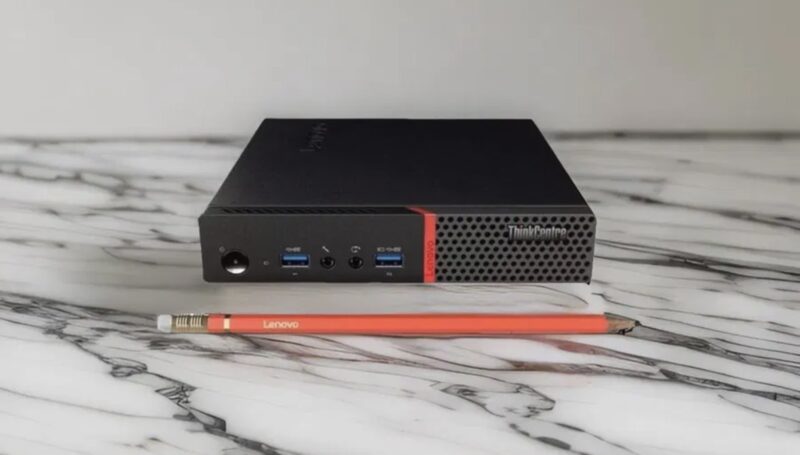
The main reason is that even budget-friendly x86 mini PCs often pack a serious punch compared to the latest Raspberry Pi. For instance, a scrawny Intel N100-based mini PC does slightly better than the Raspberry Pi 5 in most tasks, especially when it comes to multi-tasking or running resource-intensive applications.
The performance difference is apparent the most when transcoding video because the Intel N100 chipset supports Intel’s Quick Sync Video technology, which allows for hardware-accelerated video encoding and decoding.
x86 Mini PCs also don’t suffer from many of the limitations I encountered with the Raspberry Pi. For example, they come M.2 slots for blazing-fast NVMe SSDs, allow you to upgrade RAM, and can run virtually any software I want without worrying about ARM compatibility issues.
Some x86 Mini PCs even offer a wider array of ports, but it’s not like the larger Raspberry Pi models leave much to be desired in this regard (except for the fact that their USB ports share the same controller as the Ethernet port, which limits their performance).
The only area where Raspberry Pi is better than most mini PC is power consumption. Even the most energy-efficient x86 mini PCs consume around 6-10 watts at idle, while a Raspberry Pi 5 can idle at as low as 3-4 watts. This difference might seem small, but it can add up over time, especially if you’re running your device 24/7.
My Favorite x86 Mini PCs to Buy Instead of Raspberry Pi
If I’ve convinced you that an x86 mini PC is a better fit for your needs, here are a few options I’d recommend considering:
Beelink S12 Pro
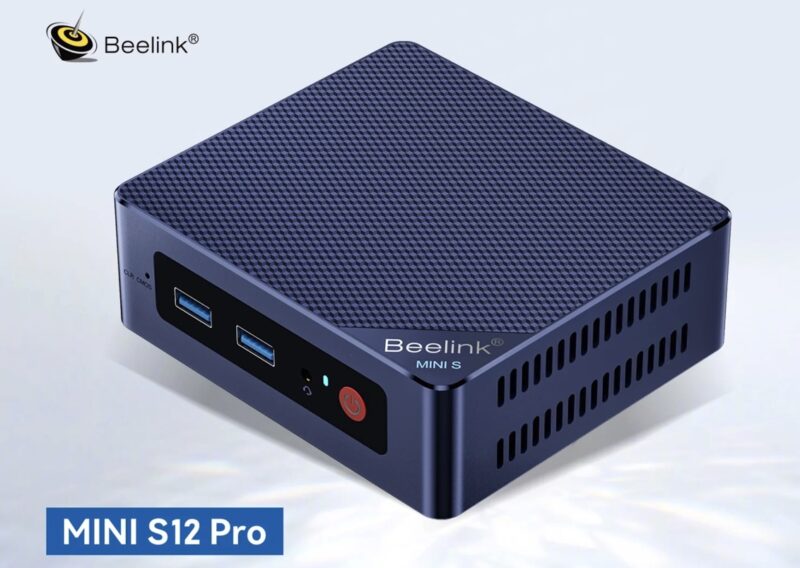
Price: $220
The Beelink S12 Pro comes with an Intel N100 CPU, 512 GB SSD, and 16 GB of RAM. It’s an excellent all-rounder that offers significantly more power and flexibility than a Raspberry Pi. The N100 chip provides solid performance for everyday tasks and even light gaming, while the 16 GB of RAM ensures smooth multitasking. Its compact size and silent operation make it a great choice for a home server or media center.
GMKtec G5
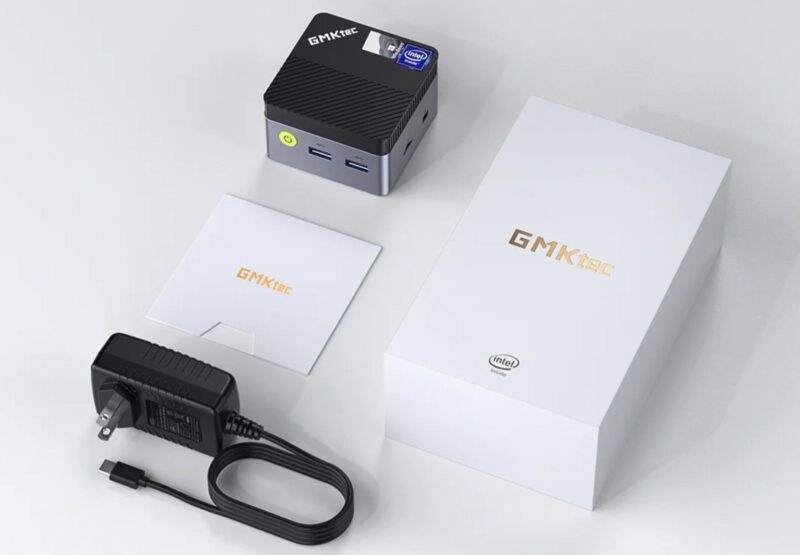
Price: $150
Sporting an Intel N97 processor, the GMKtec G5 mini PC comes with 12 GB of RAM. It’s a great option if you need a bit more processing power because the N97 CPU is slightly faster than the N100. The fact that it has “only” 12 GB of RAM instead of 16 won’t affect most users, who will instead appreciate that it’s less expensive as a result.
ThinkCentre or Dell Optiplex from eBay
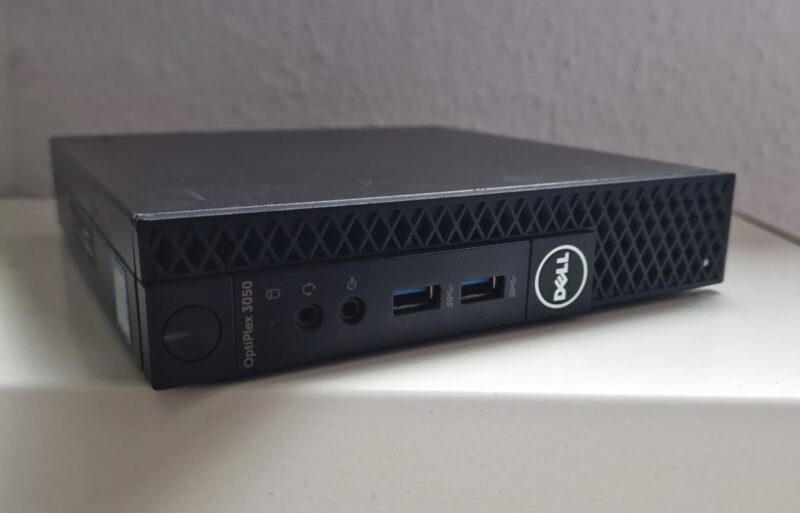
Price: Less than $100
If you’re on a tighter budget or prefer a more business-oriented machine, consider looking for a refurbished ThinkCentre or Dell Optiplex on eBay. These machines are built to last and often come with powerful processors like Intel Core i5 or i7. While they might be a bit older, they still offer excellent performance for most tasks. Plus, they’re usually easy to upgrade if you need more RAM or storage in the future.
While these mini PCs offer a compelling alternative to Raspberry Pi, they’re not the only options out there. If you’re looking for something even more portable, you might want to consider Windows 10 PC sticks. These tiny devices pack a full Windows 10 experience into a form factor not much larger than a USB flash drive, making them perfect for on-the-go computing or turning any HDMI-equipped display into a full-fledged computer.
Cover image and screenshots by David Morelo.