Did you just buy a brand-new iPad and are now confused about purchasing a Kindle? Well, there’s a hot debate amongst avid e-readers – the classic Kindle vs iPad tussle. Kindle fans argue that the compact form factor, the paperback texture, and several tips and tricks add to the reading experience. On the other hand, iPad enthusiasts contend that the bigger screen offers a better experience for avid readers. Well, let’s settle this debate once and for all. If you already have an iPad, is it worth spending on a Kindle? It’s unfortunately not a straightforward answer.
Using the iPad to Read eBooks
Let’s first get it out of the way that the Kindle app is free to download from the App Store on any smartphone or tablet. If you already have some books in your Kindle library, all you have to do is download the app and start reading on your mobile device.
The most obvious difference between the two gadgets is the larger display on the iPad. It’s no surprise that reading on a larger screen is always preferable since it’s more comfortable. Your eyes don’t have to squint and you don’t have to hold the tablet too close to your eyes.
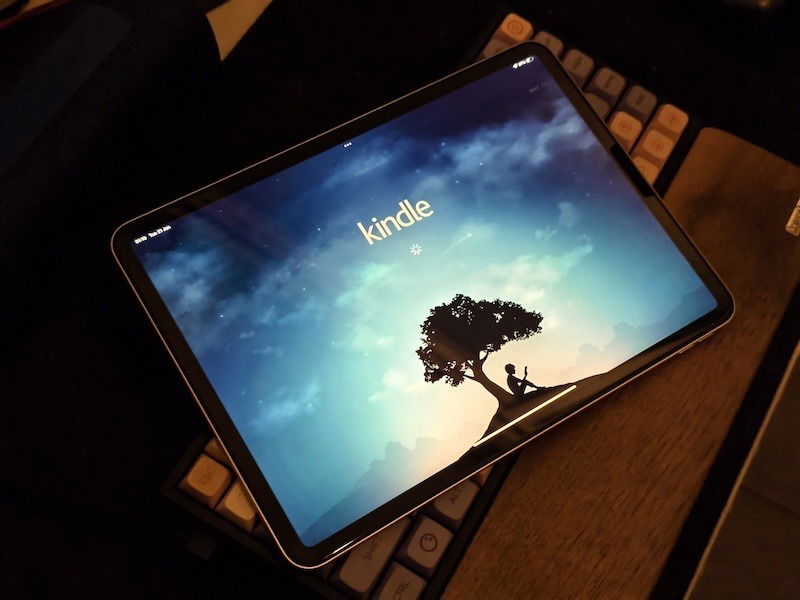
The size aspect also carries over to comfort. You see, while the Kindle is known for its compact size, it can get uncomfortable to hold for longer durations. Despite the fact that an iPad is larger and heavier, you can always use a case to rest the device on a table for comfortable reading. While you can also do this with a compatible case for a Kindle, the smaller display would mean you may have to lean forward to read smaller fonts.
Also, is it just me, or do you also find flipping pages on a Kindle a tad bit inconvenient? Since a Kindle is small, you have to flip pages quite often since the screen can only display a few lines of text. This is especially bothersome if you’re a fast reader like me. An iPad can significantly reduce the number of times you flip pages considering the screen is larger. With the new 13-inch iPad, this point is even more emphasized.
Limitations of reading on an iPad
The iPad is a multipurpose tool. While that’s definitely helpful for someone looking to get work done on the move, it gets difficult to read on an iPad if you easily get distracted. When I just started reading on my iPad, every notification deterred my focus. Whether it’s a text on iMessage or searching for a word on Google or Apple Intelligence to find its meaning, it’s easy to lose focus when using an iPad. Don’t even get me started on how simple it is to start doom-scrolling on Twitter or Instagram since it’s just a touch away.
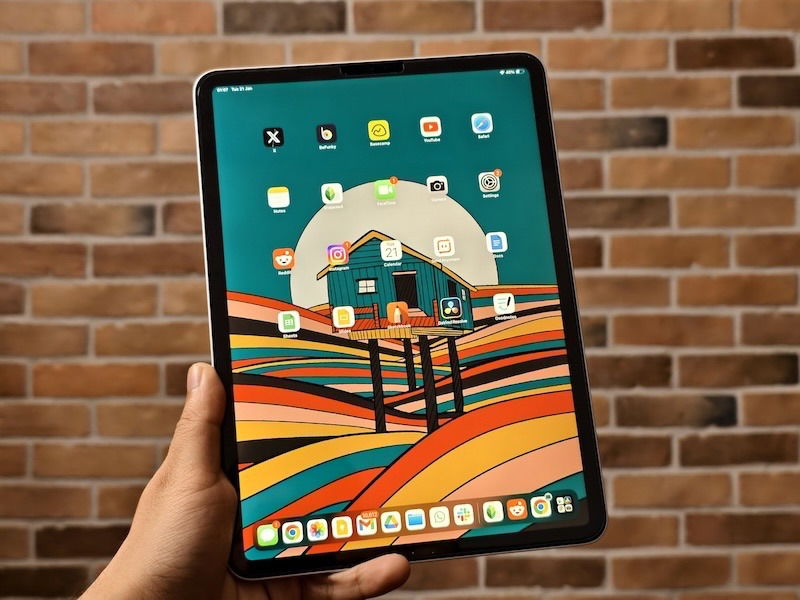
To add to it, the iPad’s screen emits blue light that can feel rather uncomfortable, especially when reading in the dark. It troubles the eyes, especially after prolonged exposure to the screen. I generally like reading books at night right before I hit the bed. In such situations, I don’t want my eyes to be exposed to harmful lighting.
Reading on a Kindle: Fixes Both of These Issues
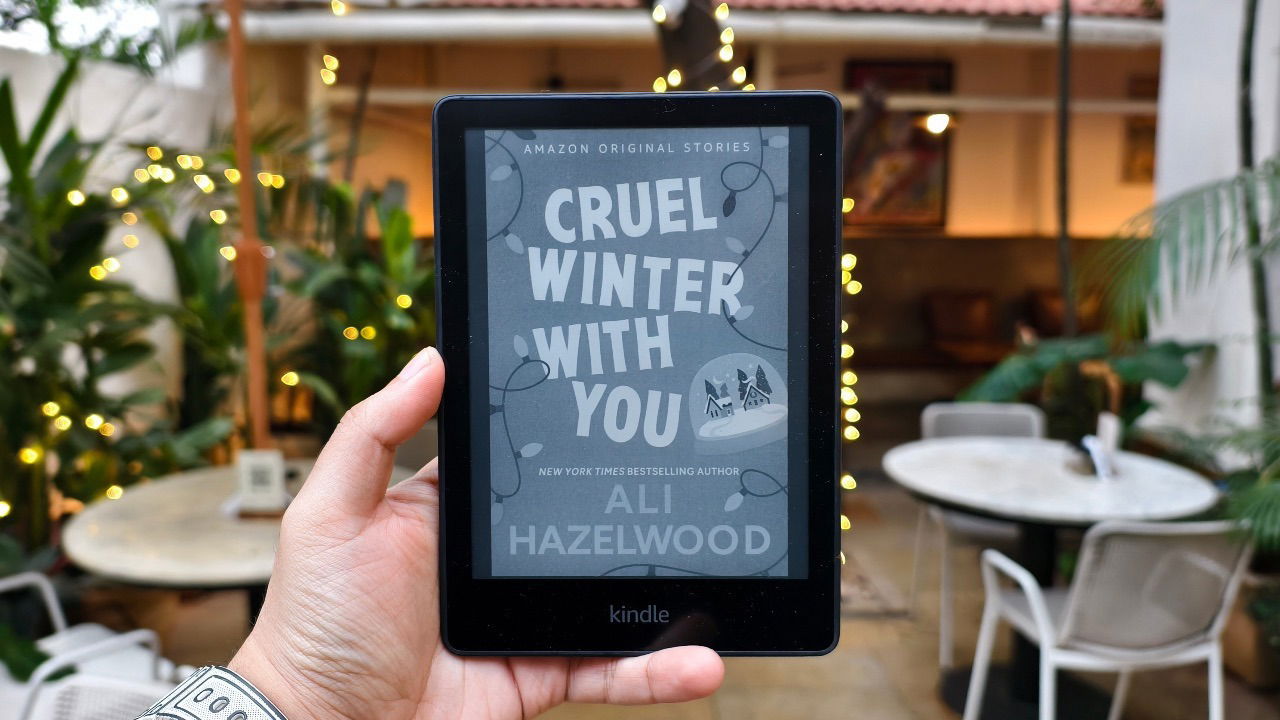
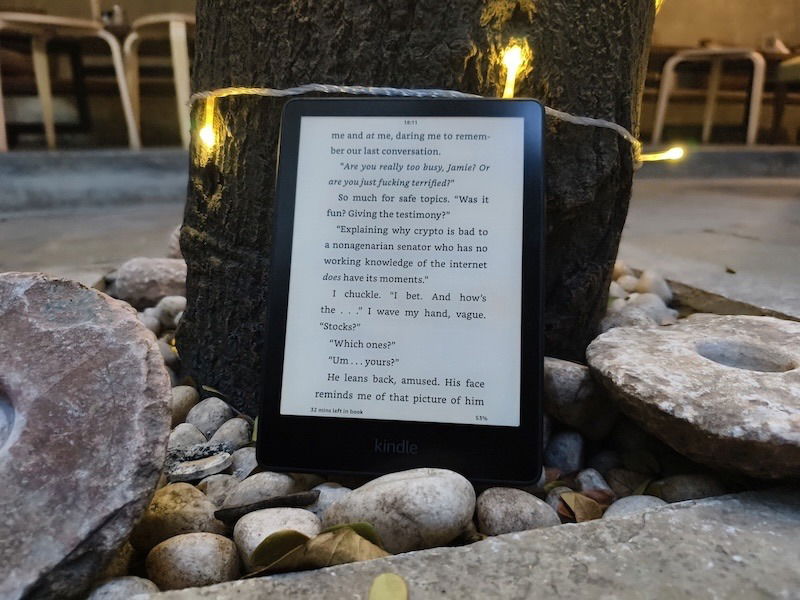
Speaking of human eyes being exposed to blue light, a Kindle is the clear winner in this department thanks to its e-ink display. To elaborate, a Kindle’s black and white e-ink display comes closest to good old paper for traditional paperback books. There’s no backlight during the day at all which is excellent for the eyes. When it’s dark, you will have to use the built-in backlighting, but it’s a lot more soothing to look at compared to an LCD or LED display on any modern-day tablet.
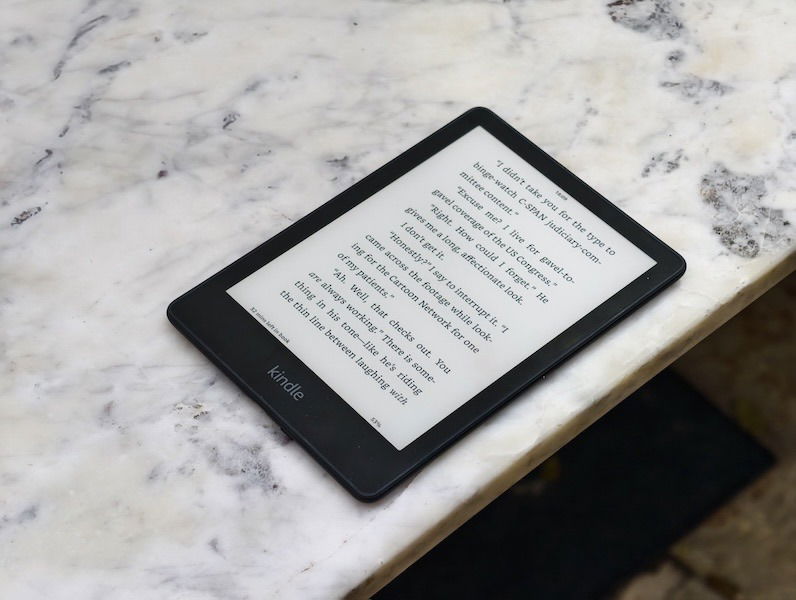
Notably, the Kindle also eliminates any sort of distractions thanks to the fact that it doesn’t support any third-party apps. You can’t install YouTube or Instagram even if you want to. If you only want to focus on reading, I highly recommend keeping your smartphone, tablet, and laptop away every time you pick up the Kindle. This way, you won’t be bothered by any incoming notifications.
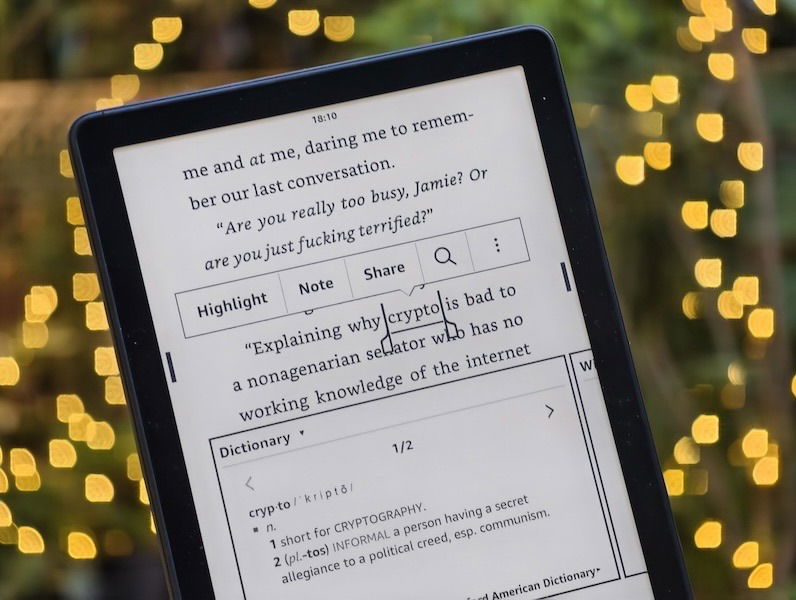
Even with respect to the earlier problem of looking up words on Google for their meaning – the Kindle has its own unique solution. I can simply tap and hold on to a word to understand what it means. This is an extremely underrated feature on Kindles that saves a ton of time and ensures you don’t get distracted by opening a browser window.
iPad vs Kindle: Miscellaneous Advantages of Using an iPad
What if you neither have an iPad nor a Kindle and are in the market to buy either of them? Now that’s a tricky situation to be in.
Sure, you can read on an iPad. But, there’s a lot more utility that it adds to your daily activities. For instance, you can browse the web, watch a movie, FaceTime your family, listen to some music, play a game, shop online, and whatnot. In fact, pick up a keyboard case and you can even use it as a computer! If you’re looking for more than just a device that helps you read, an iPad is undoubtedly the way to go.
However, keep the point with regard to distractions in mind since it’s rather simple to get swayed by all that the iPad has to offer.
Handy and Long Lasting: The Kindle Hits Right Back
The compact form factor and lightweight nature make a Kindle reader super portable. Regardless of which version you buy, all Kindle readers are extremely lightweight and can fit into any small compartment inside a backpack. Whenever you’re traveling, you can carry your Kindle with you so you can read on the move. An iPad takes up more space, plus you need to be more careful and mindful of carrying it in your bag, so you’ll mostly get a case that will add to the weight.
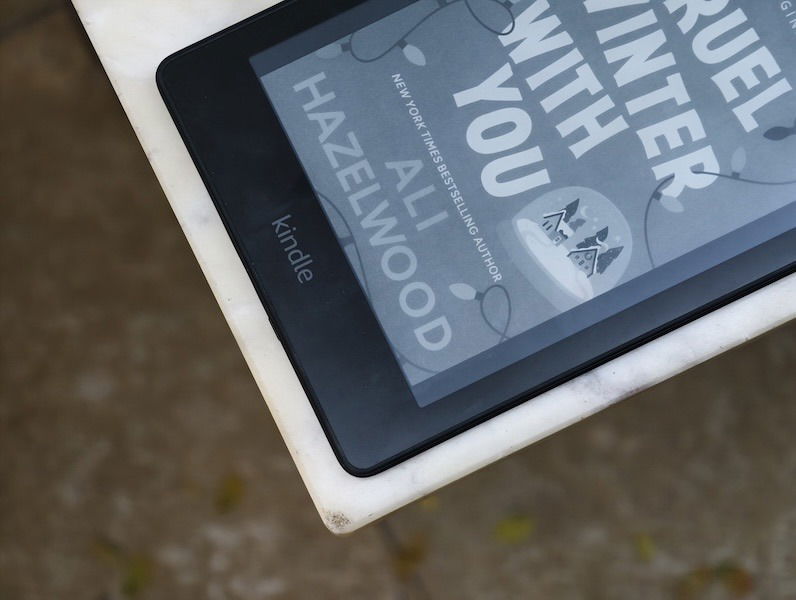
An iPad mini is the only exception to this since it’s also similarly sized like a Kindle. While this may be completely anecdotal, my Kindle has survived a host of drops without any noticeable damage. It still works perfectly fine and the screen is in mint condition. Unfortunately, I can’t say the same about an iPad. The aluminum body is easy to scratch and dent, while the glass screen can shatter or get scratched easily if dropped. So, if you’re clumsy, you can be worry-free with a Kindle.
Oh, and how can I forget the Kindle’s battery life? On many occasions, my Kindle’s battery has lasted me more than a week with ease. Sometimes, even more. With an iPad, you’re looking at one charge every two days, or even more frequently if you’re using it for browsing and watching videos too. Sometimes when I am in the zone to read, I pick up my iPad but hate to see the low-battery sign. Of course, you can read with the iPad plugged into the charger, but it’s not a convenient experience at all, especially when traveling or when lazing around in bed.
Are you an iPad or a Kindle Person?
Truth be told, I am a traditional book person. The smell of old books, flipping the pages through my fingers – reading good old books is an emotion. But, changing with the growing trend is important as well! Owing to this, I picked up a Kindle.
However, the fact remains that most people with an iPad do not require a Kindle. When your iPad can perform the same function with the same interface, why splurge on a new device?
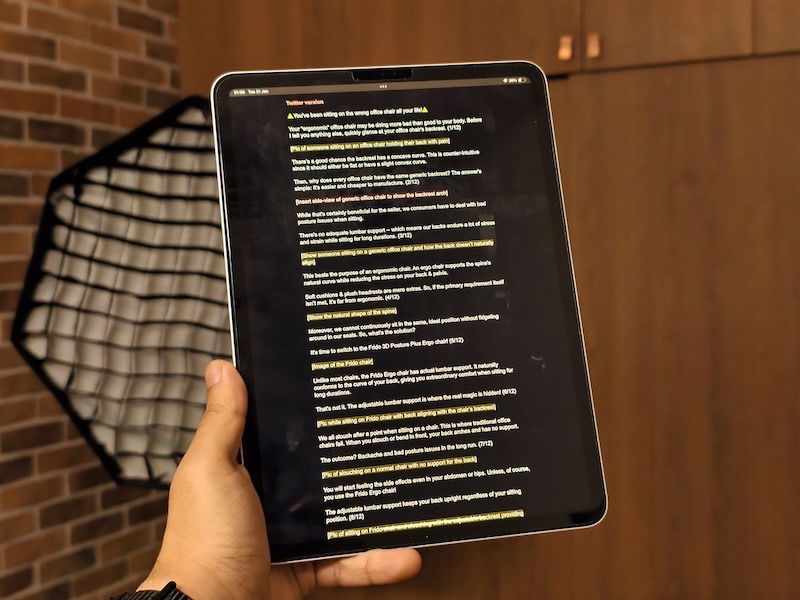
Having said that, if you think the cons highlighted above are immense setbacks, you may consider a Kindle. Reading without distractions can be important for many, in which case getting a Kindle makes perfect sense. Of course, you can always set a ‘Reading’ focus mode on your iPad to keep notifications and other distracting apps at bay. But, it’s never too hard to access all the games, movies, messages, and apps that live just a swipe away, right?
If you want to keep all of that at bay and focus solely on reading, the basic Kindle retails for close to $100 which is an excellent price. It doesn’t burn a hole in your pocket while also helping you to read better!
But, if you can only afford to buy one of the two — I would blindly pick an iPad any day purely because of the extra utility it offers.
All images and screenshots by Sumukh Rao.