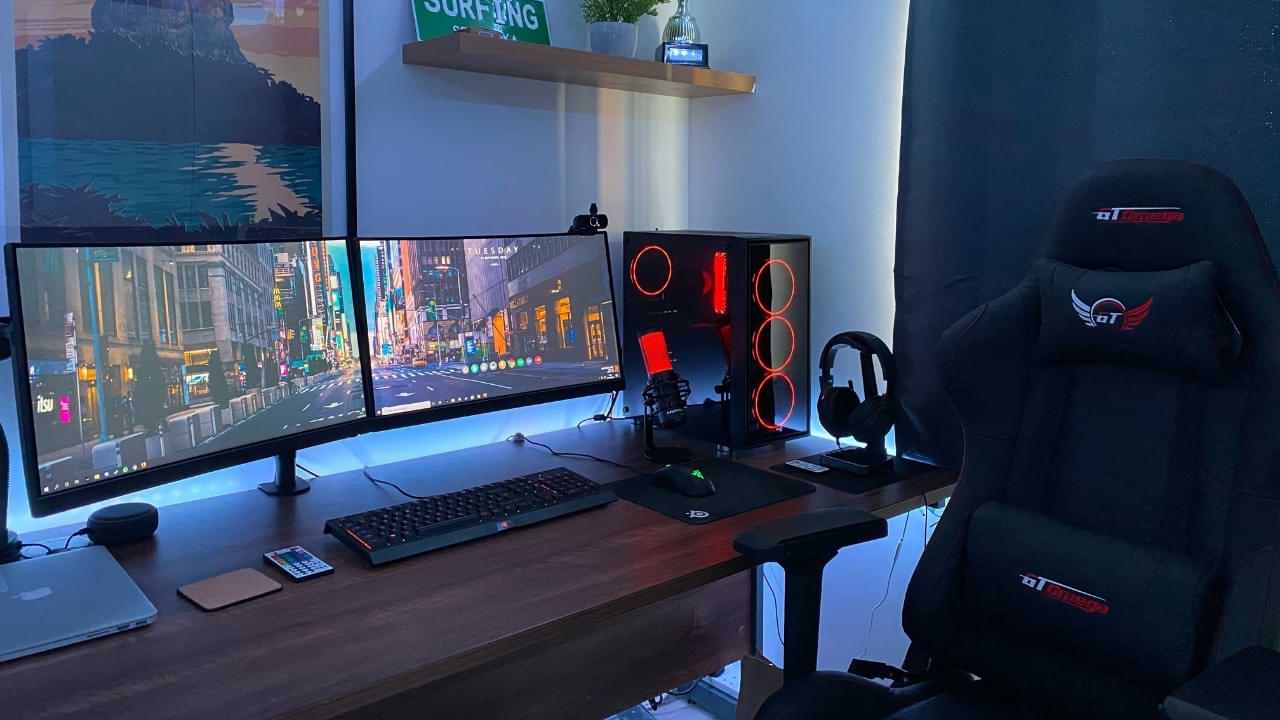
A great gaming PC needs a great gaming monitor to shine. Gaming monitor technology has rapidly advanced in recent years, with 4K high-refresh OLED monitors being the new thing. If you’re still confused about which monitor to buy to enjoy your games to the fullest, this guide brings together the best gaming monitors for every resolution, use case, and price point.
FYI: looking for the best monitors overall? Check out our best desktop monitors guide.

LG UltraGear GX7
Acer XV272U W2BMIIPRX
Alienware AW3423DWF
Sceptre E255B-FWD240
Samsung 43″ Odyssey Neo G7
FYI: are gaming monitors too small for you? Check out the best 4K gaming TVs.
Our Criteria
The best gaming monitors need to hit a lot of checkboxes to be granted a place on this list. These factors range from the panel type and size, screen resolution, and refresh rate to the response time, contrast ratio, and brightness.
Panel Type
Different panel types impact your gaming experience differently. TN panels are rarely seen outside of super-high-refresh-rate monitors aimed at eSports pros, while IPS and VA panels dominate the majority of gaming monitors. OLED monitors have started to seep into the mainstream, thanks to superior image quality and response time, but they’re still too expensive for the average gamer.
Screen Size and Resolution
This can be subjective, but overall, the combination of the 27-inch form factor and 1440p resolution has been the sweet spot for gamers for quite a while. 1080p monitors are still common among eSports pros and budget gamers, with 4K gaming monitors fast becoming affordable.
Refresh Rate
The higher the refresh rate of your monitor, the more fluid and responsive your screen will feel. You should not buy anything with a refresh rate lower than 144Hz. Also look for variable refresh rate technology, like FreeSync or G-SYNC.
Response Time and Input Lag
The pixel response time is how quickly a panel’s pixels change from one color to the next. These days, OLED panels have resulted in near-instantaneous response times, but you can get 4-5ms response times from decent IPS and VA models, too. The input lag is the delay between pressing a button and seeing the response on your monitor. Naturally, lower input lag creates a better gaming experience.
Brightness, Contrast, and HDR
“HDR” monitors are a dime a dozen, but the really good ones feature high peak brightness, high contrast, and impressive local dimming. VA panels tend to get brighter than IPS panels, which are in turn brighter than OLED panels. However, OLED panels are unparalleled in terms of contrast and black levels.
Good to know: facing bad HDR image quality? Learn about the reasons HDR looks bad in Windows and how to fix it.
Connectivity, Ergonomics, and Design
Good ergonomics mean your gaming monitor comes with height, tilt, rotation, and/or swivel adjustability. Additional features can be a KVM switch, USB hub, Power Delivery, HDMI 2.1, premium build quality, and RGB.
Tip: depending on your setup, you may need to decide between a curved and flat monitor.
1. Best Overall Pick: LG UltraGear GX7
Ultra-fast gaming performance
The LG UltraGear GX7, released at the end of 2024, is our pick for the best overall gaming monitor. While the price is premium, so is the performance. LG claims that its 480Hz refresh rate is the fastest for QHD OLED monitors.
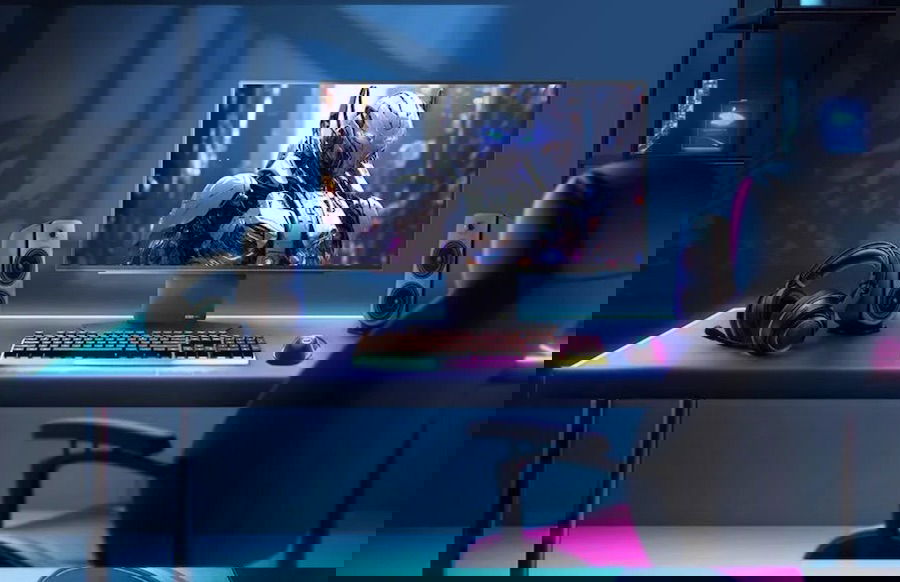
The monitor has a 27-inch screen that features RGB lighting. It’s also adjustable, meaning you can fit it exactly how you want within your gaming setup. Though it lacks a 4K display, the performance is a worthwhile tradeoff.
LG’s latest gaming monitor also has an anti-glare surface, while being compatible with FreeSync Premium Pro and NVIDIA G-SYNC. There’s also a 1.5M:1 contrast ratio and a two-year warranty.
2. Best Overall Value: Acer XV272U W2BMIIPRX
Feature-packed, blazing-fast, and high-res display for a great price
If you want to hit the sweet spot in terms of the resolution, refresh rate, and price, the Acer XV272U W2BMIIPRX is an easy recommendation. Featuring a blistering 240Hz refresh rate and 1440p resolution in a 27-inch IPS panel, this fast and responsive display is perfect for seeing those 200+ FPS first-person shooter titles.
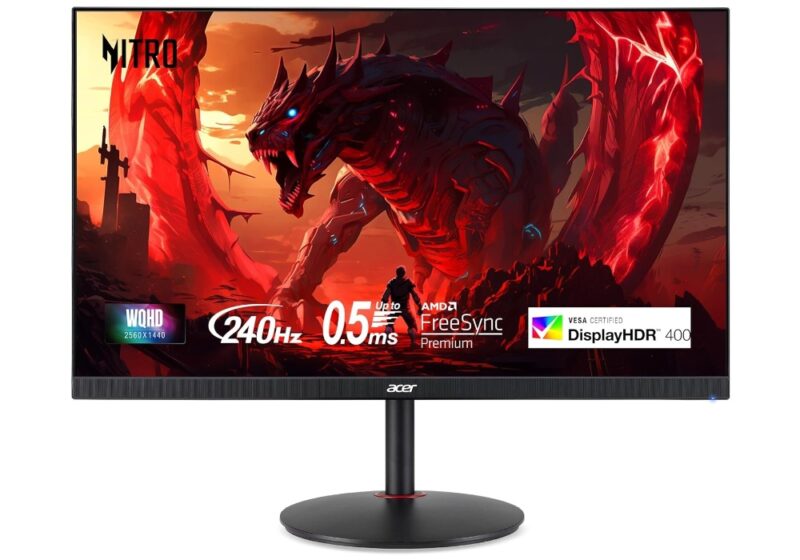
The 0.5ms-rated panel comes with FreeSync Premium as well, so even your 60+ and 100+ FPS story-based games will run beautifully on this IPS monitor. You’re also getting height adjustment and built-in speakers at a price that’s sometimes too good to believe.
3. Best Premium Ultrawide : Alienware AW3423DWF
High-end OLED gaming for a premium
If you don’t want to compromise (and can spare no expense), the Alienware AW3423DWF delivers arguably the absolute best gaming experience on the planet. This fantastic QD-OLED ultrawide panel is capable of truly instantaneous response times and top-of-the-line contrast, thanks to the OLED panel tech.
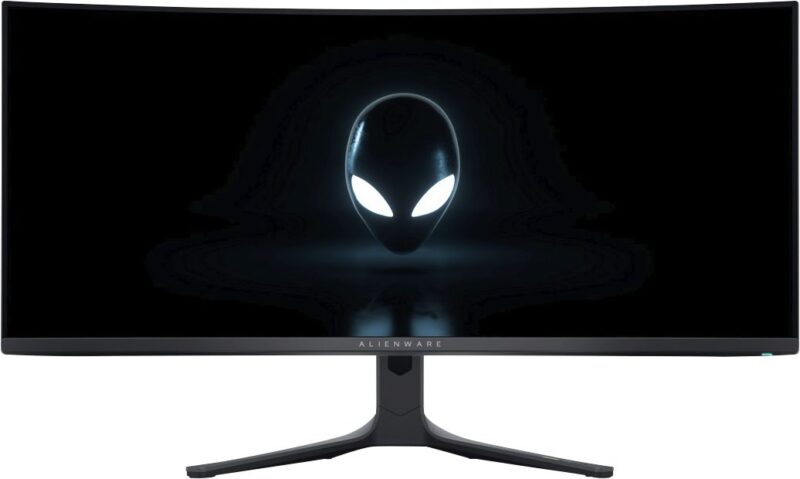
Besides the near-perfect HDR gaming experience and the glossy, curved 34-inch screen, you’re not getting shortchanged on the other specs either: 165Hz refresh rate, 1000-nit brightness, and FreeSync Premium Pro. This monitor stands at the top as far as high-end HDR gaming displays are concerned.
FYI: need some curved display gaming in your life? Check out the best curved monitor for every budget.
4. Best Budget: Sceptre E255B-FWD240
Affordable and ultra-fast Full HD gaming monitor
Not everyone has hundreds or thousands of dollars to spend on a monitor. If you’re looking to grab a cheap gaming display that gets the essentials right (and then some), the Sceptre E255B-FWD240 has you covered. The 1080p resolution might not look crispy enough but looks great on the 24-inch VA panel. The killer features here are the 240Hz refresh rate and 1ms response time.
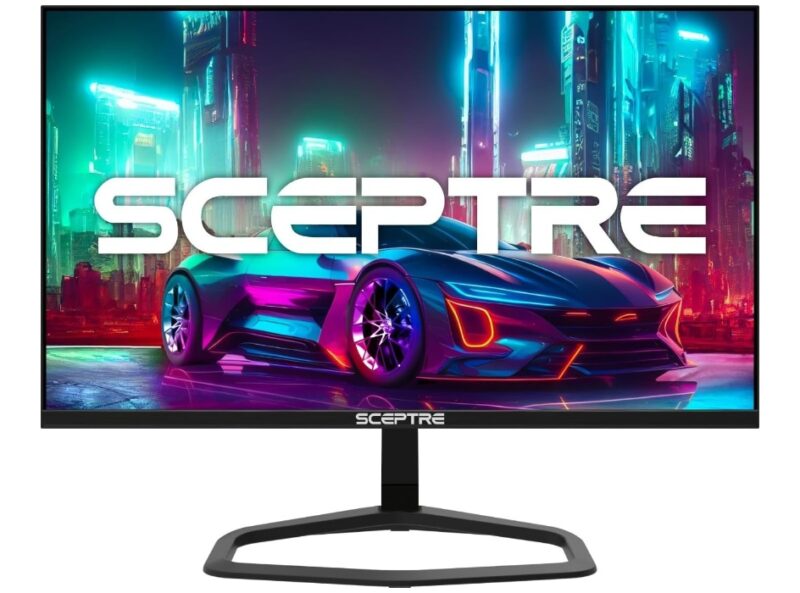
At around $150-$200, you’re also getting FreeSync Premium, built-in speakers, height adjustability, and a great design. You’re also getting an impressively bright panel for the price.
5. Best for Console: Samsung 43″ Odyssey Neo G7
Huge Mini LED gaming monitor for immersive console gaming
Being a console gamer, you probably enjoy your games the most on a large-screen TV. The Samsung 43″ Odyssey Neo G7 combines the immersion of a large-screen TV with the fluidity and responsiveness of a gaming monitor. The gorgeous 43″ 4K Mini LED display is capable of brilliant HDR, as well as fluid gaming, thanks to its 1ms response time.
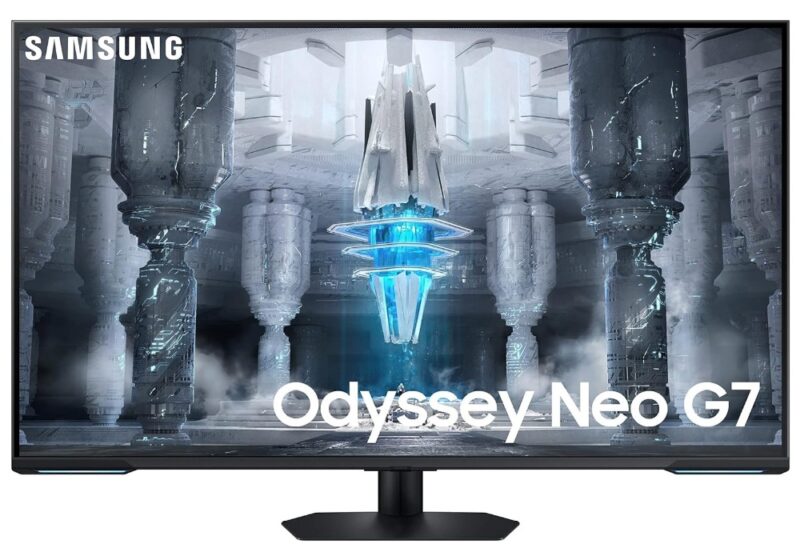
The 144Hz refresh rate is more than what the PS5 or Xbox Series X can output. And thanks to FreeSync Premium Pro, you’re getting the benefits of a variable refresh rate too. This Samsung smart monitor can be used to stream your favorite content and access cloud gaming as well.
Good to know: wondering if you’re done with PC gaming? Here are 7 reasons to switch from PC to console gaming.
Frequently Asked Questions
How do I check or change a monitor’s refresh rate?
In Windows 11, right-click on your desktop, and select Display settings -> Advanced display -> Choose a refresh rate. From that drop-down, you’ll see the highest and lowest supported refresh rates based on the monitor you’re using. You can also check your monitor’s refresh rate online.
Can I change a monitor’s resolution to a higher or lower value?
Yes. To change your screen resolution in Windows 11, right-click on your desktop, and select Display Settings -> Display Resolution, then choose a resolution from the drop-down showing all supported resolutions. Windows will recommend the best resolution for your monitor.
What’s the difference between AMD FreeSync and NVIDIA G-SYNC?
The differences between these adaptive sync technologies are who produced them, their supported products, and how often you’ll find them supported by monitors.
AMD’s FreeSync is an open-source standard, while Nvidia’s G-SYNC is for Nvidia graphics cards. Hardware-level Nvidia G-SYNC support is rare in monitors, but you’ll find FreeSync and G-SYNC compatible monitors easily.
Image credit: Unsplash