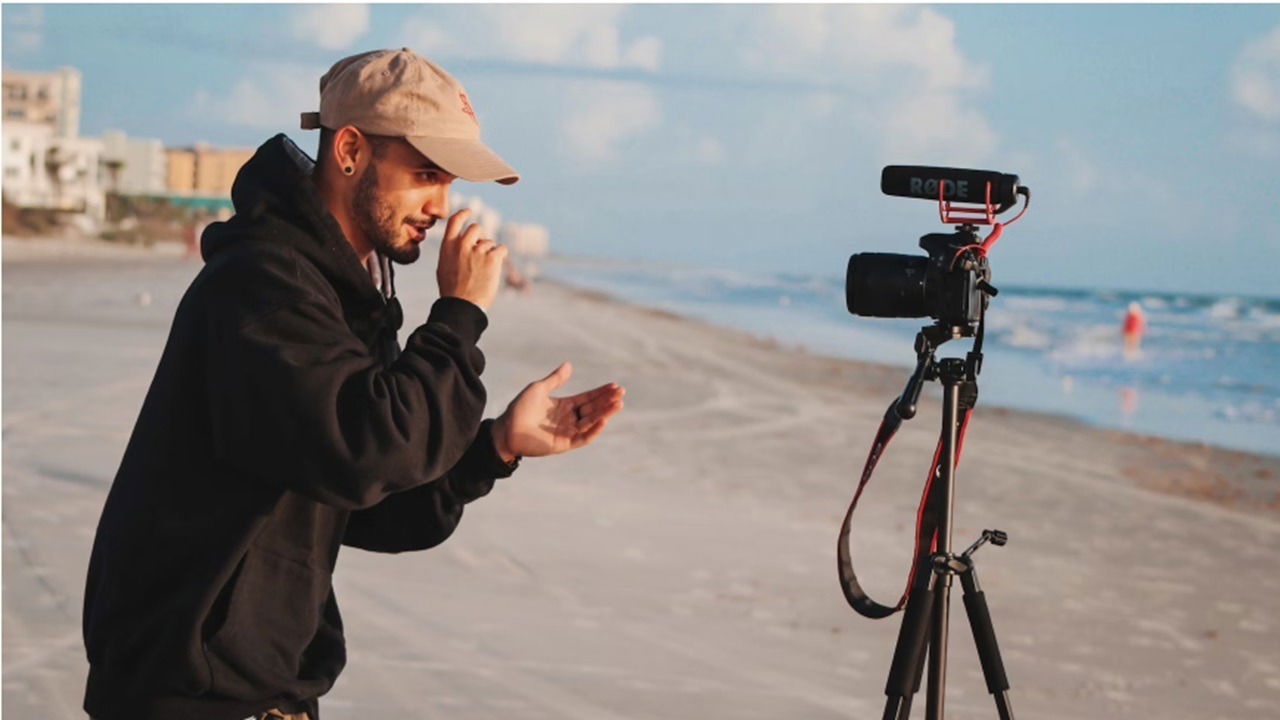
While your phone has a nice camera, the best cameras for vlogging are specifically designed to help you get the best video possible. They give you far more control and are usually easier to hold as well. With options for individuals ranging from beginners to professional content creators, there’s something to fit every need.
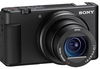
Sony ZV-1
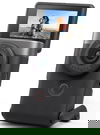
Canon PowerShot V10
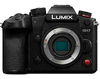
Panasonic LUMIX GH7
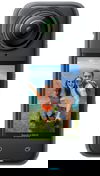
Insta360 X4
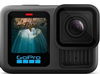
GoPro HERO13
Our Criteria
With numerous vlogging cameras to choose from, we had to be picky and based our choices on several important criteria. No matter how skilled you are at taking video and photos with your phone, the best cameras for vlogging have more advanced features to take your content creation to new heights. Plus, they’re often easier to use once you get your settings just right.
Video Quality
I would say this is the most important thing to consider. If your vlogging camera doesn’t support 4K video, it’s probably not worth your time or money. This gives you sharper detail than standard HD. The higher the resolution, the better, especially when it comes to more detailed scenes.
Also, look for a frame rate of a least 60fps. This means far smoother playback. I’d also suggest opting for cameras that support a full range of lighting scenarios, including low light settings.
Another thing to consider is the camera type, which is usually DSLR or mirrorless. Overall, mirrorless work better for vlogging and offer better video quality. But, DSLR usually has better battery life.
Image Stabilization
Why not just use your smartphone? Image stabilization still isn’t great on them, though it is significantly better than years ago. But, the best cameras for vlogging require advanced image stabilization so your viewers are getting motion sick trying to watch you. There are several types available, including:
- Electronic Image Stabilization (EIS) – This uses software to edit the video to reduce shaking, but it may lead to lower video quality overall.
- Optical Image Stabilization (OIS) – This is a physical image stabilization tech. It’s ideal for action video when your walking, running, etc.
- In-Body Image Stabilization (IBIS) – This works with the image sensor and is even better than OIS, though the two are often found together in high-end vlogging cams.
- Gimbals – If you have a camera without any image stabilization, try a gimbal. This is a camera accessory that helps stabilize the camera attached to it, including phones.
Battery Life
As with most electronics, battery life varies greatly between vlogging cameras. The best cameras for vlogging tend to have a longer battery life. The only drawback is higher end features often come at the cost of the battery.
Before buying, think about how long you’d usually film at a time. Battery life usually ranges from an hour to several hours. Also, some don’t have swappable batteries and only charge by USB cable. If you’re a travel vlogger, you’ll probably want to pick one with swappable battery packs to avoid any shooting delays.
Autofocus
Keeping your subject front and center is a large part of vlogging. The last thing you want is having yourself or whatever you’re trying to capture blurring every time you move. Autofocus is designed to keep a subject in focus, even as it or you moves around.
There are different types of autofocus, including manual and automatic modes. For vlogging, the best options are Continuous AF (AF-C), Automatic AF (AF-A), and face/eye detection. Each are designed to help keep subjects in motion, even if they’re active.
Audio Quality
A high-quality built-in mic is always a great thing, especially for creators on the go. But, some vloggers prefer the option to attach an external mic. The best cameras for vlogging also include a port for connecting an external mic for even better audio.
Other Considerations
In addition to the above, we also considered:
- Ease of use – Advanced features are great, but even beginners should be able to get set up quickly with default settings.
- Built-in shooting modes along with customizing settings
- In-camera editing
- Touch screen
- Forward facing screen
- Wi-Fi and Bluetooth connectivity
1. Best Overall: Sony ZV-1
Whether you’re a pro or beginner, the Sony ZV-1 has everything you could want in a vlogging camera. The compact camera features hybrid, real-time, and real-time eye autofocus modes. Blur backgrounds, keep details sharp as you zoom in, and ensure your footage always look great with 4K UHD 2160p resolution.
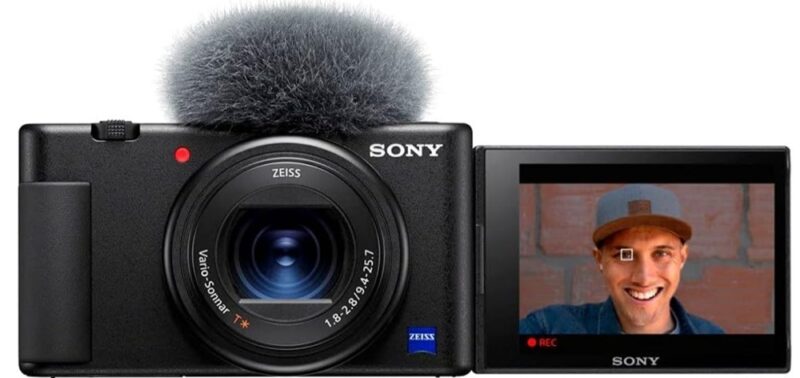
The built-in mic is likely all you’ll need with this one, but it does have a 3.5mm port for connecting another mic. The compact design makes it easy to take with you anywhere. Plus, the screen folds out and angles however you need it to always get the perfect video.
2. Best Overall Value: Canon PowerShot V10
If you’re looking for something more affordable, yet powerful enough to impress your audience, try the Canon PowerShot V10. It’s small enough to easily fit in your pocket, yet still sports 4K video. It even includes three image stabilization modes to best fit your needs. Plus, the built-in stand makes it ideal for vlogging on the go.
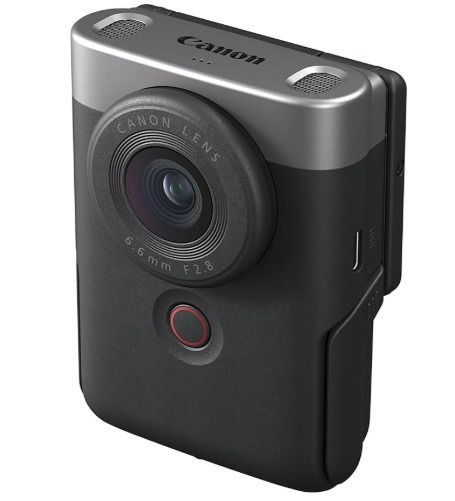
The PowerShot V10 has a nice built-in mic, though it does support external mics. Easily flip up the screen and start filming. The price point and ease of use also make this one of the best cameras for vlogging for beginners without sacrificing advanced features.
3. Best for Pros: Panasonic LUMIX GH7
While it’s far from cheap, the Panasonic LUMIX GH7 is hard to beat if you’re a professional vlogger. For beginners, it probably more than you need. It doesn’t just support 4K. You also get 5.7K 30p Apple ProRes 422 HQ and Apple ProRes RAW HQ. And, when paired with the optional DMW-XLR2 adaptor, the camera also supports 32-bit float recording, meaning less audio editing later.
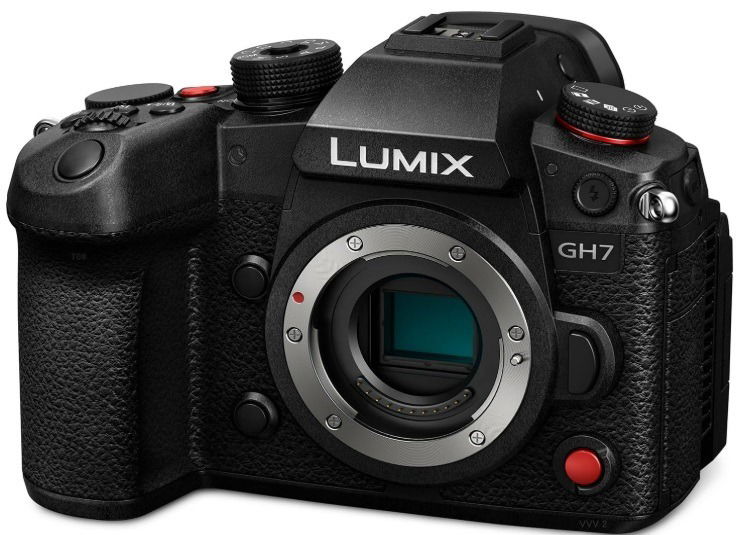
A cooling fan prevents overheating, even with continuous 4K and 5.7K shooting. It also features top of the line image stabilization. Numerous modes and settings let you customize to your heart’s content, though it may take a while to learn how everything works and what’s optimal for you needs.
4. Best 360 Camera: Insta360 X4
When you need excellent 360 video, the Insta360 X4 is the perfect choice. It’s one of the best cameras for vlogging for capturing 360-degree action in 8K. While 8K only supports 30fps, it’s hard to beat the clarity. It also supports 5.7K at 60fps. Mix this with FlowState stabilization and you get gimbal-like stabilization to capture all the action without blurring or bumps.
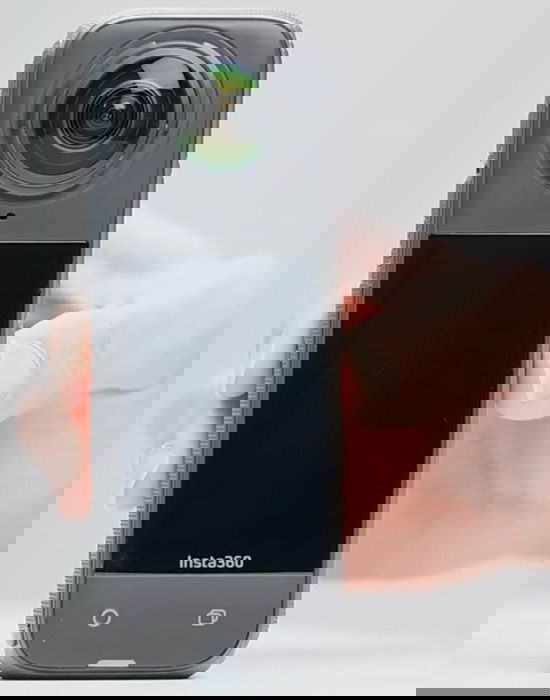
If you don’t need 8K, take advantage of 4K at 60fps. And, if you happen to use a selfie stick to get the perfect shot, the camera automatically cuts it out of the video. Four built-in mics do a great job of capturing audio or you can connect your own mic.
5. Best Action Cam: GoPro HERO13
While the Insta360 X4 works well as a 360-degree action cam, the GoPro HERO13 is still the best for action overall. GoPro is well-known for superior action cams and this one is no exception. One thing that sets it apart is support for HB-Series lenses to better customize your experience.
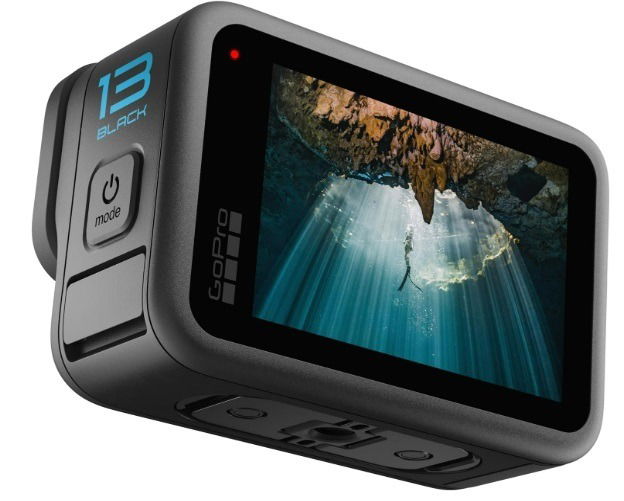
You’ll also grab some of the clearest and smoothest action footage possible at 5.3K and 60fps or 4K with 120fps. HyperSmooth 6.0 tech boosts the image stabilization, ensuring you see the action and not a wobbly camera. And, if you love to shoot underwater, the water-repelling lens cover eliminates flare and blur.
Frequently Asked Questions
Do I need any other vlogging accessories?
Typically, you’ll want to invest in an external mic, lighting, and a tripod (or gimbal for motion vlogging). Also, depending on the camera itself, you may also want to add other lenses to capture different scenes. A wide-angle lens works well many vloggers.
How can I edit my video?
While vlogging cameras have built-in editing tools, editing software is usually necessary to really fine tune things. Some cameras have companion editing apps. Or, try these freeware Windows video editing tools. Or if you prefer Linux, try these video editors. Of course, VLC also works well.
Are cheap vlogging cameras worth it?
For most content creators, cheap cameras, such as those under $200, often have image stabilization issues and don’t offer enough features to make them worth it. Instead, take advantage of your phone to learn the basics and then upgrade to a nice vlogging cam.
Image credit: Unsplash