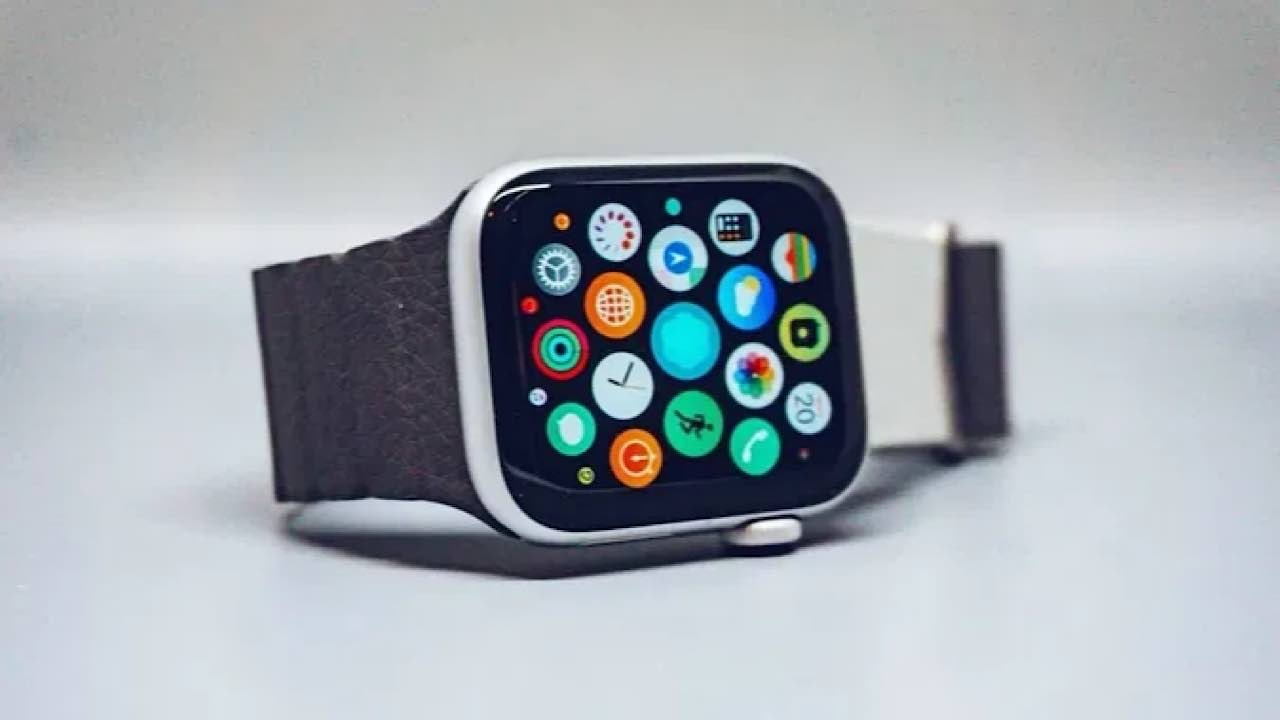
If you don’t like the existing hardware buttons on your smartwatch, you can easily remap them. However, the process differs depending on your device; in some cases, you may need to download a third-party app.
Remap Hardware Buttons on an Apple Watch
With an Apple Watch Ultra, you have more flexibility and can change the Action button. If you only have a typical Apple Watch or Apple Watch SE, you can’t remap your hardware buttons, but you can change how you use your Digital Crown. Both of these options are explained more in detail below.
Change Digital Crown Actions
You can change the Digital Crown functions for a handful of tools on an Apple Watch or Apple Watch SE. These include Display & Brightness and to activate Siri. You can change each of these in the Watch app on your iPhone.
Go into the actions you want to change in the Watch app. For example, I’ve included the settings for Display & Brightness below. You can choose whether your watch will wake up when rotating the Digital Crown.
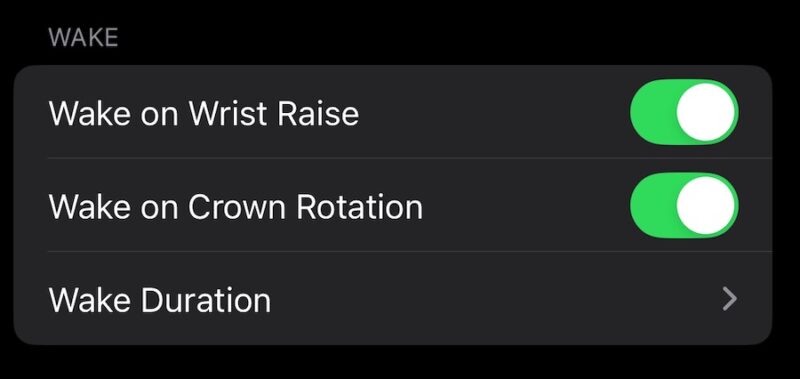
Note that you can’t change your Digital Crown for every app and function. It’s only available for a select few, such as the Display & Brightness window. For more ideas, check out this guide that outlines interesting ways to use your Apple Watch.
Unfortunately, I still haven’t found any good Apple Watch remapping tool. But since you can now download third-party apps away from the App Store, I hope this changes soon.
Change the Action Button on Your Apple Watch Ultra
If you have the Apple Watch Ultra, you can customize the Action Button. Hold the Action Button, and choose your new function. If your preferred choice isn’t in view, scroll down using the digital crown.
Alternatively, go to Settings -> Action Button to remap the button.
Remap Hardware Buttons on Your Samsung Galaxy Smartwatch
Remapping the hardware buttons on your Samsung Galaxy watch is generally easier than doing so with smartwatches from other manufacturers. Use your in-watch settings to make your required adjustments.
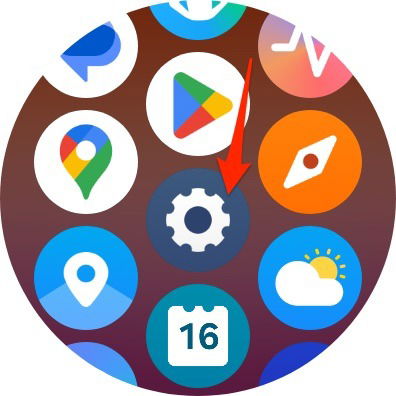
Start by tapping the Settings icon in your app library.
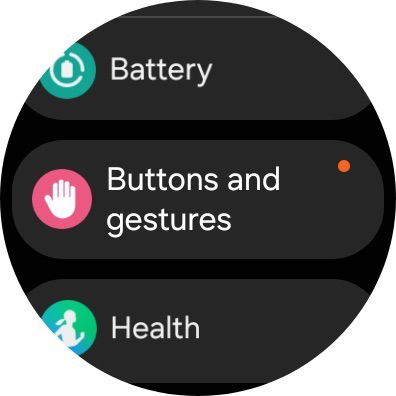
Choose Buttons and gestures on the next page.
You can customize each button by selecting your preferred actions for each one. I recommend starting with your Home button.
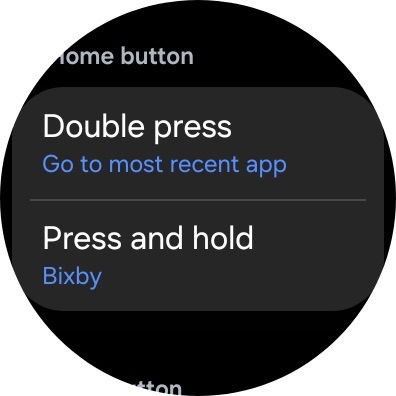
Repeat this process for all of your buttons.
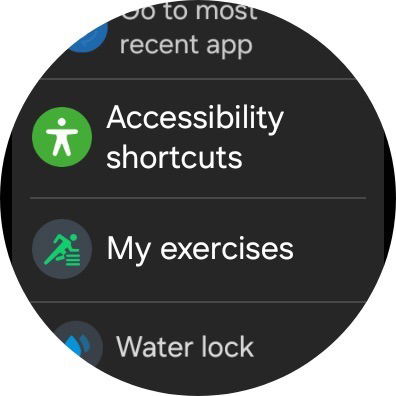
In addition to Samsung watches, also consider some of the many other Android smartwatches.
Remap Hardware Buttons on a Pixel Watch
Unfortunately, you can’t remap the hardware buttons on a Pixel Watch. However, you can download Pixel Watch Button Remapper, a Freepoc app. Start by going to the Freepoc website and selecting Pixel Watch Remapper. After clicking on the link, download the mapper.
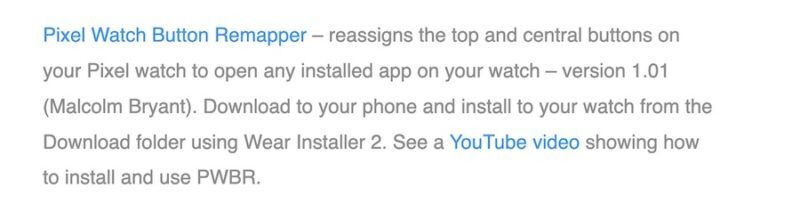
Pair your Pixel Watch via the Wi-Fi pairing code. Once you’ve done that (and accepted the terms and conditions), make all the adjustments you need.
Is Remapping Buttons a Reversible Decision?
Yes. If your smartwatch supports button remapping, you can typically change everything back later if needed. To do so, you just need to follow the same steps that you did to change them.
Remapping your hardware buttons can be challenging, depending on the smartwatch you have. Away from Samsung, it’s only reserved for the most premium Apple Watch models. And with a Pixel Watch, you need to download a third-party app. If you decide at some point that the wearable just isn’t for you, you may want to ditch your smartwatch.
Image credit: Unsplash. All screenshots by Danny Maiorca.