Is it really possible to replace your laptop with a phone? Yes, but you’ll need the right accessories to make your phone feel more like a laptop.
Bluetooth Keyboard and Mouse
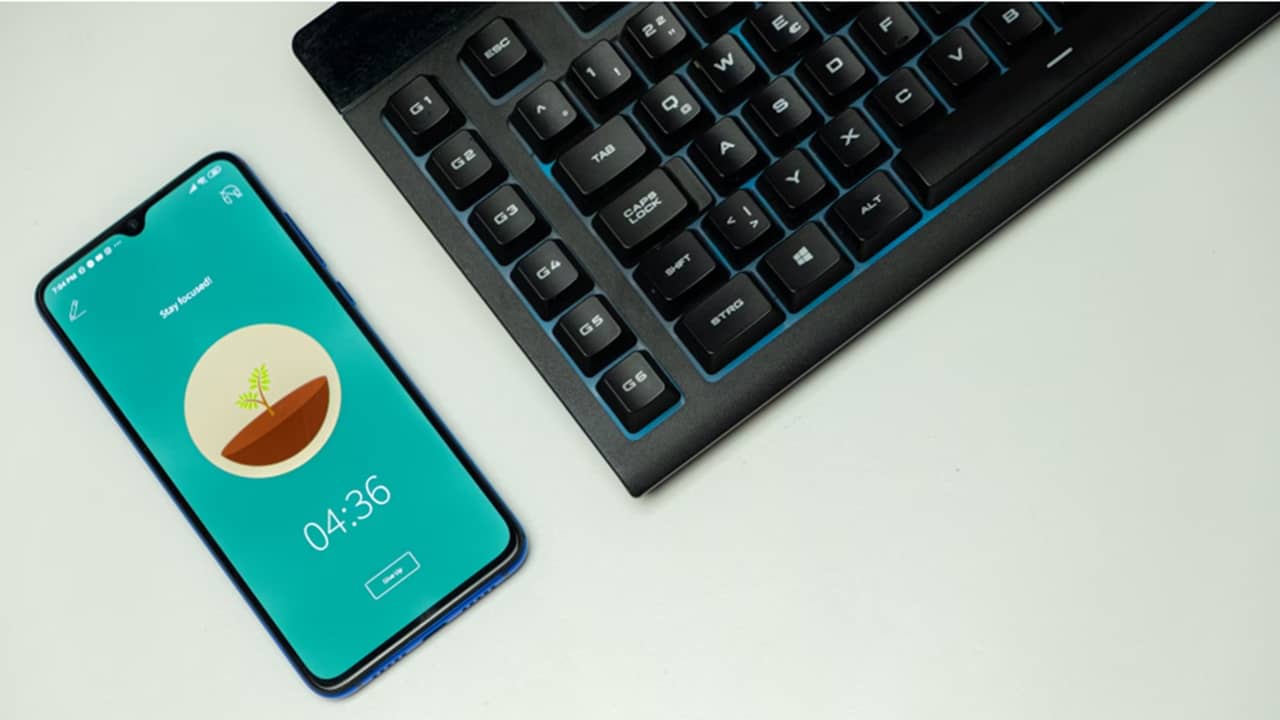
If you don’t get anything else, you need a Bluetooth keyboard and mouse to truly replace a laptop with a phone. It’s just not possible to sustain the same typing speed and accuracy on a tiny phone keyboard as you can an actual keyboard.
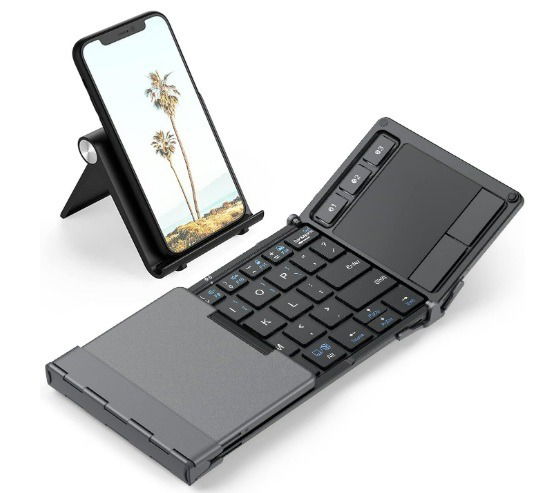
I’d suggest opting for a folding model if you plan on traveling. A few of my favorite options include:
- iClever BK08 Foldable Keyboard – the tri-fold keyboard is compact and even has a built-in touchpad so that you don’t need a separate mouse. It even includes a detachable phone stand.
- Samsers Foldable Bluetooth Keyboard – This cheaper option also features a built-in touchpad instead of a mouse. It also includes a phone stand.
- ProtoArc XKM01 Full Size Folding Keyboard – Not interested in a compact keyboard? This one folds for convenience, but folds out into a full size keyboard. Plus, it comes with a standard mouse, phone stand, and even a carrying case.
- ProtoArc XKM03 Ergonomic Folding Keyboard – After trying several folding ergonomic keyboards, I preferred the feel of ProtoArc’s XKM03. It doesn’t fold quite as compact as some others, but the layout feels nice when working long hours.
Portable or External Monitor
One of the benefits of using a laptop or desktop over a phone is the screen size. It gets tiresome staring at a tiny screen when you’re trying to write a document, read PDFs, or even just watch a movie.
This is the most expensive accessory you’ll buy, but trust me, it’s well worth it and suddenly converts your phone into more of a laptop or desktop feel.
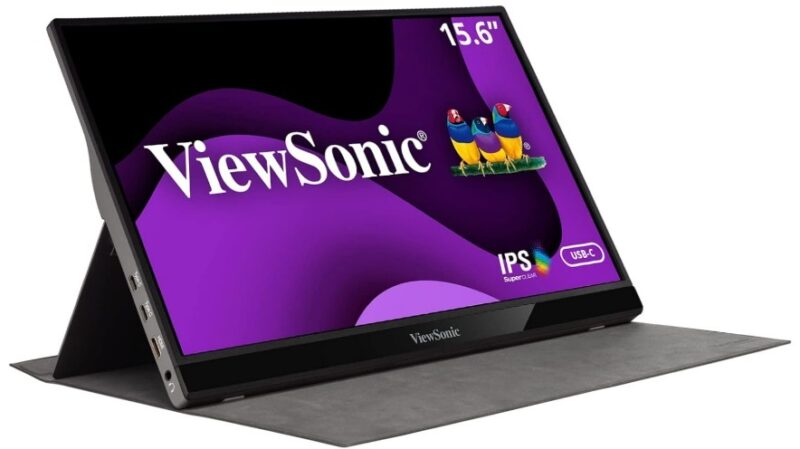
While there are numerous options to choose from, a few of my top picks include:
- ViewSonic VG1655 – This dual-powered 15.6-inch portable monitor has built-in speakers and eye care. It’s a lower price that most other options. My favorite part is you can power it directly from your phone or an external USB adapter. A cheaper model without speakers and dual-power is also available.
- UPERFECT OLED 16-inch Portable Monitor – If you want a bright screen with 3K resolution, it’s hard to beat this one. It doesn’t work as well with older phones (pre-2022).
- ARZOPA 16-inch 2.5K Portable Monitor – The built-in eye care and vivid display make this ideal for using for hours at a time. Or, if you just want to use this portable setup for streaming movies.
For gamers, check out our guide to the best portable gaming monitors.
Use a Lapdock Instead
If you love using a laptop, skip the monitor and keyboard and just buy a lapdock instead. These look exactly like a laptop, but they’re just a screen, keyboard, and charger for your phone. It’s the perfect all-in-one way to convert a phone into a laptop. They are sometimes lacking on extra ports, though.
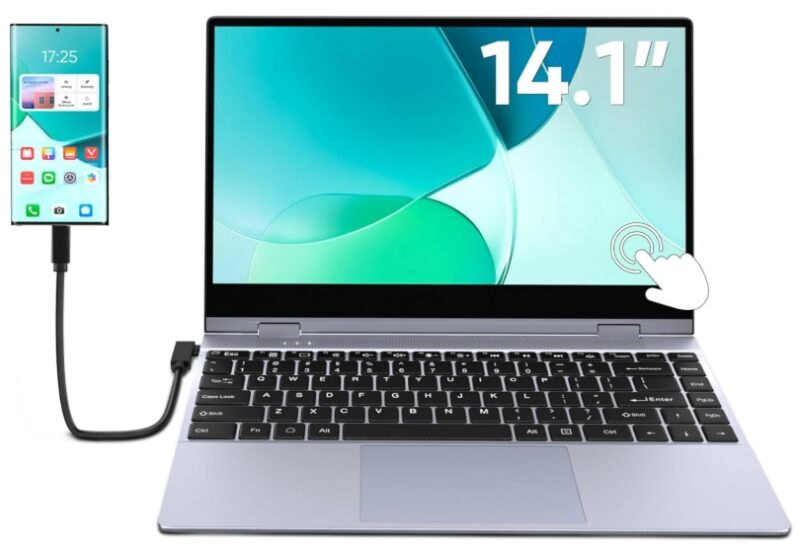
A few of the best options include:
- Dopesplay 14.1-inch Lapdock – Has a built-in battery and convenient touchscreen. It even charges your phone via USB-C cable.
- NexDock – NexDock offers multiple sizes, including one with a wireless charger. There’s also a desktop-style setup if you
- UPERFECT UDock X 15.6-inch – If you want a larger screen, it’s hard to beat the UDock X. It even includes a wireless charging pad.
Phone Docking Station
If you prefer a more custom setup, replace your laptop with your phone using a phone docking station. These give you all those must-have ports your laptop has versus just a single USB-C or Lightning port your phone typically has.
Not only that, but these upright stands keep your phone visible (in case you’re not using a second monitor) and ensure it stays charged.
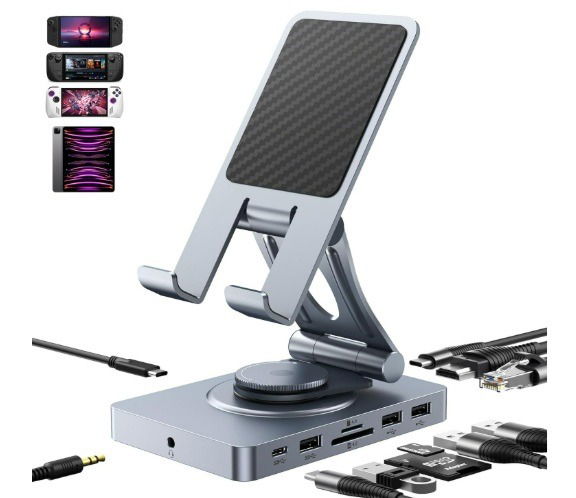
If you don’t need any extra ports, an expensive standing wireless charger like the Anker 313 is all you really need. Otherwise, consider adding one of these docks to your setup:
- NEWQ Versatile USB-C Docking Station – It includes USB-A and USB-C ports, card reader, HDMI port, ethernet port, and even a headphone jack. Of course, it’s also a charger (up to 100W). And, if you’re not using your phone, it also works for tablets, portable monitors, thinner laptops, and even handheld gaming systems.
- Cable Matters 5-in-1 Docking Station – This one works similarly to NEWQ, but doesn’t have a built-in card reader. However, it’s a little cheaper, especially if you don’t need SD card support.
USB-C Flash Drive to Extend Storage
If you tend to store most everything in the cloud, this probably isn’t necessary. However, I love having a USB-C flash drive for extra local storage for my phone. Before buying one, make sure it’s compatible with your device. Also, if you’re using a phone dock with a USB-A port, you can use almost any flash drive you want.
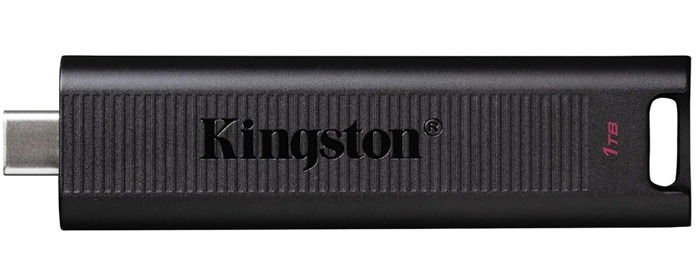
My favorite USB-C flash drives include:
- Kingston DataTraveler Max – While I’m usually prefer SanDisk and Samsung flash drives, this 1 TB offering from Kingston is perfect for drastically boosting storage space while using my phone as a laptop.
- Samsung Type-C Flash Drive – While the max capacity is 512 GB, I highly recommend this one thanks to it being waterproof. Spilled coffee? Your files might still be safe.
- Move Speed 1 TB Drive – This one actually comes in a 2 TB variety, but I find 1 TB is typically enough for most users. What’s nice about this one is it offers both a USB-A and USB-C connector for increased compatibility between devices.
Thanks to USB-C adapters, it’s easy to use USB-C flash drives in other USB ports.
Additional Accessories
A few other things you might want to consider are a Bluetooth speaker for better overall sound and cloud-based apps. Office 365 is perfect for productivity, though free Office alternatives also work well on mobile.
Also, consider cloud storage for additional convenience and space. But, keep in mind common security issues.
Take time to customize the perfect setup to fully replace a laptop with your phone. Then, you don’t have to invest in both a costly laptop and phone.
Image credit: Unsplash