For me, Ubuntu was my first distro, just like many other new users that got into Linux. It was popular and seemed like the best one to start with. And for a while, it was good. After years of using Ubuntu, and exploring various Linux distributions, I’ve finally switched to Linux Mint as my daily driver. Here’s why I made the switch – and why you might want to, too.
Experience With Ubuntu
Ubuntu wasn’t all bad. At first, I really liked it. Setting it up was pretty easy, and you could get lots of programs for it. Ubuntu introduced me to the terminal, package management, and a completely different approach to software installation and updates than Windows.
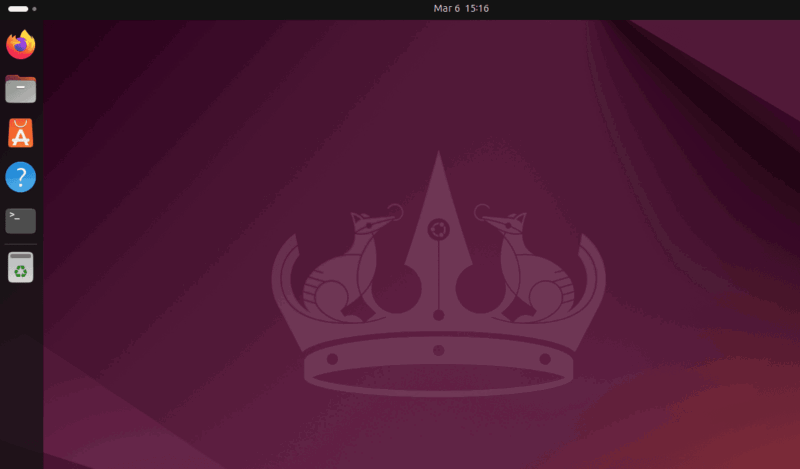
I also appreciated its regular release schedule that brought new features and improvements every six months, along with the option for long-term support releases that provided stability for up to five years. The software center made finding applications straightforward, and the default GNOME desktop environment, while different from Windows, was clean and relatively intuitive.
I even recommended Ubuntu to friends and family members who expressed interest in trying Linux, and especially coming from macOS.
Why I Left Ubuntu
Just like any other distro, Ubuntu is also not perfect, and unfortunately, it has failed to meet my particular demands. For example, I have older machines that I like to keep in service rather than contributing to electronic waste, and Ubuntu’s resource-intensive nature (still lighter than Windows) makes it difficult to run smoothly on these systems. The main reason for Ubuntu’s higher resource usage is GNOME, which is known to be heavy.
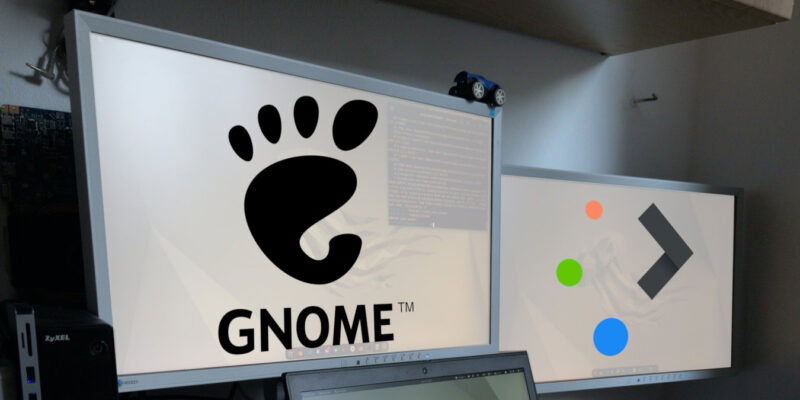
Also, I’m always looking forward to customizing my personal workflow workspace to make my work smooth and efficient. With Ubuntu, every time I wanted to customize something, I had to rely on additional tools like GNOME Tweaks. Finding and setting up these tools can be a hassle, and even then, heavy customization often leads to crashes.
Also, the forced transition to Snap packages became particularly frustrating when there are multiple other options available for installing apps.
Linux Mint Is a Complete Package
After installing Linux Mint on my aging PC, I was immediately impressed by its performance. Boot times were significantly faster, and applications launched nearly instantly, proving that even older hardware can run a modern operating system smoothly.
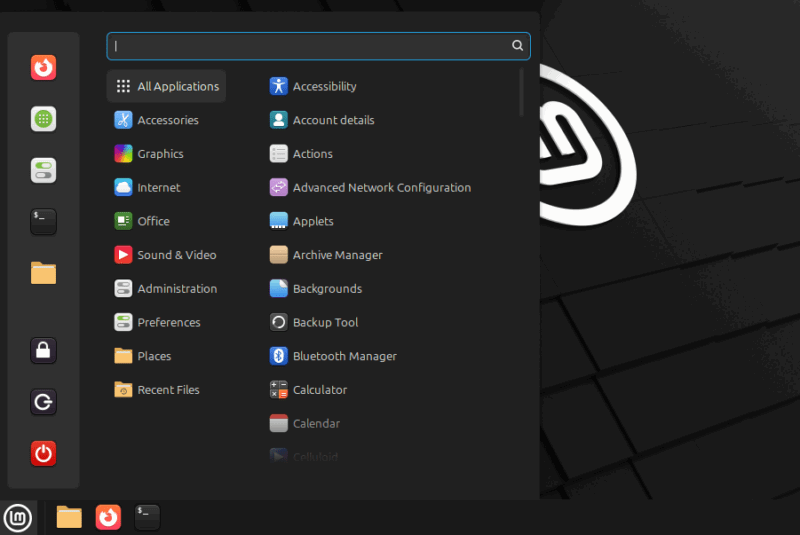
Since I grew up using Windows, I didn’t want to relearn everything from scratch. Linux Mint perfectly fit, it felt familiar, with a Start menu, an easy-to-navigate interface, taskbar, and familiar icons. In contrast, Ubuntu felt more like macOS, which never suited me.
Also, personalization in Linux Mint is straightforward. Rather than relying on additional software to adjust themes and icons, all customization options are readily available within the system settings. This design lets users tailor their desktop environment easily without compromising performance.
Mint’s package management system is both flexible and efficient. Leveraging Ubuntu’s extensive software repositories, it offers two tools: the traditional APT system and an accessible Software Manager. This dual approach allows users to install applications via a graphical interface or manage packages through APT, all without forcing slower Snap packages.
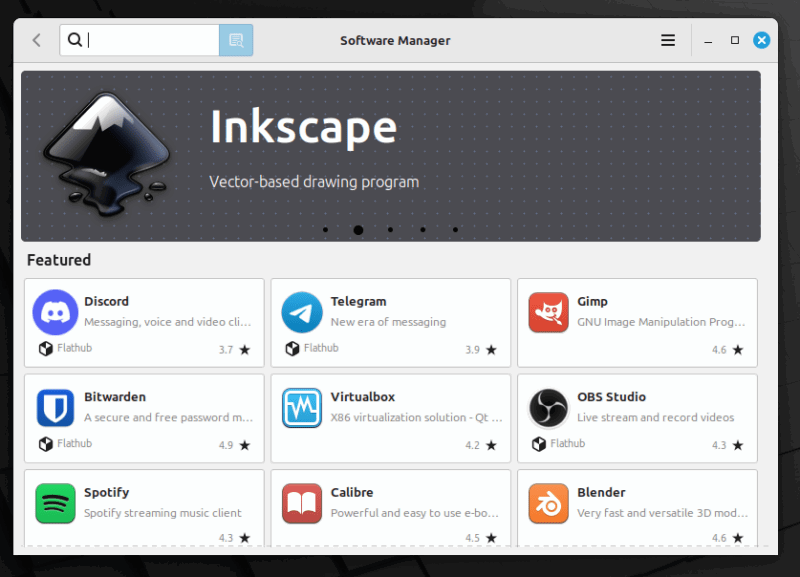
I’m also really impressed by the supportive Mint community that further enhances the experience. While Ubuntu has a large following, Mint’s community is equally passionate and focused on simplicity and user experience, providing helpful guidance and innovative ideas.
Final Thoughts
The debate between Mint and Ubuntu has been ongoing for years, with solid arguments on both sides. While there are technical differences, the choice largely comes down to personal preference.
My decision to leave Ubuntu for Linux Mint was driven by a need for a more intuitive, efficient, and customizable experience, particularly on older hardware. Linux Mint’s Cinnamon desktop, lighter resource footprint, and user-friendly software management met these needs, offering a polished alternative.
If you’re moving away from Windows, you can choose any of the one option Linux Mint or Ubuntu. For anyone currently running Ubuntu and want a similar switch, I recommend testing Linux Mint via a dual boot setup, leveraging community resources, and customizing to fit your workflow. With this approach, you ensure to find the distribution that best suits your needs, enhancing your Linux experience.
Ultimately, the best Linux distribution is the one that disappears into the background, allowing you to focus on your work rather than the operating system itself. For me, Linux Mint has achieved this ideal balance, providing a stable, responsive platform that supports my productivity without demanding constant attention or maintenance.
Image credit: Kirill Martynov via Unsplash. All alterations and screenshots by Haroon Javed.