Tmux is a versatile and powerful program. While its developers designed it to be as simple as possible, it comes with its fair share of eye candy in theme plugins. In this article, I will go through the stunning themes you can install on Tmux today.
1. tmux-gruvbox
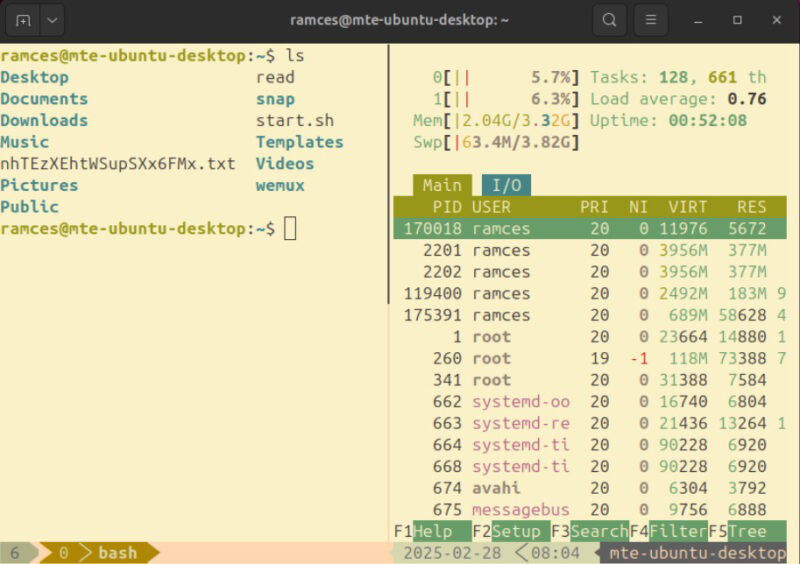
Tmux-gruvbox is an adaptation of the popular Gruvbox Dark and Gruvbox Light themes for Tmux. It provides a warm look that makes your terminal sessions easy on the eyes. As a big fan of warm colors, I often use tmux-gruvbox when I work on low-light environments or even outside.
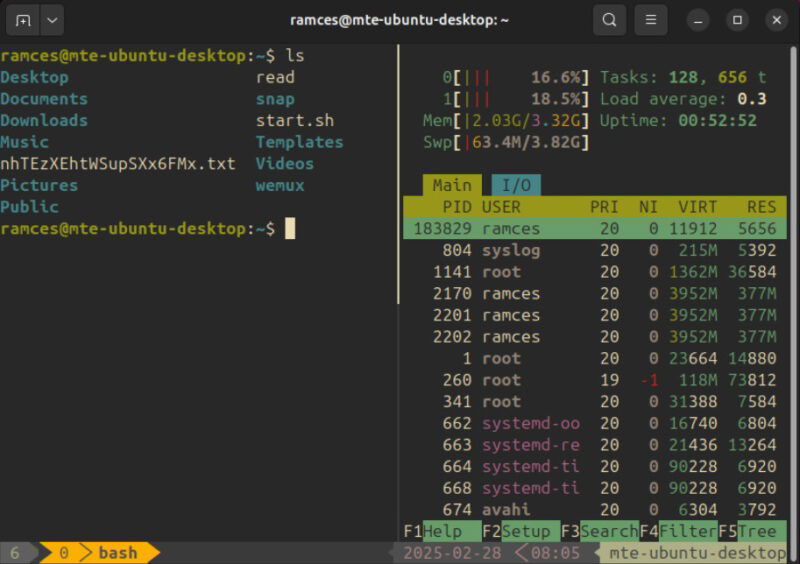
Apart from its warm appearance, tmux-gruvbox also comes with a bunch of handy options that allow you to tweak how Tmux renders certain elements in the multiplexer interface. This makes tmux-gruvbox a good option for those who want a “retro-style” terminal session.
To install tmux-gruvbox, open the tmux.conf file using your favorite text editor:
nano ~/.tmux.confAdd the following lines of code inside your config file:
set -g @plugin 'egel/tmux-gruvbox'
set -g @tmux-gruvbox 'light'
Save your config file, then restart your current Tmux session.
Press Ctrl + B, then Shift + I to install and apply tmux-gruvbox on your system.
Good to know: learn some of the tricks that I use to optimize Tmux.
2. tmux-nord
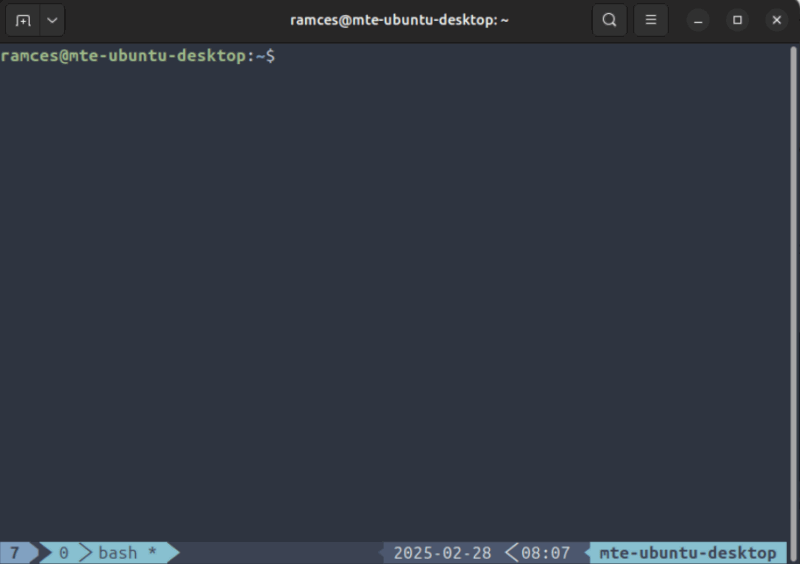
Tmux-nord is the official port of the Nord theme for Tmux. Just like its upstream, it introduces a variety of “arctic-inspired” colors to your terminal, giving it a cool and clean look. This makes it a great option if you’re looking for a simple yet highly legible theme for your Tmux install.
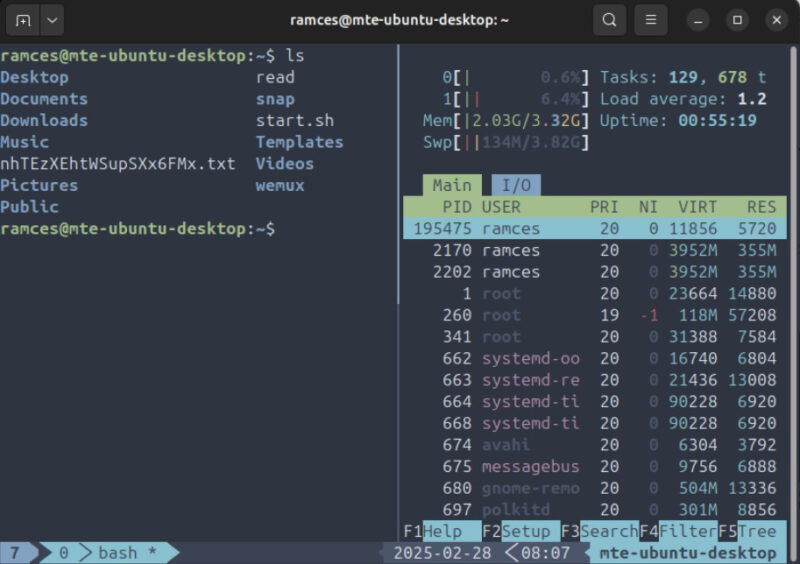
Similar to tmux-gruvbox, the designers of tmux-nord also tuned the theme to work with almost any Tmux plugins and TUI programs. This allows for a more consistent and cohesive interface, especially if you’re already using Nord for your desktop environment.
To install tmux-nord, open your Tmux configuration file, then add the following line of code just below your entry for TPM:
set -g @plugin 'nordtheme/nord-tmux'Reopen your Tmux session, then press Ctrl + B, then Shift + I to apply your new theme to your terminal.
3. tmux-dracula
Tmux-dracula is a vibrant theme that offers a high contrast, “dark mode”-centric interface for Tmux. It prioritizes readability while also providing a comfortable color scheme using a variety of purple hues. Personally, I use tmux-dracula when I want a visually striking theme that also maintains clarity.
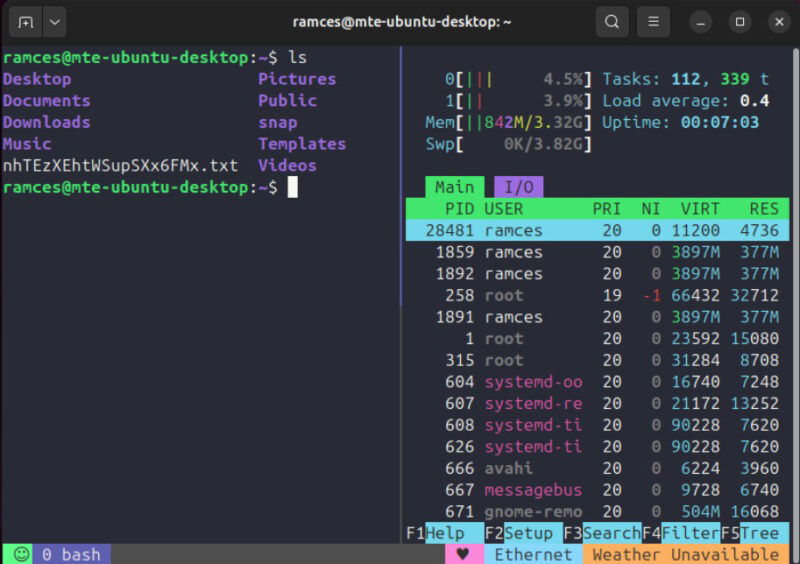
On top of that, tmux-dracula is also a completely customizable color scheme. By default, the plugin comes with internal flags that can change how certain theme elements look. As a result, tmux-dracula is a great pick if you’re looking for a theme that offers some leeway on its appearance.
Installing tmux-dracula is as simple as adding a single line of code inside your tmux.conf file:
set -g @plugin 'dracula/tmux'Restart your Tmux session, then press Ctrl + B, then Shift + I to fully apply your new theme.
On a side note: are you a VSCode user? Check out some of the best themes for Visual Studio Code today.
4. tmux-tokyo-night
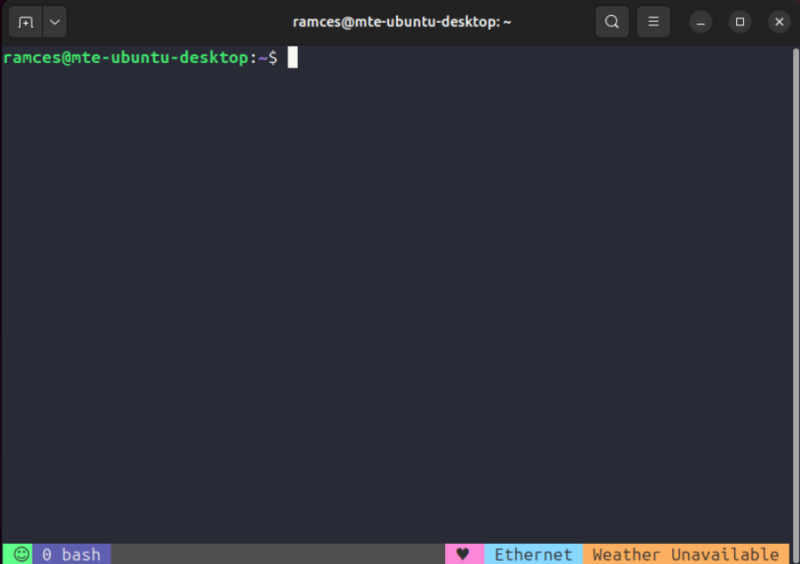
Tmux-tokyo-night is a sleek theme that combines the readability of tmux-dracula with the subdued colors of tmux-gruvbox. It comes with a dark and light color scheme, making it great for both indoor and outdoor use.
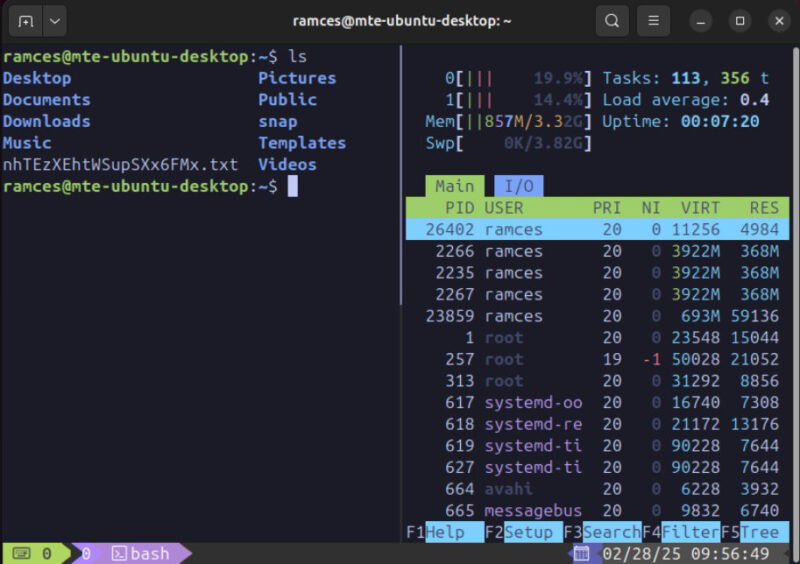
One unique feature that I really like about tmux-tokyo-night is that it comes with built-in theme plugins. These are small applets that add detail to your current Tmux session. For example, tmux-tokyo-night comes with a weather plugin that prints the current weather condition directly to your Tmux status bar.
To install tmux-tokyo-night, add the following lines of code in your Tmux config file:
set -g @plugin 'fabioluciano/tmux-tokyo-night'
set -g @theme_variation 'night'
Save your config file, then press Ctrl + B, then Shift + I to add your new theme to Tmux.
5. tmux-kanagawa
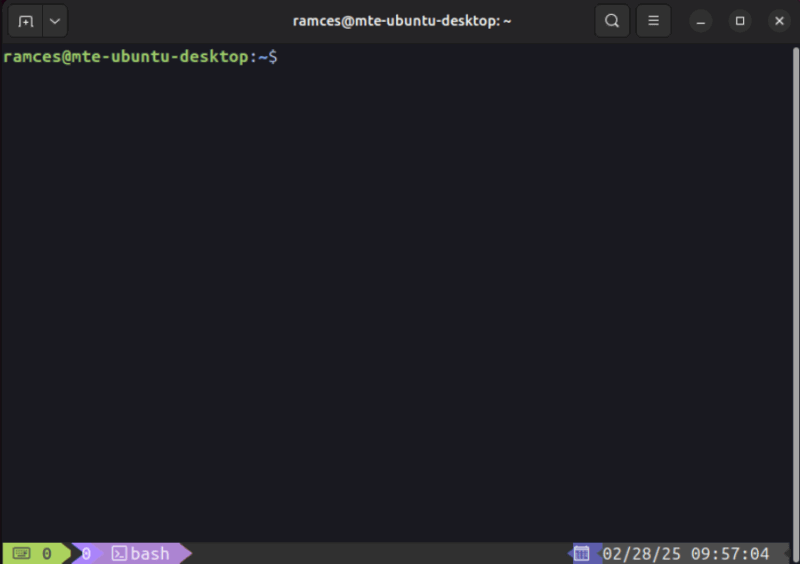
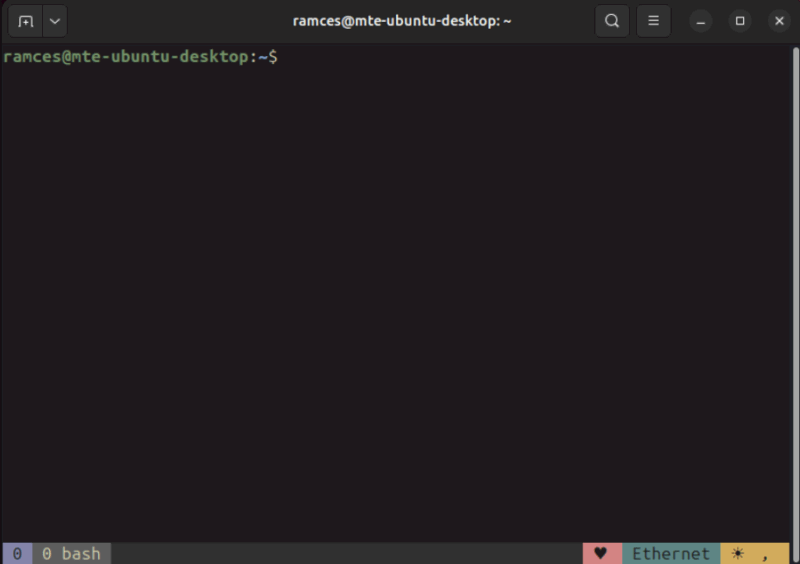
Tmux-kanagawa is a direct fork of tmux-dracula with the goal of providing a vibrant but WCAG-compliant theme for Tmux. Inspired by Katsushika Hokusai’s famous woodblock print, tmux-kanagawa blends the predominantly purple theme of Dracula with warm sepia tones, giving the theme a “rustic” feel.
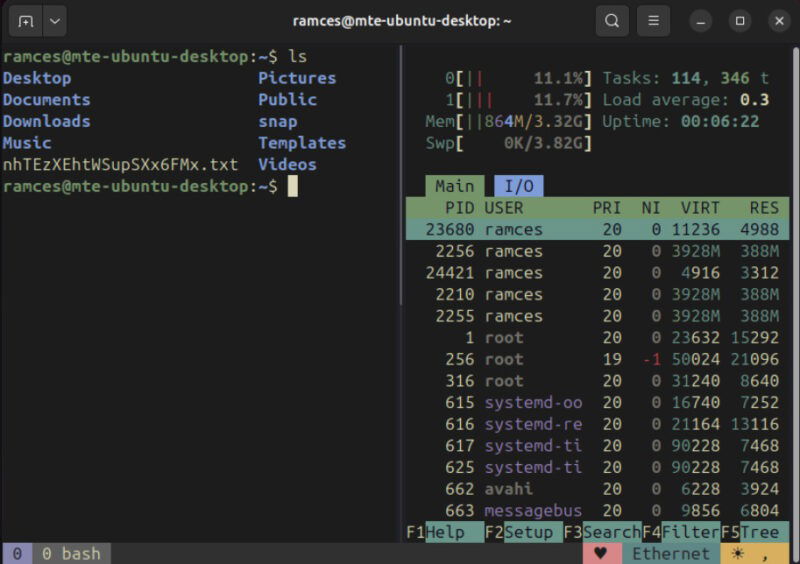
Being a direct fork of tmux-dracula, tmux-kanagawa inherits all of its upstream’s features. These include all of its internal flags, allowing you to customize and tweak the theme however you wish. This, coupled with the theme’s additional color schemes, makes tmux-kanagawa a great pick for those who want a configurable warm theme for Tmux.
To install tmux-kanagawa, add the following lines of code on your Tmux config:
set -g @plugin 'Nybkox/tmux-kanagawa'
set -g @kanagawa-theme 'wave'
Reload your Tmux instance, then press Ctrl + B, then Shift + I to apply the new theme.
Learning and installing some of the best themes for Tmux is a small part of what you can do with this wonderful terminal multiplexer. Extend Tmux’s functions today by checking out some of the best productivity-focused plugins for Tmux today.
Image credit: Lukas via Unsplash. All alterations and screenshots by Ramces Red.