If you’re considering switching to Linux but are worried about losing your favorite apps, do not worry. Linux offers options to continue using your essential software or find excellent alternatives. Let’s explore how you can transition to Linux without leaving behind the software you rely on.
The Myth of App Abandonment
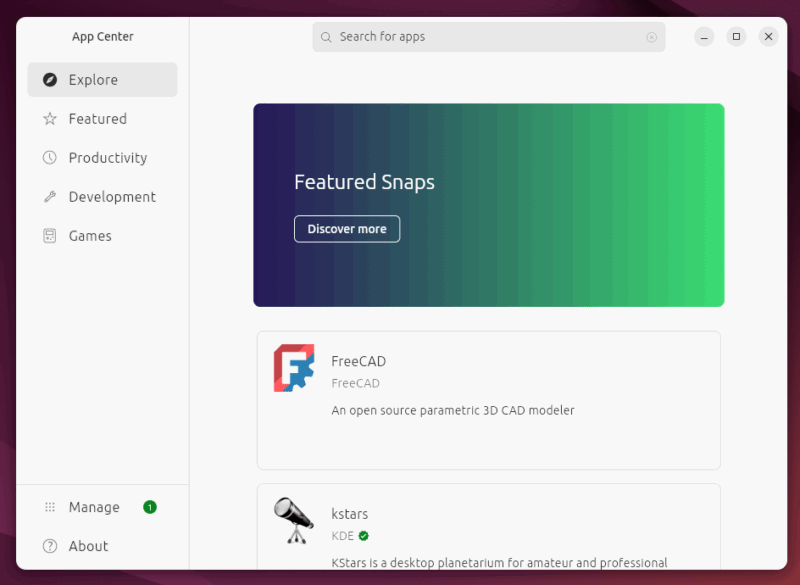
While it’s true that some proprietary software has not fully transitioned to Linux, the landscape is rapidly changing. Many popular apps, such as Google Chrome, Spotify, and Steam, have native Linux clients and are available through distribution package managers like APT or DNF. These managers ensure that users can easily install the latest software while active community contributions continuously increase the availability of native Linux applications. Furthermore, containerization technologies such as Flatpak and Snap have simplified the process for developers to package their applications once and deploy them universally.
Unfortunately, some apps still lack an official Linux version – for example, Microsoft Office and Adobe Creative Cloud. The good news is that you can still use these applications on Linux with the help of Wine (a compatibility layer) and its GUI wrappers, such as PlayOnLinux and Bottles. Using these Wine wrappers allows you to run many Windows apps on your Linux system without needing to delve deeply into configuration settings.
In the worst scenario, you can always run a Windows virtual machine in your Linux system and install your favorite app in a Windows environment, without having to boot into your Windows OS.
The Willingness to Use Alternative Apps
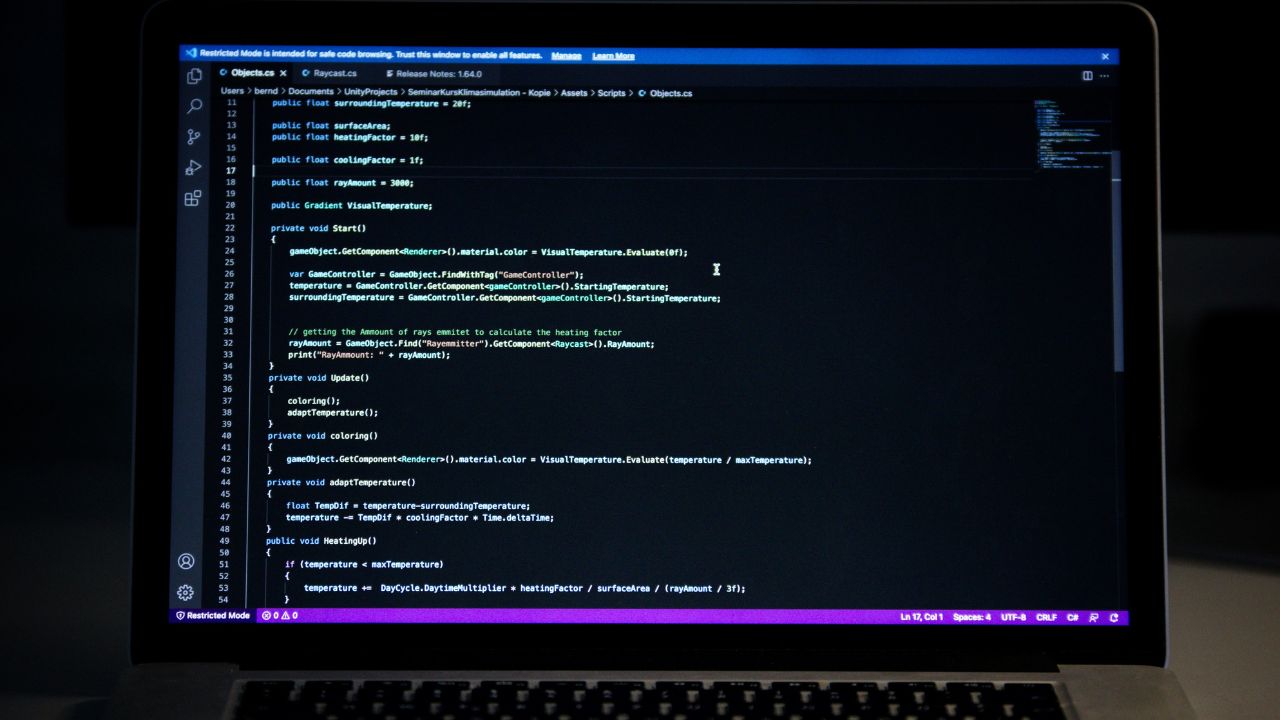
Before I switched to Linux, I was a devoted Windows user — just as many of you probably are (or were!). I had my go-to apps that were integral to my daily digital life. As a technical writer and programmer, I used Microsoft Word for writing, Visual Studio Code for programming, and other essential applications such as Discord, Slack, and Zoom.
The transition experience was mixed, but far better than I expected. The key is that I am wiling to switch to alternative apps, when my favorite apps are not available for Linux.
For writing on Linux, I found that LibreOffice Writer is a capable replacement, although it lacks some advanced formatting features. Honestly, I am currently using Google Docs for all my writing. Google Docs is a web-based application that is easily accessible from anywhere. Spotify, Discord, Slack, and Zoom all have native Linux clients that work identically to their Windows counterparts – no compromises or missing features; they just work.
However, one frustrating aspect is the learning curve. If you do not explore alternatives beforehand, you will need time to understand the user interface and get used to it.
Searching for a true Linux equivalent
If you cannot find your favorite app on Linux, finding a similar one may be challenging — but it is possible if you know how to search. Start by exploring resources such as Linux Alternatives to Windows Apps, which lists options like LibreOffice as a substitute for Microsoft Office or GIMP as an alternative to Photoshop. Websites like AlternativeTo and OpenAlternative are invaluable, offering comparisons and user reviews.
I recommend experimenting with multiple alternatives; for example, if you’re used to Photoshop, try both GIMP and Krita to see which fits your workflow. Community forums, such as those on Reddit, often share insights on lesser-known tools, and package managers simplify the installation process. Don’t be afraid to dive in. Linux’s flexibility means you can always tweak settings to match your needs.
Experience With Wine, Proton, and Virtual Machines
Wine allows you to run Windows programs directly on your Linux desktop without needing a full Windows installation. It is fantastic for running a wide range of applications, and its compatibility is constantly improving. I used Wine very often, but I do not recommend it for beginners because of its command-line complexity. However, you can use Wine GUI wrappers, which provide an easy graphical interface to install any Windows application on Linux.
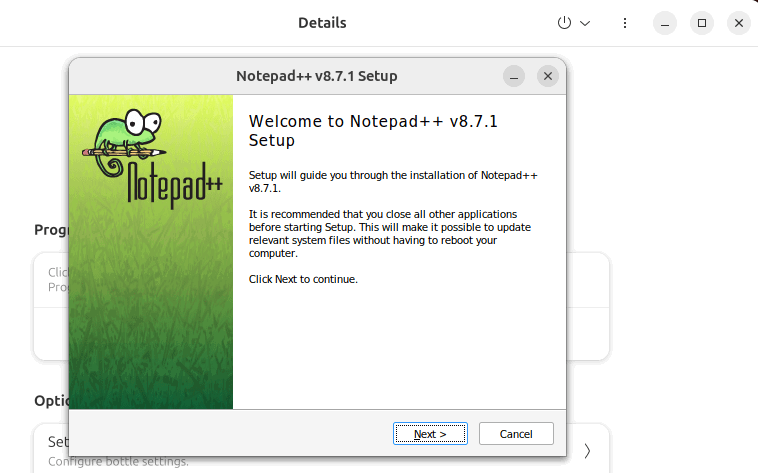
For many everyday applications, Wine and its GUI wrappers offer a stable and efficient solution. It’s not perfect – some applications might exhibit minor bugs or performance hiccups. However, for the most part, Wine does the job exceptionally well.
Furthermore, if you want smooth performance, you can also use Windows as a virtual machine to run specific Windows programs. Virtual machines offer the highest compatibility because you are literally running Windows. Also, they tend to be the most resource-intensive. So, I recommend using them only when Windows applications compatibility with Wine or Proton is insufficient.
The Transition to Linux Is Worth It
After switching, I can confidently say that transitioning to Linux was worth it for me. With native options, open-source alternatives, and compatibility tools, you can easily maintain your workflow. However, if you have niche needs, the transition might involve more effort. Yet the benefits of Linux stability, security, and a vibrant community make it a compelling choice. Furthermore, the landscape continues to evolve, with Linux gaining traction and closing the app gap.
Ultimately, switching to Linux depends on your priorities, your workflow, and your willingness to embrace change. You can start with Linux using dual-booting or a virtual machine, explore its applications, and try Wine/Proton for windows programs.
Image credit: James Harrison via Unsplash. All alterations and screenshots by Haroon Javed.