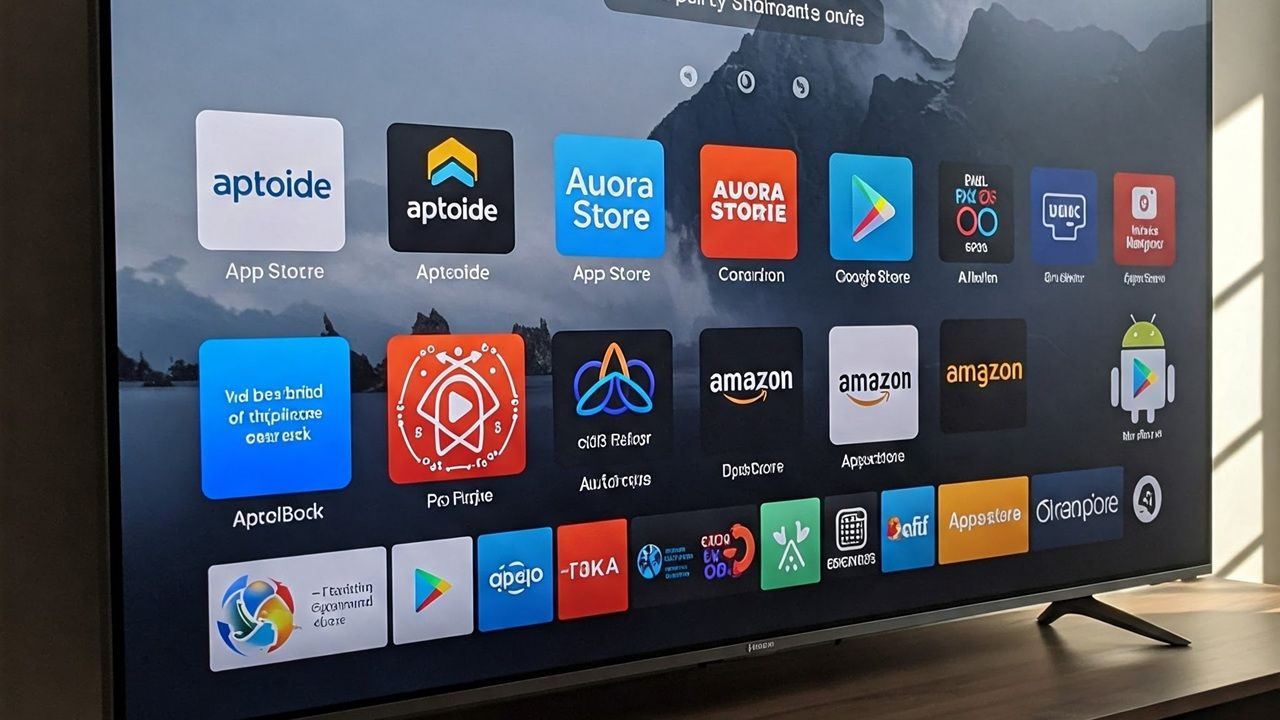
Android TV users typically turn to Google Play to download and install their favorite apps. While you can find most of your regular apps there, it might not have everything you’re after. Whether you need region-restricted content or an app that’s banned in your country, third-party app stores can get the job done. The following alternatives to Google Play work with all Android TV versions 8 and above.
Installing Third-Party Apps on Android TV
Before we dive into the list, let’s figure out how to install third-party apps without Google Play. This procedure is called ‘sideloading” the apps. For it to work, you should have Google Play Store installed on your Android TV.
After your Google Play account is up and running, download and install a TV browser. I normally use this one, but you can use whatever works for you. Use the TV browser like you would on a phone or tablet. It can search different store APK files. They are easy to download and install after you click Open.
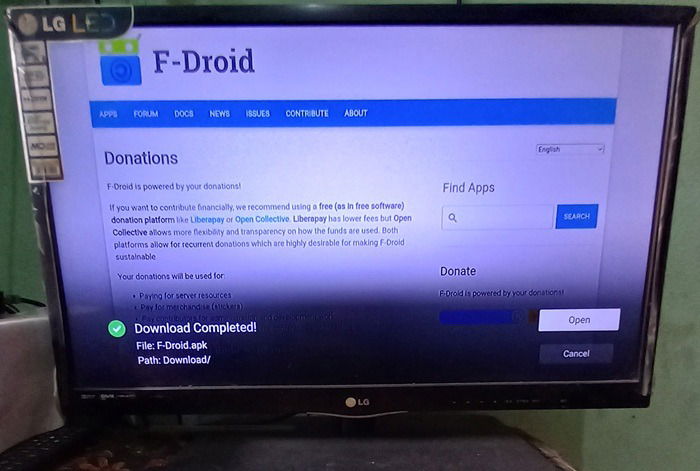
Good to know: if your actual remote is unable to browse across a TV screen, you can use your Android phone as a TV remote. You can use this phone remote to search for below Google Play Store alternatives for Android TV.
1. F-Droid
F-Droid is one of the most organized third-party app stores that works perfectly well on smart TVs of any resolution. It’s quite easy to download the official APK file through a TV browser, and install it in just a few steps.
The best thing about F-Droid is that it is fully open source, and related to LibreOffice software. It has a useful collection of coding tools such as “FakeTraveler,” which hides your smart TV location. An app called “BLE Manager” controls all Bluetooth LE devices, such as speakers. If you want to do network scanning, “NeoStumbler” collects information on all available wireless networks.
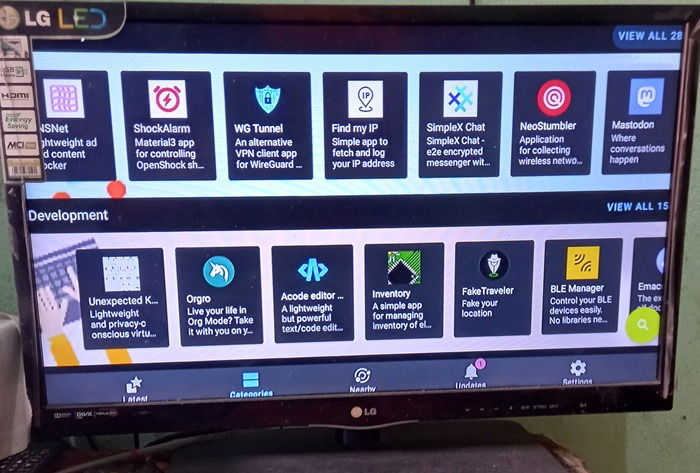
Your TV’s OEM might warn against sideloading from third-party APKs due to potential compatibility issues. Getting apps to render smoothly on a large display can be a bit of a problem That said, apps downloaded from F-Droid integrate as well with your TV as those from Google Play, making it a good alternative.
Related: you can install different launchers on Android TV to enhance your viewing experience.
2. Uptodown
Uptodown is another third-party app store that emphasize on security. The apps in this store are tested for malware, and the constant updates ensure you won’t run into a snag. It has approximately 100,000 apps, not as many as a few others on our list, but they get the job done.
The apps available on Uptodown are pretty useful, and they are mostly the ones that you really need. For example, if you’re dealing with a TikTok ban in your country, or a ban on its alternatives like Lemon8, Uptodown serves as your go-to place to find anything you wouldn’t in a geo-restricted Google Play.
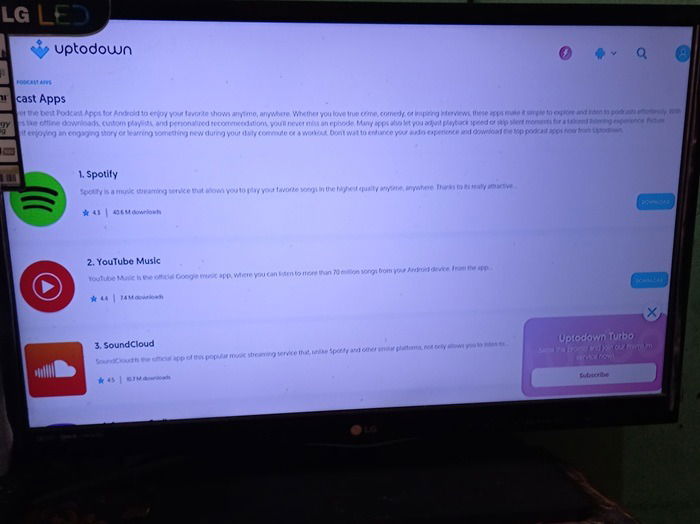
You’ll find many apps on Uptodown that are also available on Google Play, including WhatsApp, Instagram, Spotify, and YouTube. It’s a convenient option for setting up multiple accounts on your TV. While the experience would obviously differ from apps which you download via Google Play, Uptodown ensures its apps are the latest and function without any issues.
Also read: learn how to cast your Android screen to a television.
3. GetJar
Advertising itself as “the world’s biggest open app store for your device,” GetJar is an app store that doesn’t only focus on Android. It also distributes software for iOS, Mac, and Windows. Although the list of these APKs and their interfaces might feel outdated, they will run on an Android TV device, so there may be some performance issues.
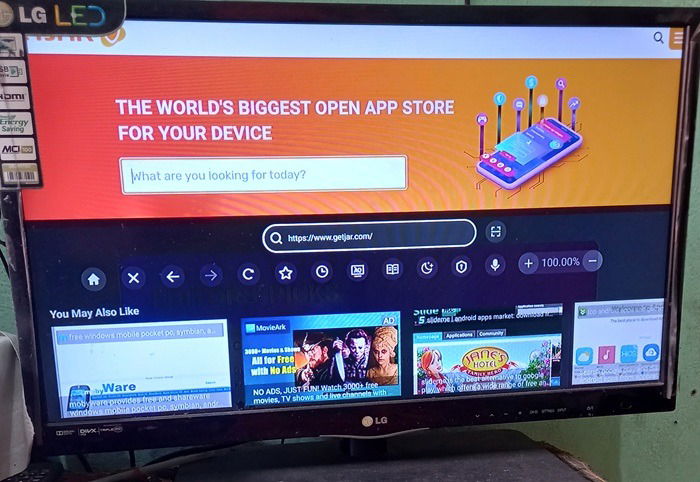
GetJar is actually one of the earliest app stores, having been founded in 2004. Thus it precedes even Apple App Store by a few years! Being easy to browse, and with a massive reach, it gives you a lot of choices based on various categories. It also has a huge collection of games, such as Minecraft, Roblox, and Association Football, all ready to be played from a TV console.
4. Aptoide
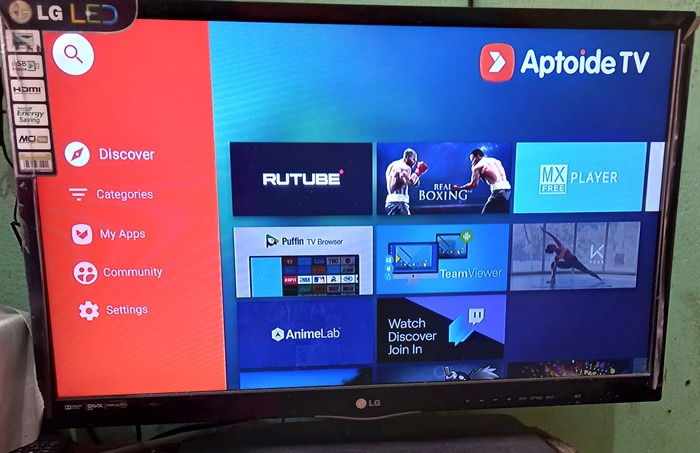
Boasting an impressive collection of 1 million apps, Aptoide, is probably the one that comes the closest to Google Play in serving Android users. It’s a completely open-source independent app store offering a unique alternative to Google Play. Additionally, users can start using the app store without registering an account, which will work with Android TV.
One thing I like about Aptoide TV is its huge collection of streaming and entertainment apps, some of which you won’t find on Google Play. Also, instead of an APK, the app in question is directly installed on your Android TV, providing the same seamless experience as Google Play.
Read: is your TV failing to connect to Wi-Fi? You can get it working again.
5. APKPure
So far we’ve seen app stores that require prior installation. If you don’t want to do that, and just want to snag an app and install it on Android TV, APKPure fits the bill. This makes it super lightweight as it barely has any presence on your TV device, except for the apps you download which can be uninstalled.
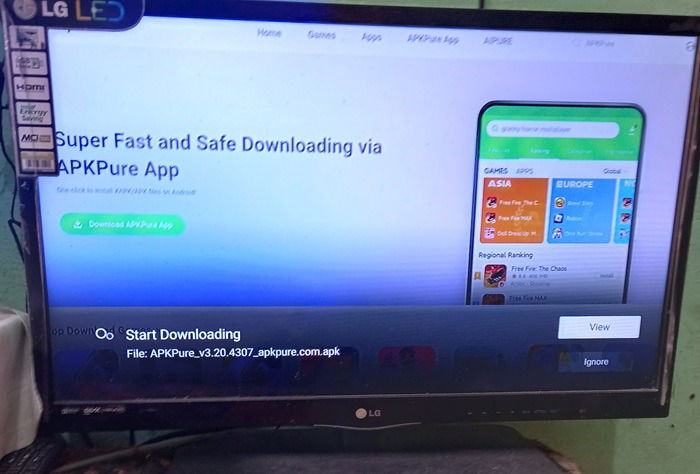
Sometimes we purposely search for an older version of an app. They may consume fewer resources, or an older TV device might not be compatible with the latest version of the app. This is where APKPure can help, as it neatly maintains the historical versions of different apps. All downloads are pretty fast, and the apps should start working on your Android TV immediately after you install it.
Also read: why does my TV say “no signal?” Follow this guide to fix the problem.
6. TapTap
This one’s for the gaming crowd. If you want the latest and greatest games in any genre, TapTap’s got them ready to download. You can hook them up to Xbox, PlayStation, and other gear too. For serious gamers, it’s like a dream come true.
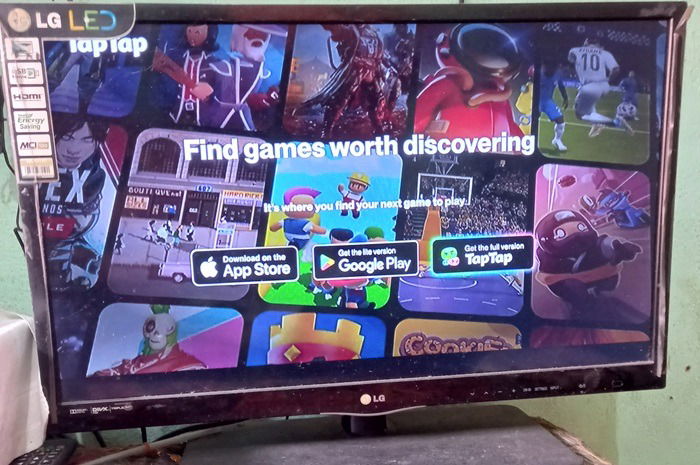
For many reasons, this app store truly comes alive on Android TV, although it’s also available on iOS/Android smartphones. That’s because when you download the full version, you get a separate ecosystem for gamers different from Google Play. Currently, it has a collection of nearly 120000 games.
The game-focused platform not only connects gamers worldwide, but also helps you reach out to developers for a feedback loop. TapTap has a collection of PC games that are region-restricted so you can bypass that ban easily. With user-created content and support for many languages, you’ll want for nothing.
7. 9Apps
We’ll round off our list with 9Apps, an up-and-coming alternative to Google Play on Android TV. It’s an extremely lightweight app ecosystem for your television, and is making waves for its fast downloads. You don’t need to register an account or do anything else apart from installing the APK the first time.
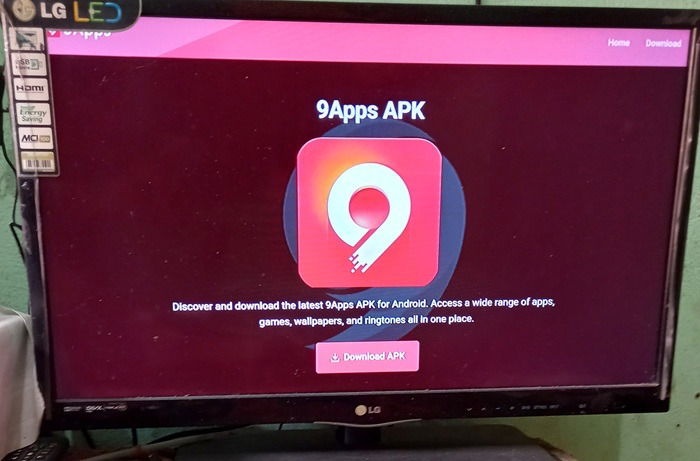
One thing you’ll note in many Android TV models is that the storage space may not be that huge unlike your smartphones. 9Apps makes that problem easier to manage, as it has a built-in file manager to download and access all the files. This cloud access also carries over to the app’s multimedia content such as wallpapers, and high definition videos.
In the meantime, if you’re a new Android TV owner and aren’t sure what to install, we can help. Just take a look at our list of the best apps available for Android TV. If you’re in the market for 4K TV sets, find out why they may not be for everyone.
Image credit: Imagen 3. All screenshots by Sayak Boral.