Navigating through academic life can be daunting. You probably have assignment overload, incoming deadlines, scattered notes, exams to prepare for, and your personal life demanding attention. However, with Notion, your academic life can become much easier. Let’s explore some quick tips for using Notion as a student to improve your academic and personal lives.
Why Notion is a Game-Changer for Students
Notion for students isn’t just another note-taking app – it’s the all-in-one productivity tool that can transform how you organize your life. You can do it all in Notion and don’t have to juggle multiple apps to schedule, take notes, plan, or manage your life while in school.
Further, Notion prioritizes flexibility and bends to your will, as you can create lists, calendars, or visual aids for improved learning and organization.
If you’re a team player, you can share Notion pages for group projects to ensure real-time collaboration. This eliminates the back-and-forth that occurs when sharing documents with emails.
Notion is a game-changer for students, but it can do more. Explore how to use Notion to organize your life to truly understand how versatile this tool is.
Setting Up Your Notion Workspace
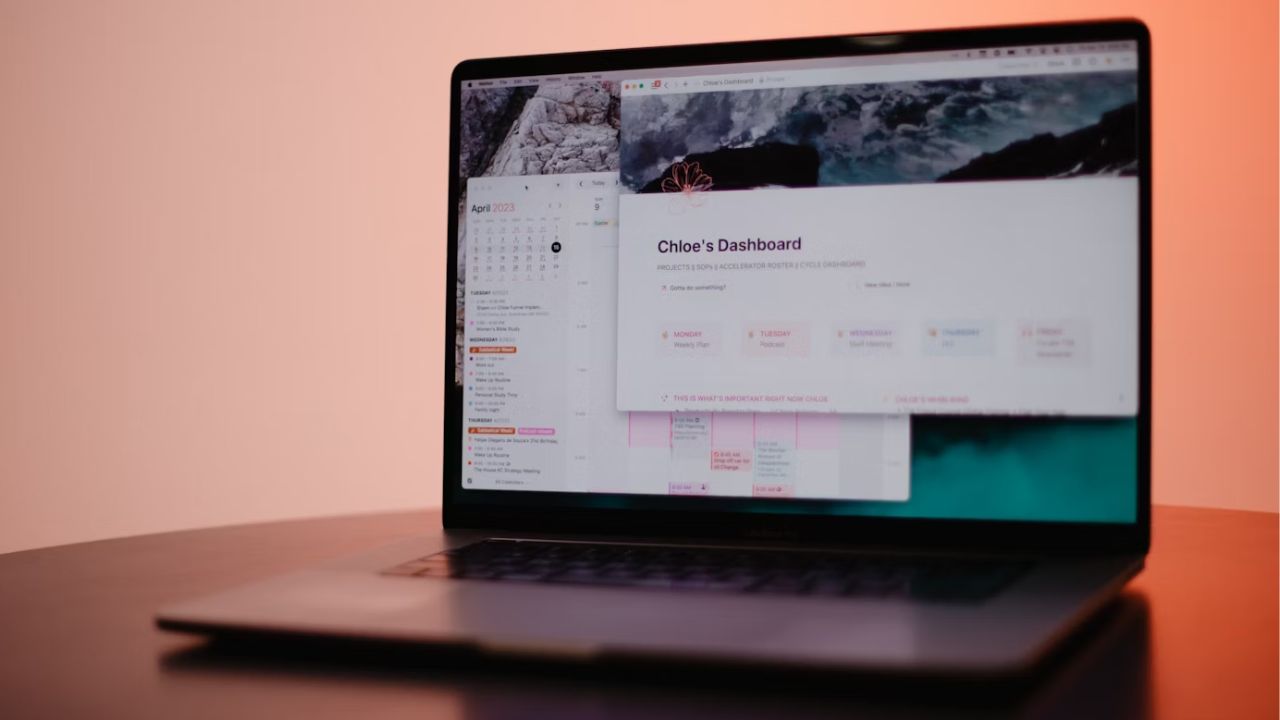
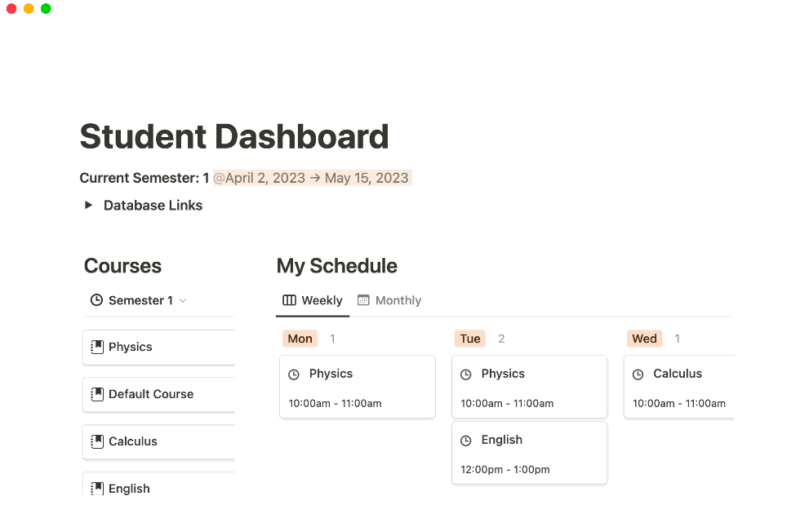
Create a dashboard to serve as your academic control center. You can include blocks or quick links to your assignments or courses. Then, add blocks for timetables and ongoing projects.
If this seems overwhelming, leverage built-in templates in Notion. Click the Template -> School section, and download the templates suited to you. Also check out this list of the best free Notion student templates to ease your organizational burden.
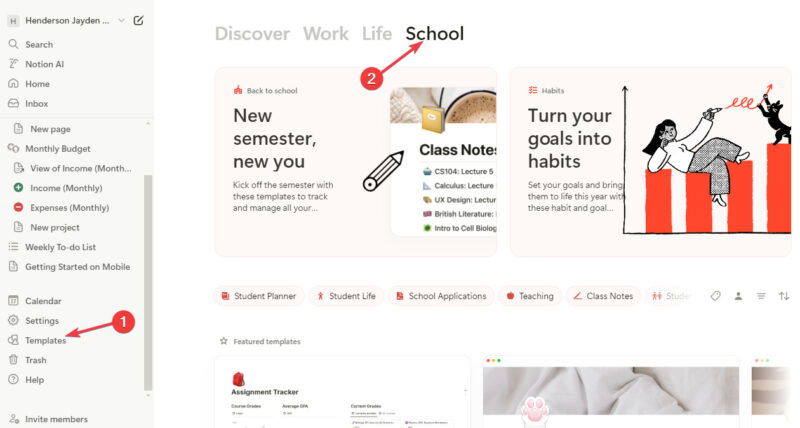
As stated above, flexibility is a priority for Notion. Whether you like list-view, calendar-view, or need a project-tracking board, Notion lets you customize your view however you would like.
Note-Taking Like a Pro
Anyone can write down what the professor says, but effective note-taking is more than that. With Notion, you have the tools to level up your note-taking game.
Create subject or course-specific pages and dump relevant information compiled from lecture notes to assignments and study guides.
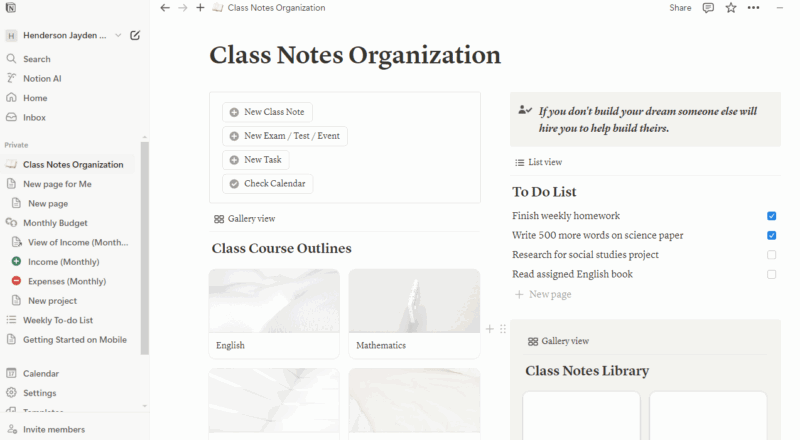
Leverage the Notion database feature to improve your notes. Categorize your notes by topic or date, making it easier to access when needed. It’s like having a personal Wikipedia.
Integration is one of the core features of Notion. Consider integrating some of your productivity apps into Notion.
Note: if you use Windows, you can pair Notion with other essential Windows apps for students.
Mastering Your Schedule
It isn’t an overstatement to say that most students falter with managing their time. Notion for students not only helps you plan but also helps you stay in charge of your plans with time management.
Sync all your events for the week, month, or semester into one dynamic Notion calendar to get a bird’s-eye view of your plans with no more surprise deadlines.
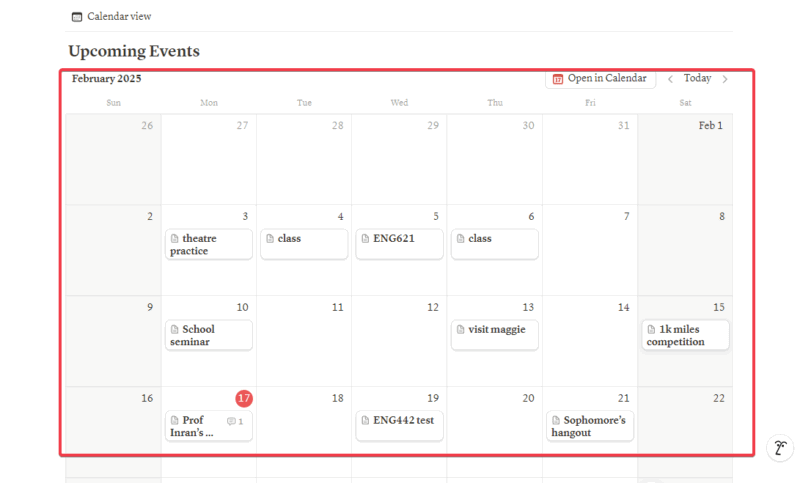
Create a schedule with blocks of time for studying, classes, and personal time. With this, you will always have structure to your day.
If you’re like me, you can implement the Pomodoro technique, a time-management method that involves working in 25-minute intervals with short breaks in between. Set up timers in Notion to maintain your focus during study sessions.
Project Management for Group Assignments
While group projects are universal headaches among students, Notion makes them tolerable. Create a shared page where all your members can contribute in real time, fostering collaboration.
Also, you can delegate tasks, set dates, and monitor individuals’ progress and contribution, preventing dormancy from other group members.
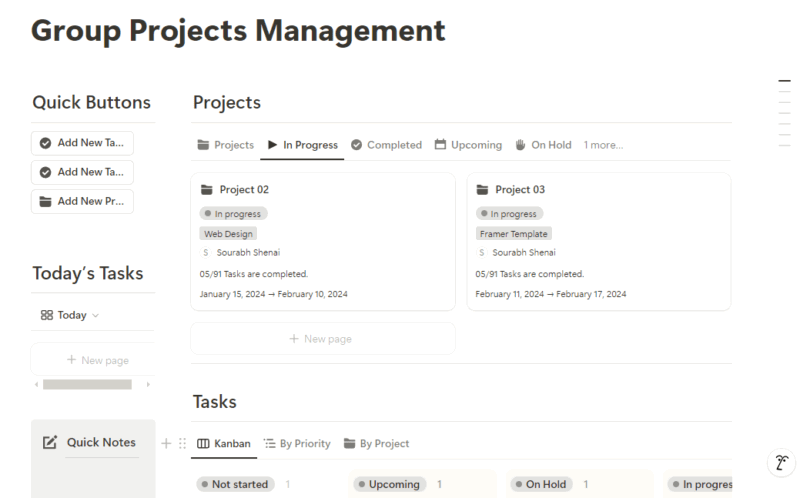
Besides, real-time updates also help to make necessary adjustments regarding your assignments/projects, rather than piling them up for later.
Notes read on to learn about several ways to use Notion for project management.
Revision and Exam Prep
As a student, using strategies with Notion will make exam preparation hassle-free:
Maximize the use of flashcards. Create digital flashcards in Notion for spaced repetition. This will help enhance your studying experience and improve retention.
Create a comprehensive study guide from your compiled notes in Notion. You can easily share this with your coursemates to also help them.
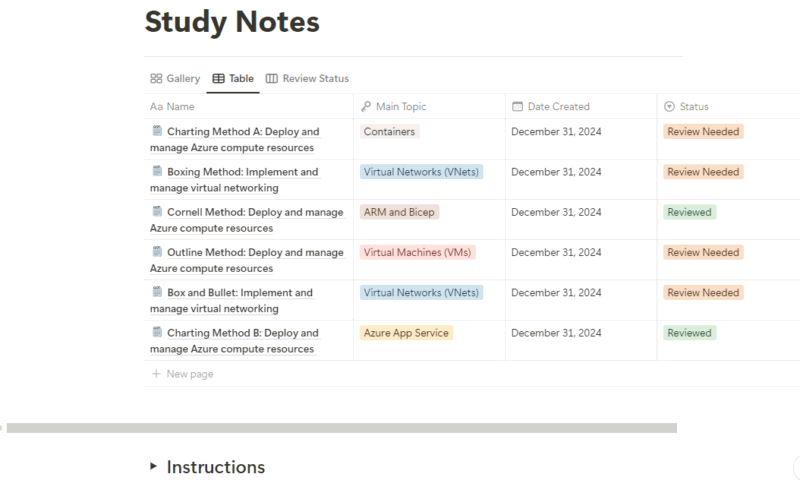
Simulate exam conditions by creating mock exams. Using Notion as a student gives you an edge to draft practice questions and time yourself to gauge your preparedness.
Life Beyond Academics
Notion for students isn’t just for school – there are other ways it can help manage your student life.
Managing your finances as a student is integral to your success. You can create a budget or download one from our list of the best Notion budget templates to help keep your spending in check.
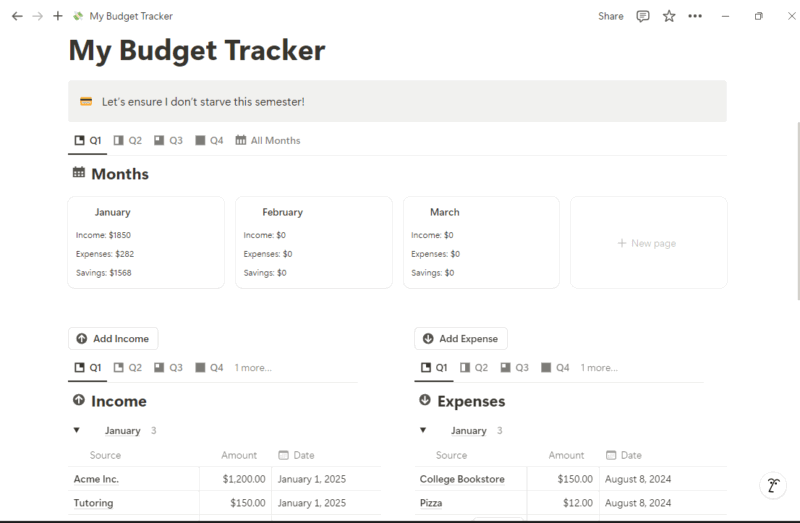
Another way you can use Notion as a student is for personal projects. Whether you’re learning a new skill, starting a side hustle, socializing, hobbies, etc., you can organize them all with Notion.
Health is wealth. You can use Notion as a student to keep track of your fitness and other extracurricular activities to ensure a well-rounded academic development.
Advanced Tips and Tricks
Notion is the Swiss Army knife of productivity tools. Those looking to maximize its use can try these tricks:
- Use Notion’s API to automate repetitive tasks, like reminders, weekly backups, and data import.
- Create custom views for different data types using advanced filters and sorting to improve how you see your data in Notion.
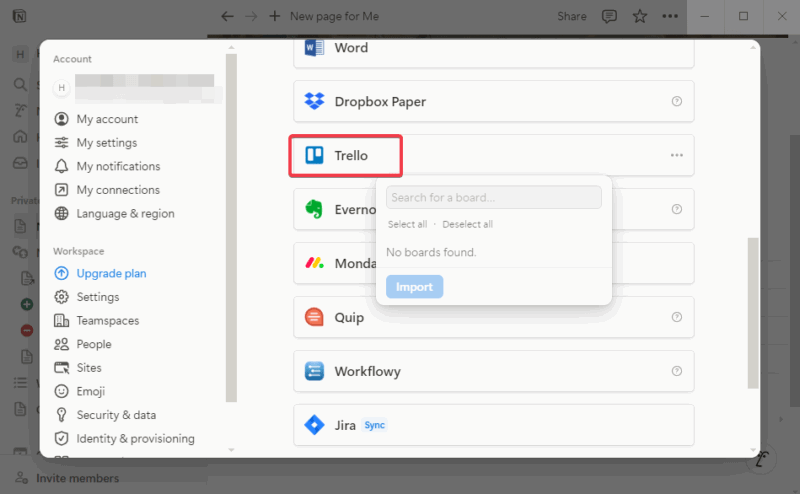
- Notion’s true power lies in its collaboration and integration. You can integrate other productivity apps, too, like Outlook, OneNote, Google Drive, Trello, etc.
Notion isn’t just another tool for students – it’s your companion to navigate the chaos of student life. Making it your command center will drastically reduce stress, give clarity, and boost how you organize toward achieving success. Remember, start simple, with maybe just one class, and expand as you get the hang of it. Notion is adaptable, and you can use it in your unique way.
Here’s to maximizing your student life with Notion as your sidekick.
Image credit: Unsplash. All screenshots by Henderson Jayden Harper.