Sharing large files usually means having to first upload it to a cloud storage service and then having the other person download it. Of course, you’re still limited by any storage limits. Thanks to FilePizza, you can finally share large files without an intermediary.
P2P File Sharing in Your Browser
Do you remember the early days of Napster and LimeWire? The peer-to-peer (P2P) file sharing networks let users share files by downloading directly from another person. Nothing was stored on the cloud. The downside was if the person with the file disconnected before the download completed, you didn’t get the file.
FilePizza works similarly. It’s P2P, but works directly in your browser. The service uses WebRTC (real-time communication) to transfer files. And, just like other P2P apps, you have to keep your browser open during the file transfer.
More Secure Than Cloud Storage
One of the first things I look at when trying out any new app is security. Since files are never uploaded to a server, all the security is on you and the person downloading the file. As long as both of you are using an updated browser and have anti-virus enabled, you should be safe.
Of course, don’t transfer files on public Wi-Fi. In fact, never do anything private on public Wi-Fi. That just broadcasts everything you’re doing to any hackers hanging out nearby. Use a VPN if you’re connecting in public.
While password-protected files weren’t an option in the original release of FilePizza, version two gave users this highly requested feature. The service already utilizes DTLS (datagram transport layer security) to encrypt your files during transfer. But, now, you can add a password.
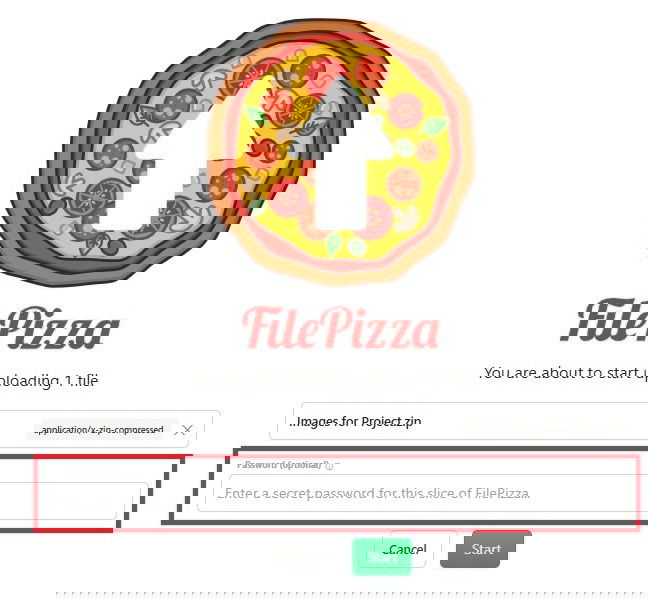
Adding a password ensures even if someone else gets the download link, they can’t use it without the password.
Another thing that makes this service more secure than cloud storage is the moment you close your browser, the download is no longer available. You never have to remember to delete a file later from the cloud provider.
Sharing a File with FilePizza
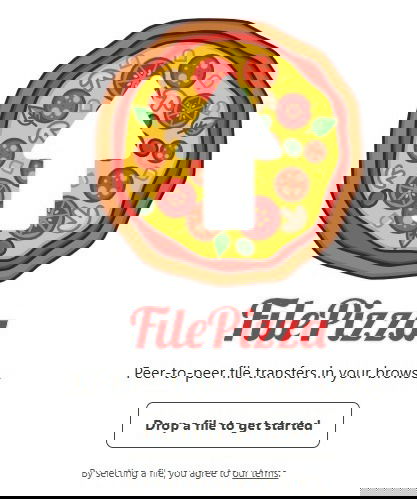
You don’t need to download a special app. Just open your favorite browser and visit FilePizza. Either drag and drop a file onto the screen or press Drop a file to get started.
Choose your file, add a password (if you want), and click Start. You then get three ways to share the file with others:
- QR code
- Long URL
- Short URL
All three lead users to the exact same file.
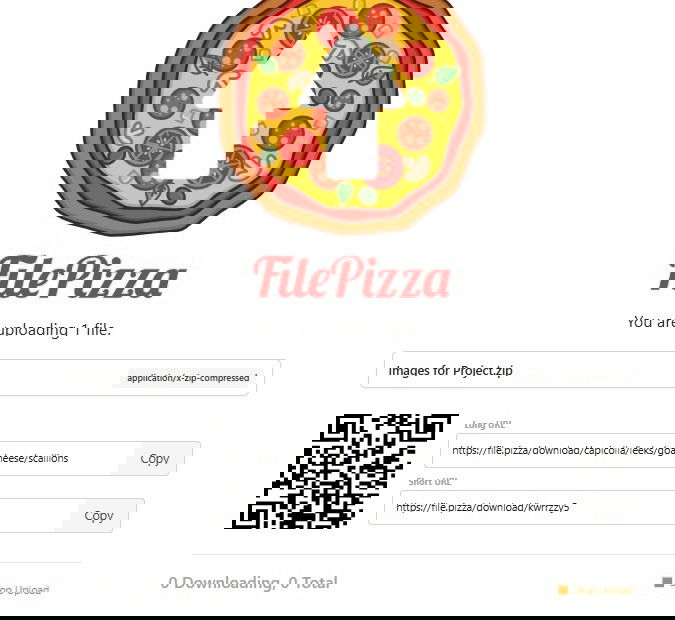
Remember, keep this tab in your browser open until the other user(s) has downloaded the file. The moment you close this tab or press Stop Upload, the download link no longer works.
Downloading a Shared File
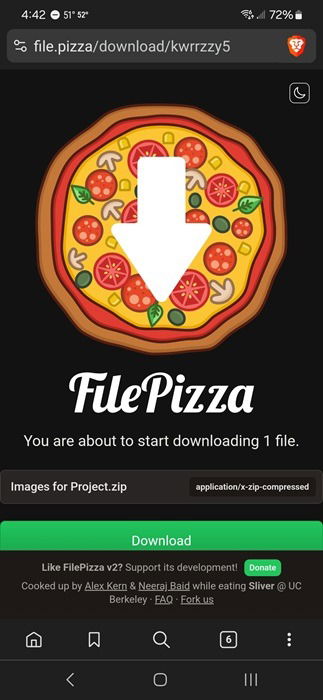
So, is it actually that easy? Yes. I sent a ZIP file of images to a friend. They opened the link on their phone and had instant access to the download. All they had to do was tap Download and wait for the file to download.
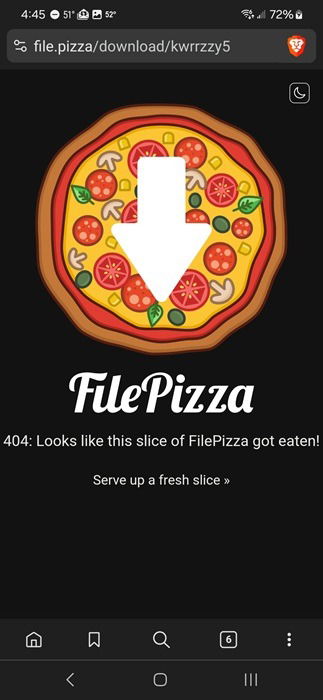
As soon as they downloaded the file, I closed my browser to see what happened. They tried the same link again and got an error page. So, the link does successfully break as soon as you close your browser.
No Limits to File Size
Now for the best part. There aren’t any file size limits. Need to share several gigs or even a terabyte of data? No problem. Of course, the larger the file size, the longer it’ll take the other party to download it.
But, you don’t have to first wait for a massive file to upload to a third-party service before you can share it. You also don’t have to pay for extra storage if you’re just using free or cheap cloud storage.
No Account Needed
Another benefit I’ve found is no one needs to create an account. This makes it even safer to share files. You don’t have to worry about anyone hacking yet another account. Plus, it’s one less password to remember.
As a side note, if you’re storing your passwords in a plain Notepad document, stop now and start using a secure password manager.
FilePizza Isn’t the Only Option
I personally prefer FilePizza just because it’s so easy for me to remember. It’s also a cute concept of delivering a file like you’d deliver a pizza.
I also love having options. So, if you don’t like this service or you just hate pizza, try one of these P2P alternatives that work similarly:
- JustBeamIt – Only works for a single transfer and expires after 10 minutes (unless you close your browser sooner). No password option.
- P2PFileShare – No file size limits, but no password option.
ShareDrop.io used to be a good option, but it’s now owned by LimeWire. You have to upload your file and it’s available for one week. Unless you sign up for an account, you can’t change the availability limit. There are also numerous restrictions unless you have a free or premium account.
If you need to keep files available for a longer period, cloud storage services are still the better option. But, make sure you’re not using cloud storage for more sensitive file types.