What we like
- Bright, sharp picture
- Effective microphone array, clear voice
- Plug-and-play setup
- No trailing wires or external gear
What we don’t like
- Needs a dimly lit room
- Slightly quiet internal speakers
- Skype doesn’t work
- Touchboard is fiddly
After the pandemic, the dominance of underused video conferencing technologies came as a surprise to many, but most have now embraced it fully. While the software and infrastructure were there all along, the hardware support for remote meetings has lagged behind a little bit. CZUR has seized an opportunity to put itself right in the middle of this gap with the StarryHub projector.
Unboxing
Inside the box is the CZUR StarryHub, a large cube projector that is 20 cm (7-7/8”) along each side. It includes the Touchboard (remote), the Clickdrop streaming device (and a USB-C to USB-A adapter), and a power supply for the projector.
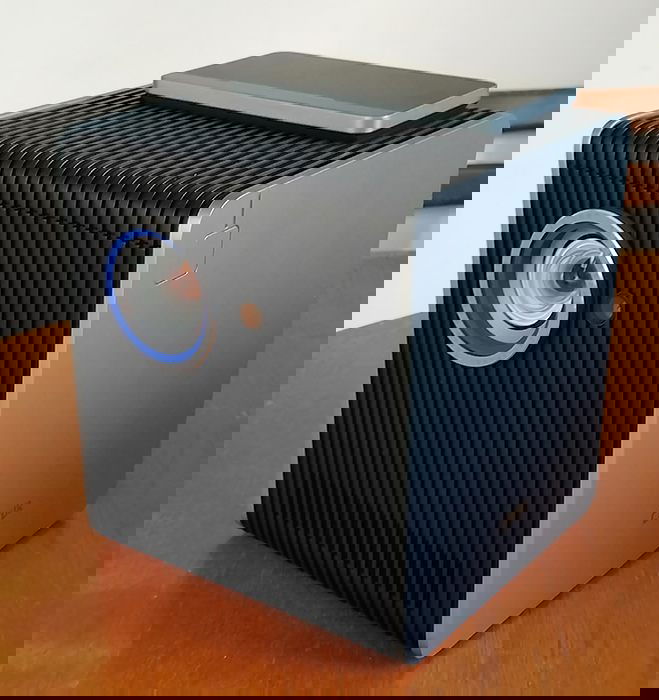
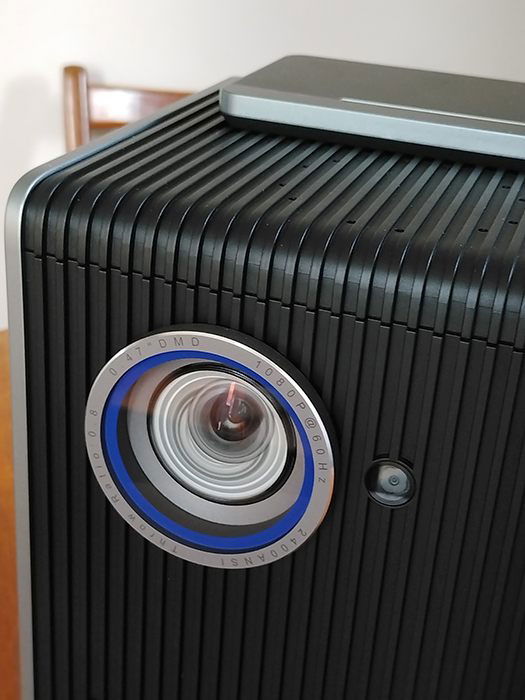
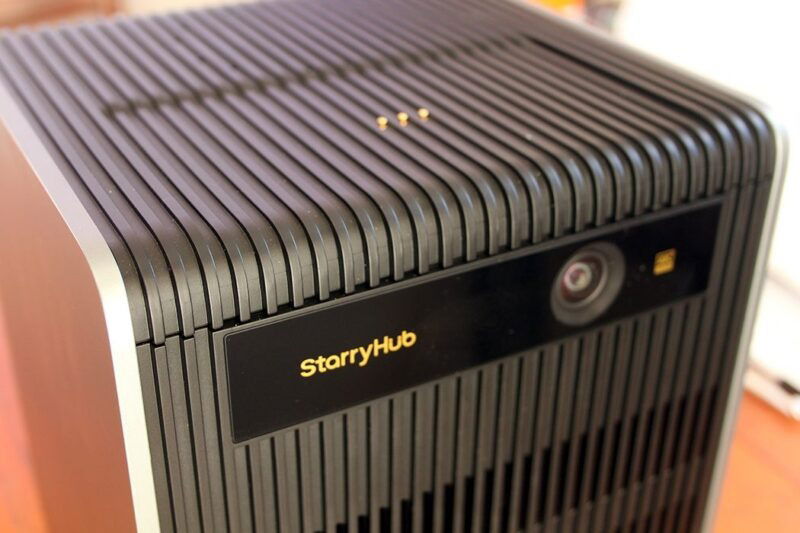
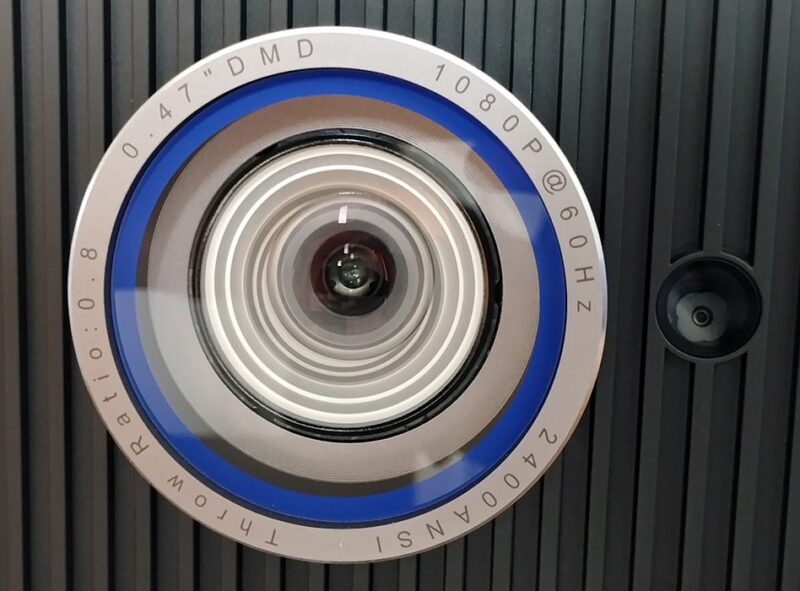
This projector is solidly built. It has a dock for the Touchboard on the top, with contact pins for charging. There are various inputs that you would expect, including HDMI, USB 2.0 & 3.0, Wi-Fi, and Ethernet/LAN. Additionally, it has Airplay/Chromecast/Miracast support built in. But most unusual of all, it has a rear-facing camera built in, which is how it does its all-in-one conference-calling magic. The machine uses a fork of Android called StarryOS as its operating system, to help you navigate the features.
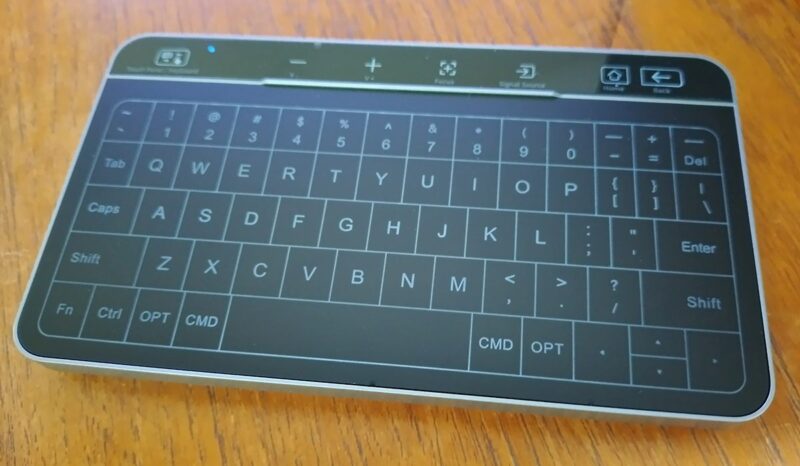
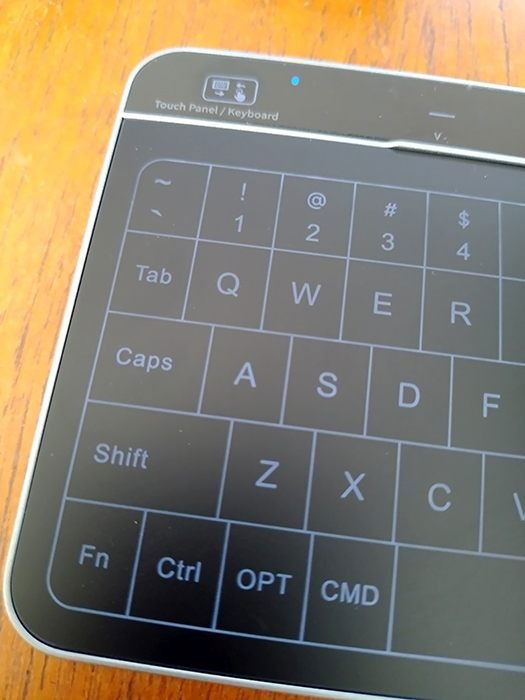
The Touchboard is a proprietary remote control trackpad device with an illuminated keyboard that you can toggle on. When not in your lap or on the table, it is best stored magnetically on top of the StarryHub, where it activates sleep mode. It also sits here to charge (connected to contact pins on the top of the StarryHub).
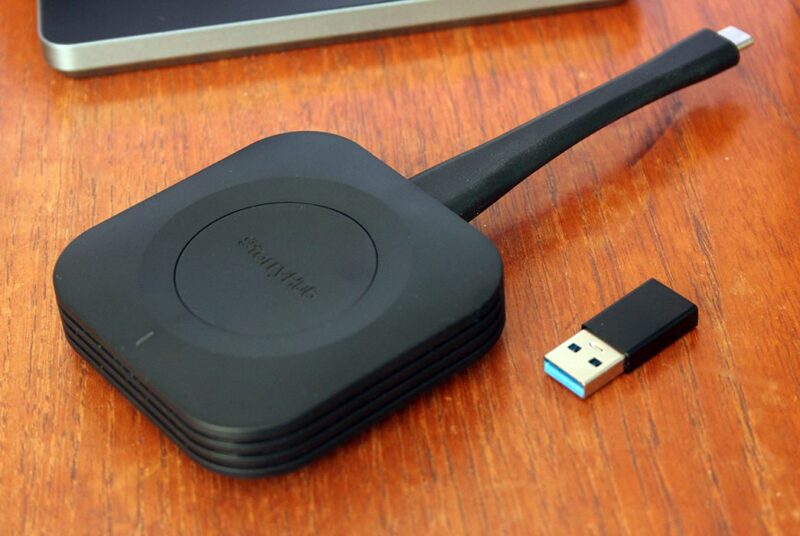
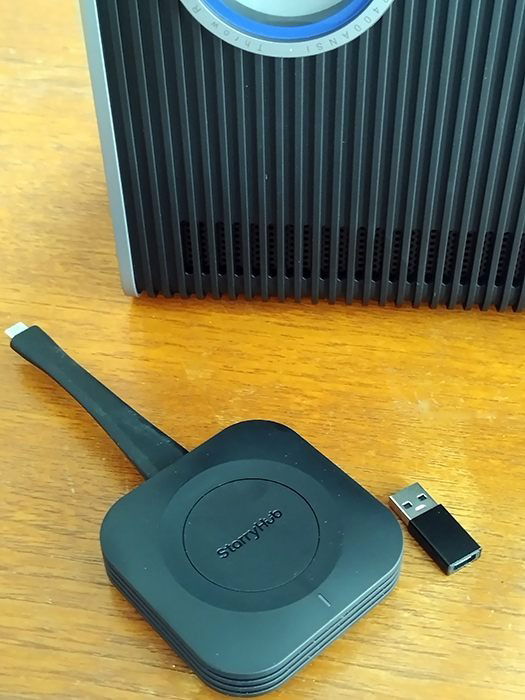
The ClickDrop device included with the kit is a way to plug in via USB and wirelessly stream the StarryHub to the computer it is plugged into. It all comes in a neat black box with really thick foam. Your CZUR StarryHub projector will arrive in good condition, no matter how rough the journey.
Setup and Configuration
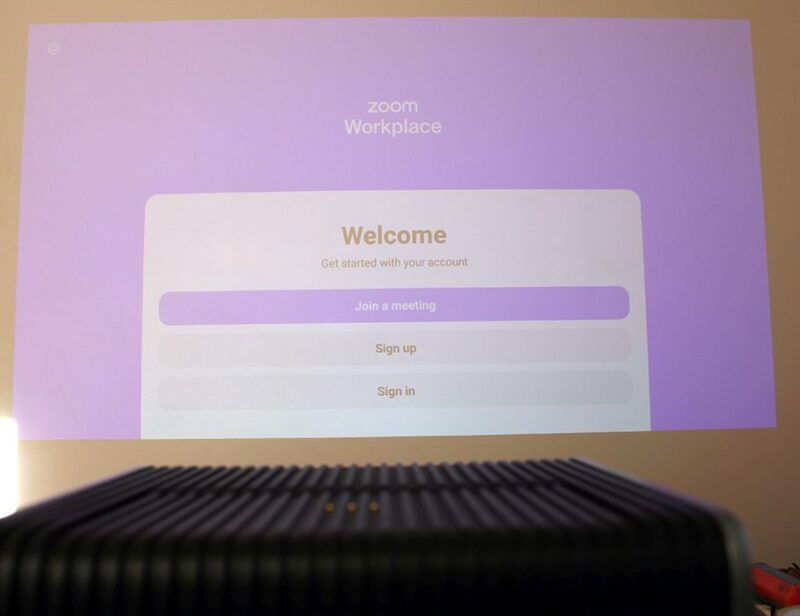
The whole point of a device like this is that it’s easy to set up. Busy execs want to pull it out of the box and get it ready for the meeting without a lot of technical faffing about. It’s as plug-and-play as it can be. Because it’s basically an Android device, you start by installing apps like Zoom, Teams, and Meet, and you’re off and running. The only other connectivity you need to worry about is a direct connection via HDMI or the ClickDrop streaming device.
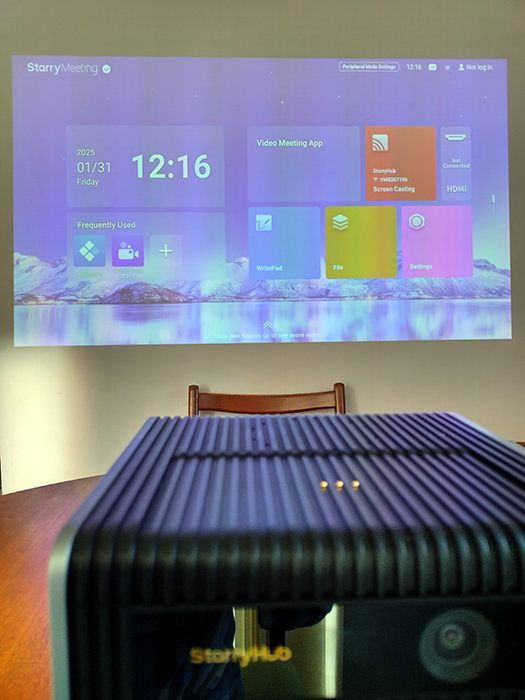
Before it can be used, the ClickDrop must be paired. Plugging it into the StarryHub via USB will kick off the pairing process. When it’s done, it will show “Pairing is Complete” on the screen, queuing you to unplug the ClickDrop and plug it into your laptop. The ClickDrop will start seeking the StarryHub and will alert you when it’s connected. This allows you to share your laptop screen simply by clicking the button on the ClickDrop.
To position the projector, the optimum distance is about 1.8 m (~ 5 ft. 10.866 in.) for a screen size of about 100 inches, but you can move it backwards for a bigger (but progressively fainter) screen. For most uses, 100 inches is large enough. Extending the foot allows auto keystoning to set the tilt or up-and-down position. It examines the angle of the projector and adjusts the screen to make it flat and square. Pretty neat. I found leaving the projector on its feet was fine and felt no need to tilt it up, but your mileage may vary.
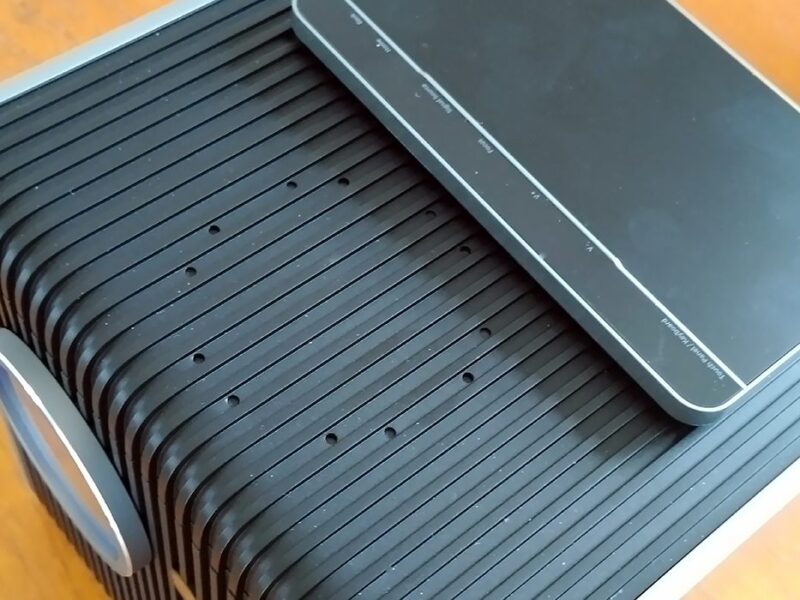
Audio capture is handled by an impressive AI omnidirectional microphone array, which collects voices and removes ambient noise.
Using the CZUR StarryHub Projector
The visual quality of the projection is really nice. Although the entirely respectable power of 2200 ANSI lumens and 1080P is more than a match for normal indoor daylight, the quality is better the less light is reflecting onto the screen. This is a trade-off; obviously, if you are watching a presentation or a movie, then you should lower the lights or pull the drapes a bit.
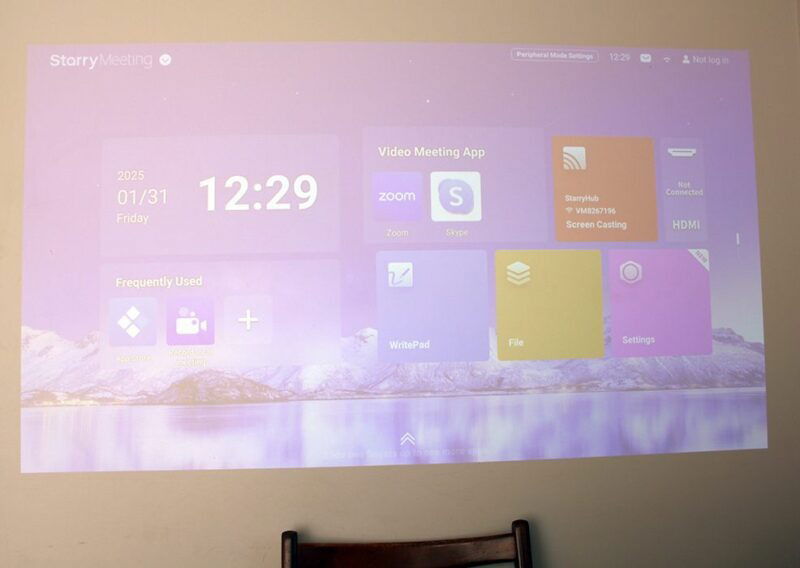
Auto keystoning means you can just about set the CZUR StarryHub projector at any angle, and the screen on the wall suddenly pops flat, square, and level. Setup is stress-free and easy enough for anyone to do, despite any personal technical deficiencies.
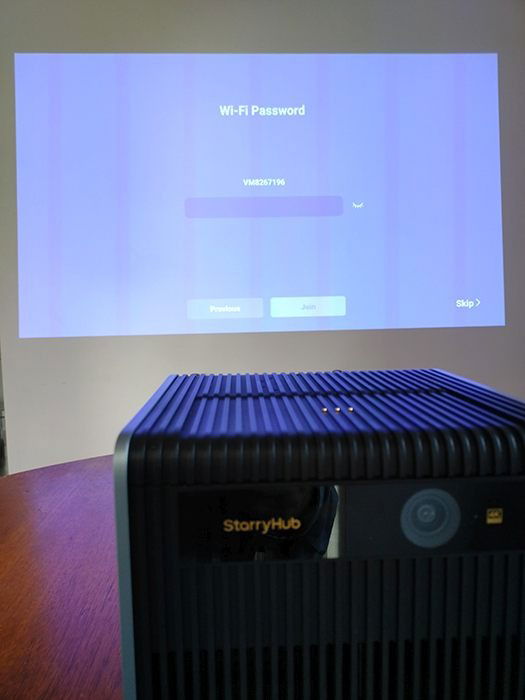
What matters in this setup is the audio collection system: the microphones. If you can’t hear what people are saying, then you’ve failed to have a productive meeting. It has to record audio in various rooms, with multiple people talking at different distances – and sometimes talking all at once.
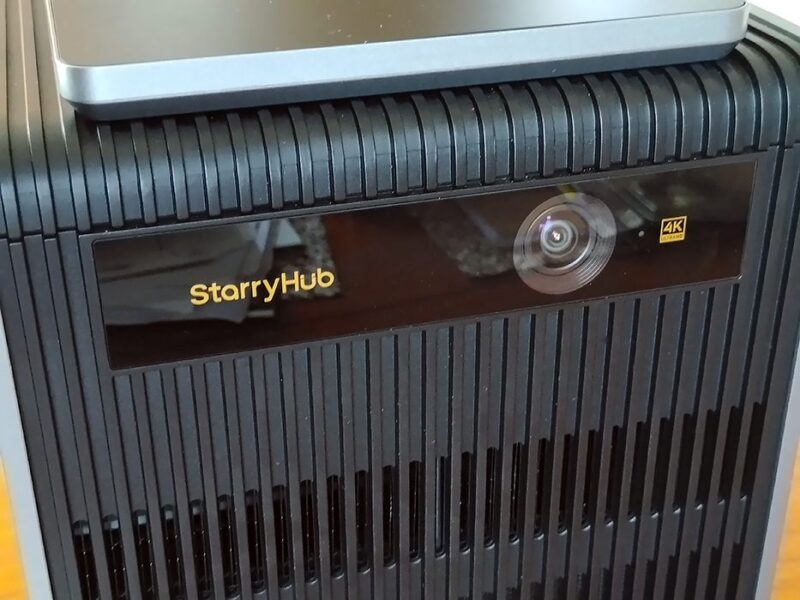
The microphone array does a very good job of collecting voice content from its very wide field of view. You can stand close to the projector or at the other end of the room, and the voice will be clear and intelligible. It also does an astonishing job of removing any ambient non-voice noise.
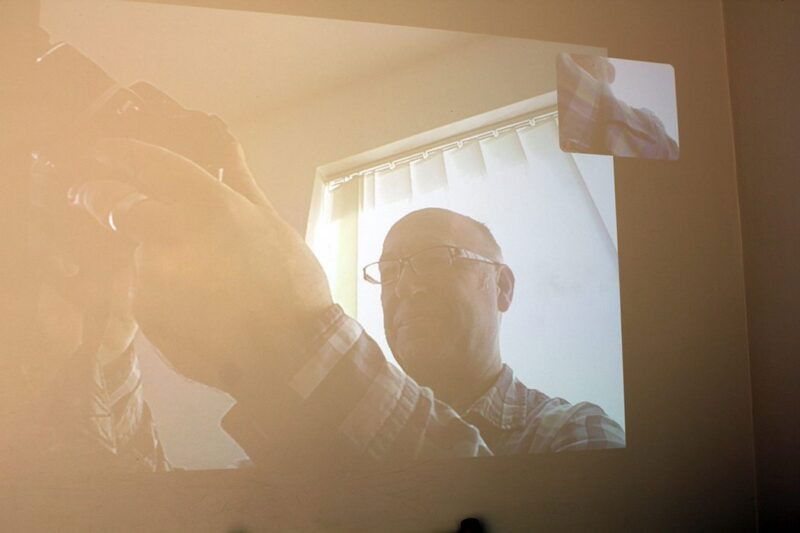
The rear camera is an autofocus 1080P unit with a wide 120-degree angle of view. It will easily take in your entire room, and depending on the lighting, you’ll be able to see all of a whiteboard with enough detail to read what’s written on it.
My Thoughts
Taken as a whole, the CZUR StarryHub is a great piece of office machinery, removing the need for separate projectors, wiring, speakers, microphones, etc. It even stores in one easy-to-position and carry case. It’s easy to set up, of good quality, and performs the task for which it was bought pretty much flawlessly.
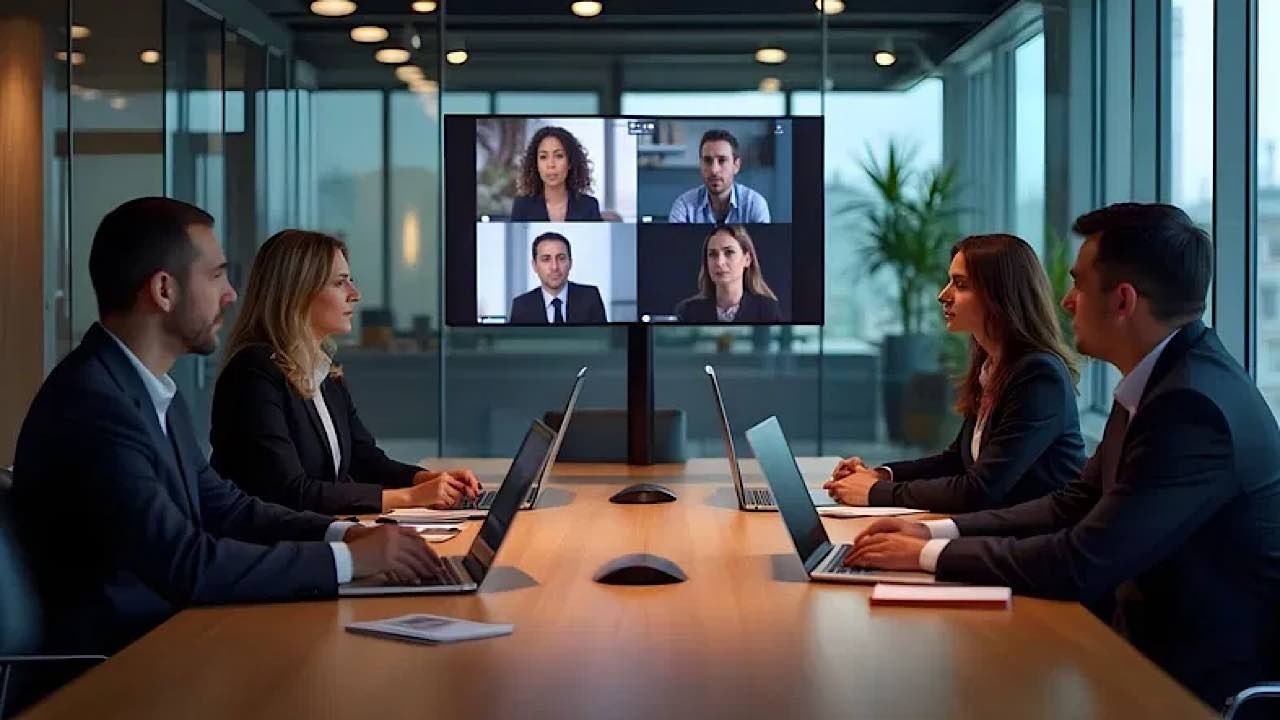
Where this device scores big is in corporate environments, the kind of meetings with four to five people in one location and four to five in a distant location, who need to have regular meetings once or twice a week, which may involve many things that need to be shown and discussed.
The negatives I could identify are: a) the internal speakers are a bit thin for my taste, b) I found the Touchboard a little bit fiddly, and c) there is a limited range of apps in CZUR’s app store.
In the case of the speakers, this could be deliberate to enhance voice quality. Also, I’m assuming more power could interfere with the microphones’ noise-cancelling. Either way, if you need better speakers for presentations or showing movies, you will need to use external speakers. That’s typical of most projectors with internal speakers. The internal speakers are only meant as a basic form of sound reproduction.
The Touchboard was not easy to see in a brightly sunlit room, and this made it hard to find the illuminated keys of the keyboard. In a slightly dimmer room, like an office conference room with curtains drawn, this would be easier to see. Also, it’s easy to hit the BACK key when you mean BACKSPACE, which takes you out of the app rather than deleting the last thing you typed.
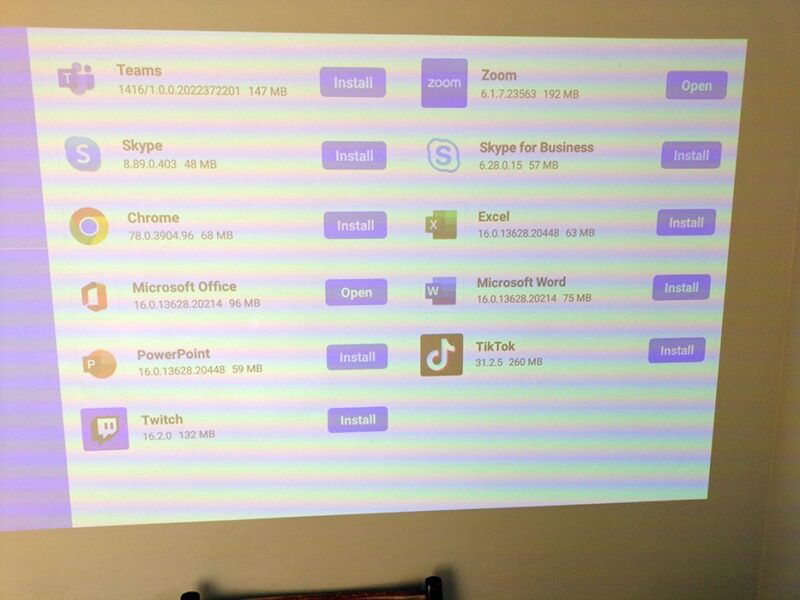
As for the apps, the ones they feature in their app store work properly with StarryOS, except in my case, Skype, which produced a message saying it needed to be updated. I couldn’t find any details on how to do that. (This may be fixed in a firmware update.) On the upside, you can navigate to Google Play on Chrome to install apps. There are no guarantees they will work, so you will just have to try them.
I found most things worked, but processor-intensive apps like YouTube were prone to freezing, which is odd considering the projector is intended for streaming video. This may be a YouTube issue rather than a CZUR issue.
In summary, despite the few minor downsides, this is an excellent projector for meetings. The mics pick up voice at up to 10m (~ 32 ft. 9.7 in.) away from the camera, which would cover a large conference room. You will have to play with the lighting in the room. What it does very well is got you set up for a meeting in seconds, without cabling, microphones, cameras or any other clutter. It’s worth the price for that alone. As it is, it’s also a decent quality projector and camera, too.
Availability
The CZUR StarryHub is a great all round business projector that plugs and plays and is very easy to use in a range of office environments. The quality of the projection is very nice and bright, the quality of the rear camera is good, especially given that most offices are poorly lit, and the microphone array tries its best for no discussion to be lost in noise. It is priced at the time of writing at $999.
Subscribe to our newsletter!
Our latest tutorials delivered straight to your inbox