What we like
- Uploads very quickly
- Easy to set up
- Looks beautiful in any decor
- large storage space with 32 GB
- Has all necessary functions
What we don’t like
- Doesn’t turn on/off when you enter/exit the room
- No way to organize the photos into folders
- Doesn’t work on iPad
Nearly every one of us carries hundreds of memories with us in our pockets/bags. Our smartphones can hold many photos and videos, and we always have them with us to capture our special moments. If you want to have them available to you on a larger scale and display them for everyone to see, you need an Arzopa D10 Digital Photo Frame to relive your best memories.
A Beautiful Frame for Your Beautiful Memories
I have always wanted a digital photo frame. I’m not sure why I never had one before, as they aren’t terribly expensive. But now that I have the Arzopa D10 Digital Photo Frame, I can’t imagine living without one. I really enjoy reliving my memories through my photos and videos, including pictures of my family, vacation pictures, selfies of myself and others when we’re enjoying a night on the town, etc.
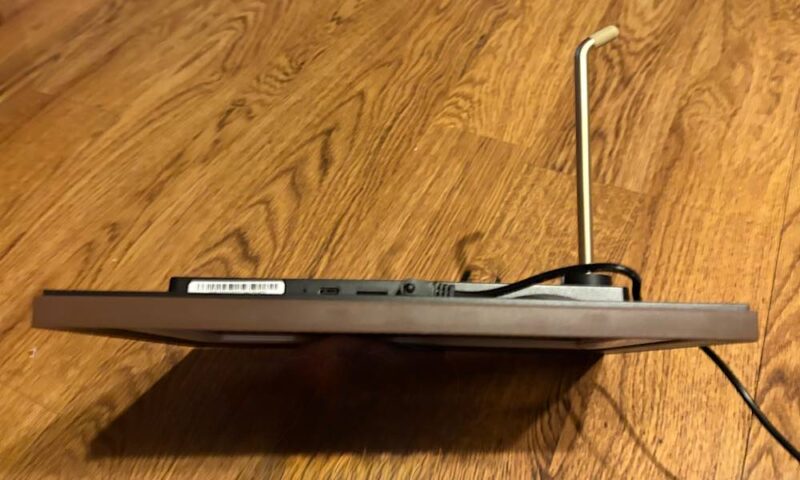
The Arzopa D10 fits into your decor like any other photo frame. It doesn’t look at all like an electronic gadget. The front includes a 10.2” wood-toned frame. I honestly have no qualms displaying this anywhere in my home. The back features what they describe as a phonograph design. I think of it as a record player, as in the device I used when I listened to music for the first 25 years of my life. I don’t understand the connection to a photo frame, however.
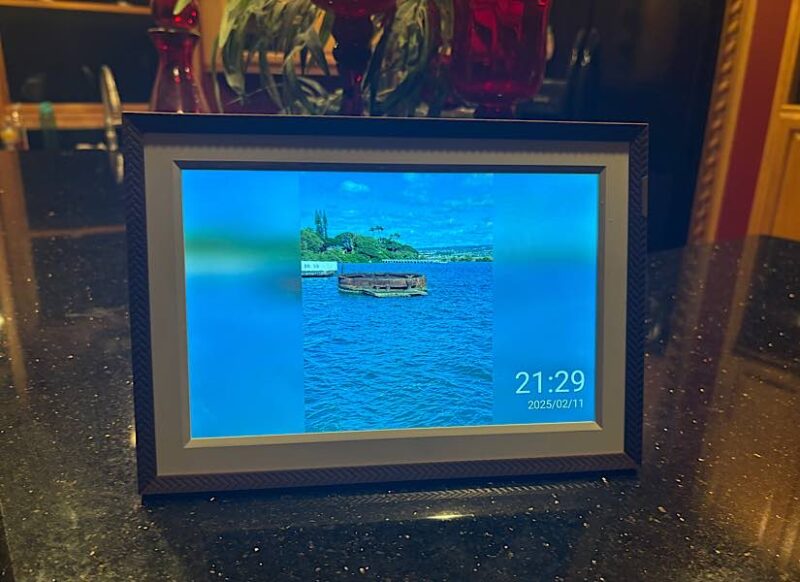
The frame can sit on a desk or shelf or be hung on the wall – wherever you’d like to place it. It can be used in portrait or landscape position. Currently, it’s sitting in my kitchen. But we’re in the middle of redoing our downstairs after a water heater flood, and I think the D10’s permanent home will be in my new bedroom.
When I share photos and videos with my family and friends, whether through text or AirPlay, I’m limited with how many I can send at once. I don’t have that problem with the Arzopa D10 Digital Photo Frame. You can send an unlimited number of photos and videos at once. Your friends and family can share media to your frame as well. Your only limitation is the large 32 GB capacity.
Add Memories, Stir, and Enjoy
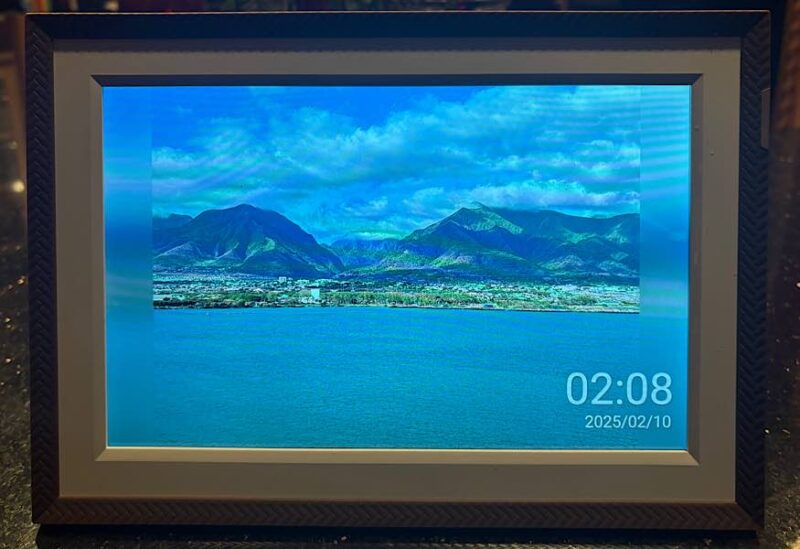
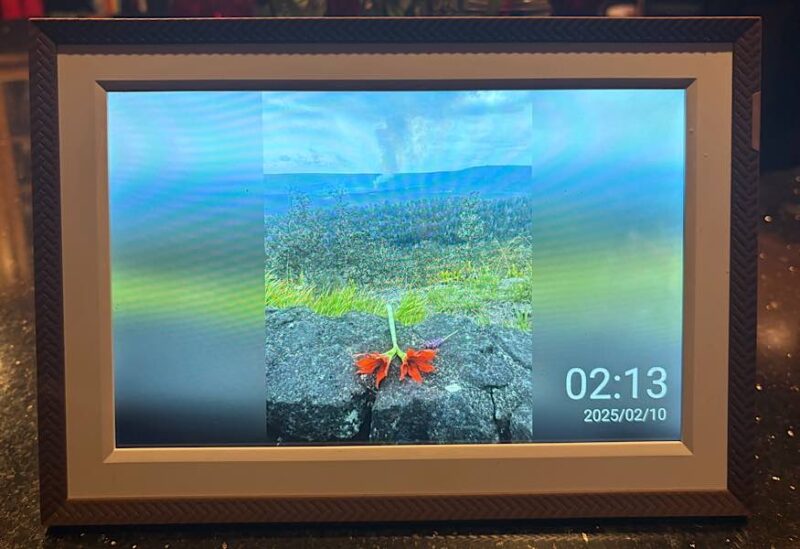
I received the Arzopa D10 Digital Photo Frame at a great time: I had just returned from a 17-day Hawaii cruise. I witnessed many great things, including an active volcano, whale-watching, and the Grand Canyon of the Pacific. I have beautiful photos and videos that I wanted to display.
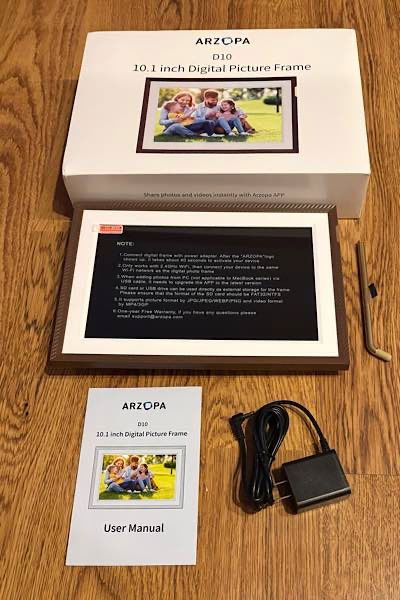
The box for the photo frame includes everything you need, which isn’t much. It includes:
- Digital photo frame
- Kickstand
- Electrical cord
- User manual
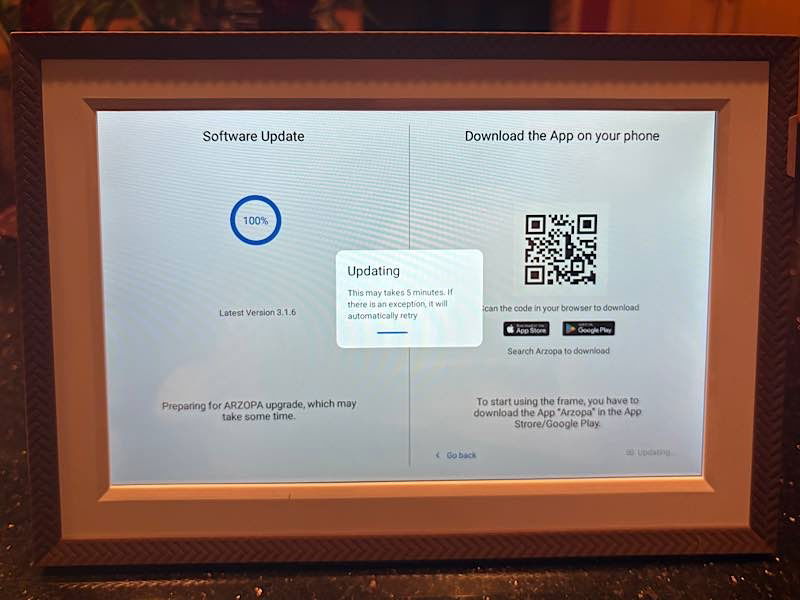
That’s literally all you need, other than the app to manage the photos. The app can be downloaded from the App Store or Google Play. It worked great on my iPhone, but it was disappointing to find that it would not work on my iPad Pro.
Setup
You can plug your PC into the frame to transfer pictures through USB-C, and you can also transfer them via a microSD card slot, but it’s set up to work well with mobile phones.
Turning on the frame allows you to choose your desired language and connect to Wi-Fi in the usual ways. Then, once you download the app and adjust the settings, the app tries to connect to the frame. It kept dropping the connection and saying there was no Internet, but after waiting a few days, it recognized the Internet and connected.

At this point, you can either add your photos and videos or prepare the frame as a gift. That’s right: you can set up the frame so that when your recipient opens it, they will have this frame preloaded. That would be quite a gift for Valentine’s Day!
Adding and Sharing Photos
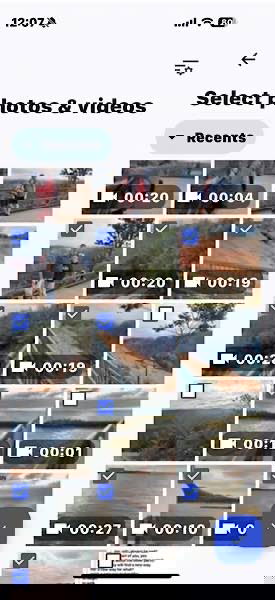
It was very easy to share photos and videos to the Arzopa D10 Digital Photo Frame. Again, you can share as many as you want at once. I’m a prolific photo snapper and video filmer on vacations. We saw such amazing things this time with the active volcano, whales, and beautiful scenery, that I took many videos and photos. I was able to share all of them in one go. And I don’t think it even took 10 minutes. That was amazing.
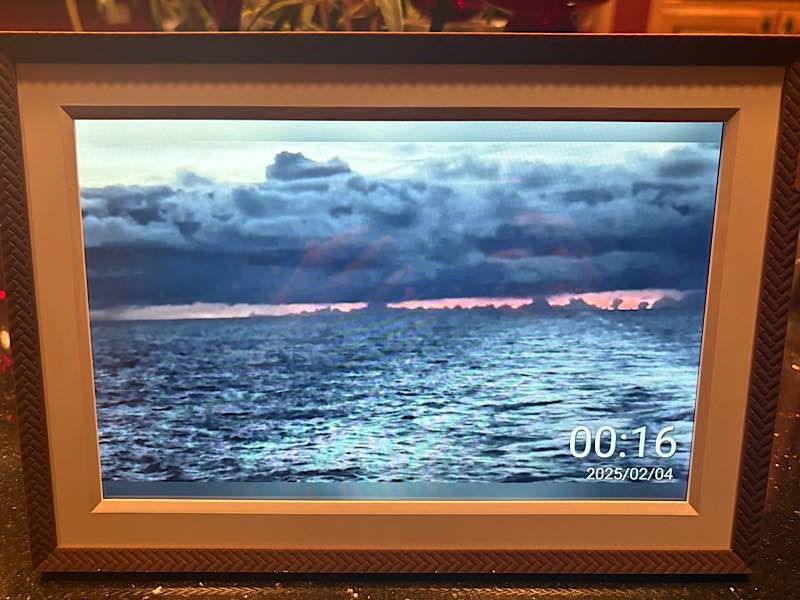
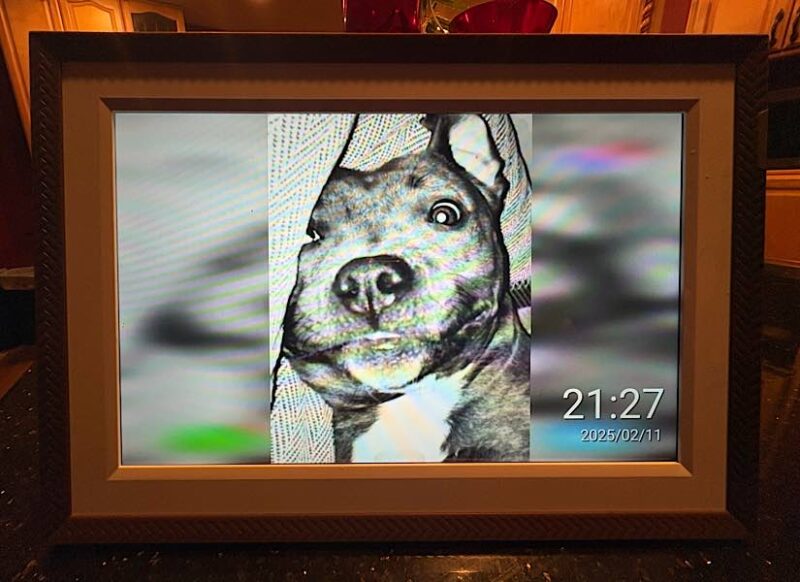
One setting I made sure to change was the volume. It was very loud, and with the number of videos I added, I really needed to turn down the volume. Moving on to the picture, the frame has a noticeably excellent display. It’s very sharp, on both the photos and videos. It also displays the time and date in the lower-right corner of the screen.
It was very easy to add more photos and videos. You just have to click the add button in the app. This worked great, except it started syncing all photos, including the ones on my iPhone that didn’t belong in a collection of my vacation memories. Nevertheless, it was quick.
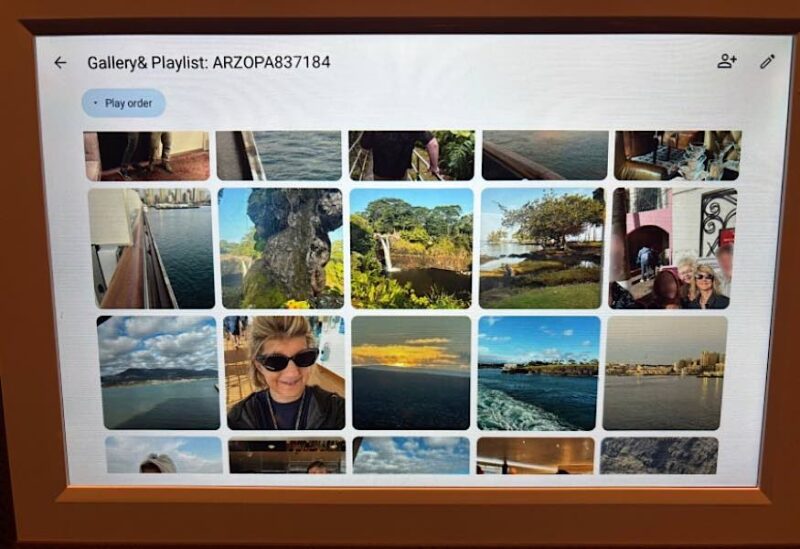
It was also very easy to delete those photos I didn’t want. Incredibly, I had 233 photos and videos on there, and it was only taking up 4.26 GB. I have room for so much more.
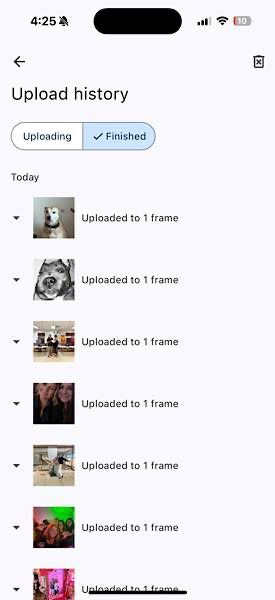
There are two options for others to share photos and videos to your frame. In either case, they also need to download the app. Once they have the app, either you need to supply them with a QR code to scan with the app to connect with your frame, or they need to sign in with your email and ask for the verification code, which will be sent to your email, then sign in with that. Either way, there needs to be a few exchanges back and forth.
I found it easier to use the verification code method with my friend. Once signed in, she was able to easily add photos from her phone. This made them immediately sync to my app. They did not immediately appear on the frame. I was able to select the ones I wanted to appear on there, delete ones I didn’t, move them around, etc. Once I was done, though, they immediately appeared on the frame.
My Thoughts
Overall, the Arzopa D10 Digital Photo Frame did what I wanted it to. It displayed my memories in a way that I wanted. I can add whichever photos and videos that I want to, and I still have much more room to add more. Although, videos are limited to 15 seconds each. Plus, it’s a beautiful frame, and the screen has great clarity. I would happily display it in any room in my home.
But the speed at which it adds the photos added to the fact that you can add an unlimited amount at one time, as long as they fit within the 32 GB, are truly selling points. There’s no sitting there babysitting the frame and your phone while you wait for them to load. But if you do choose to sit there, you can edit the photos in the app. You don’t need to go back to your phone’s photo editor.
But while it is everything I wanted, there are some things that could be improved to make it even better, things that it should have. Some digital frames will turn on when you enter the room and turn off when you exit, but the Arzopa D10 doesn’t do that. It would also be nice to have options for changing the color, style, etc., of the date and time.
Additionally, it would be great to have folder options for grouping the photos and videos. Instead of having to turn them off and on, it would be great to be able to turn on this folder or turn off that folder, depending on which photos and videos you want to see that day.
Additionally, there are a few disappointments. I wish there was a way for others to share their photos with the frame without them having to sign in to my account. I don’t really want others to have that access, but I would like for them to be able to send some photos of times we spend together. It was also disappointing that the frame didn’t work with my iPad. I would have preferred to manage the photos and add them from there, as well as retaining the option to add them via my phone when I don’t have my iPad with me.
If you aren’t looking for extras and just want an easy-to-load digital frame that will look beautiful in your home, consider the Arzopa D10 Digital Photo Frame. As mentioned earlier, it also makes a great Valentine’s Day gift, and they’re running a holiday promotion on their website, where you can win prizes until February 28. You can get the frame now for $119.99, a 25% savings.
Subscribe to our newsletter!
Our latest tutorials delivered straight to your inbox