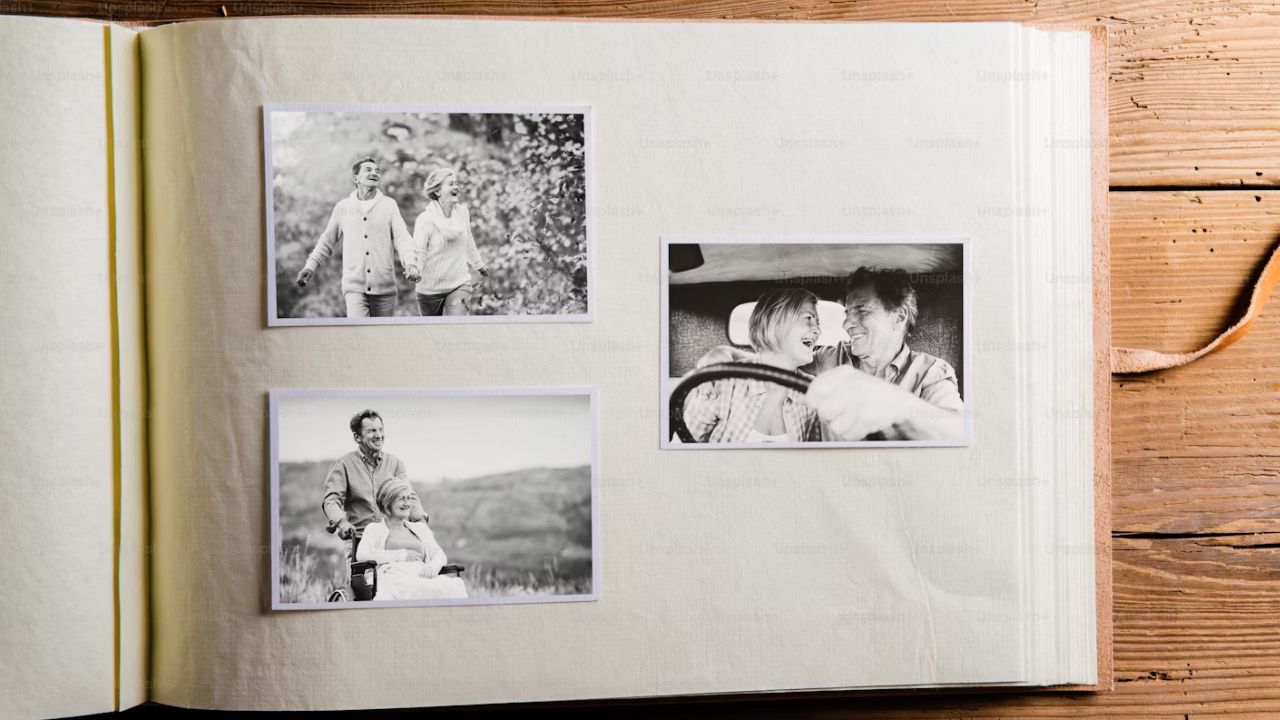
Got a stack of old pics gathering dust? You don’t need a fancy scanner to bring them back to life as your smartphone can do the trick. Using smartphone apps to digitize old photos is quick and easy and lets you preserve those memories without hassle. Whether it’s a faded Polaroid or your entire family album, you can always get an app to digitize them. So, let’s explore five solid options to help you get those old pictures digitized in a breeze.
Best App to Digitize Old Photos: Google PhotoScan
Google PhotoScan is one of the best apps for scanning and digitizing old photos. It’s a free gem from Google that tackles glare like a champ, giving those glare-free scans.
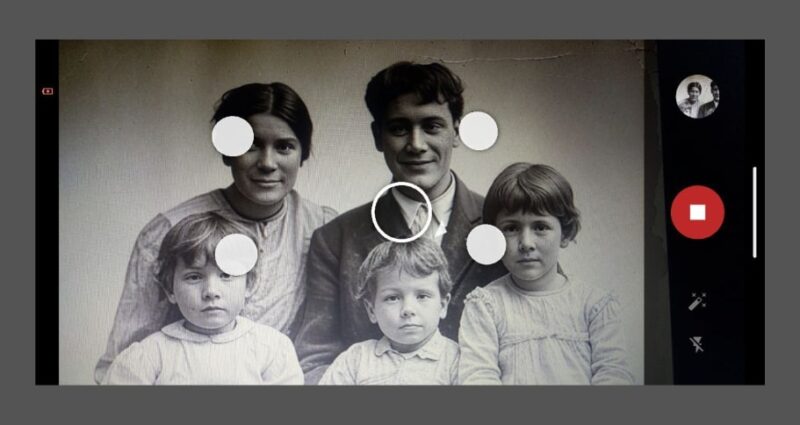
You snap a photo, then follow prompts to move your phone around and take extra shots. Then, the app stitches them together, removing reflections and giving you a clean and crisp image.
Also, it ties right into Google Photos, ensuring cloud sync if you’re worried about older Google Photos getting corrupted. However, it’s not ideal for batch processing because the multi-shots take long to process. Hence, slow for quick jobs.
Best for Batch Digitizing: Photomyne
Do you have a whole album to scan and digitize? Photomyne is your best bet. This app is fast, simple, and excels at batch scanning. You can snap an entire page of photos, and it will auto-split them into individual files.
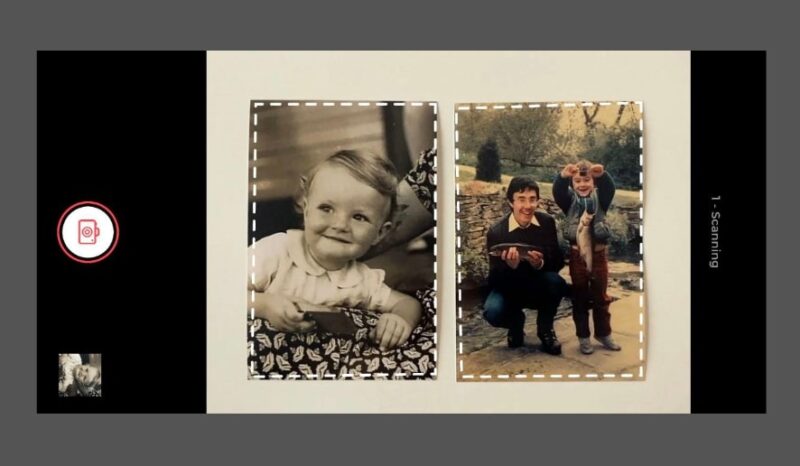
Also, it has some basic enhancement features to boost the results. However, you can further colorize black-and-white shots with GIMP after.
While the free version is solid and works fine, you may need to subscribe for features like unlimited saves. Also, it’s less focused on single-photo quality and more about bulk processing.
Best Multipurpose Scanning App: Adobe Scan
Unlike the first two, Adobe Scan is a bit of a wildcard – known for documents, but perfect for photos, too. Simply point your phone and snap, and it auto-crops and enhances the image.
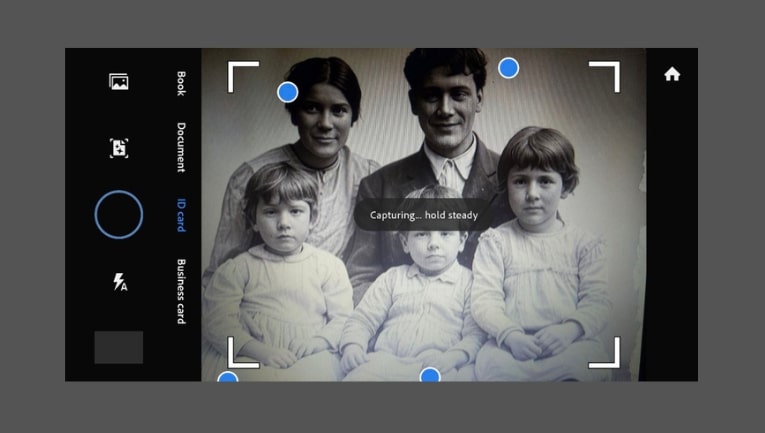
It also allows you to tweak brightness or contrast before saving the file. The free version is excellent and even syncs into Adobe’s cloud if you want that.
With its editing tools and cloud storage, it’s a solid and reliable app to digitize old photos. However, it doesn’t handle glare well since it’s more focused on documents.
Best for Microsoft Ecosystem Integration: Microsoft Lens
With Microsoft Lens, you get a free app that gets the job done. It has a dedicated “Photo” mode to help scan and digitize old photos. Simply line up your shot, snap, and use the app to crop or adjust as needed.
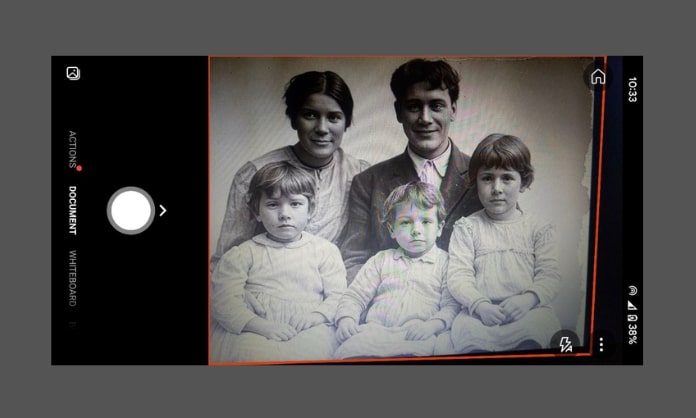
In addition, it saves directly to your gallery or OneDrive for cloud storage. If you’re already in the Microsoft ecosystem, this is a solid choice.
Although it doesn’t have photo-enhancement features like glare removal, it gets the job done by being easy and straightforward.
You don’t need to feel left behind if you’re an iOS user; you can check out how to scan with your iPhone.
Fastest to Digitize Old Photos: CamScanner
Not many people are familiar with CamScanner’s photo-scanning ability. Simply take a shot, and the app auto-crops and applies filters to enhance it.
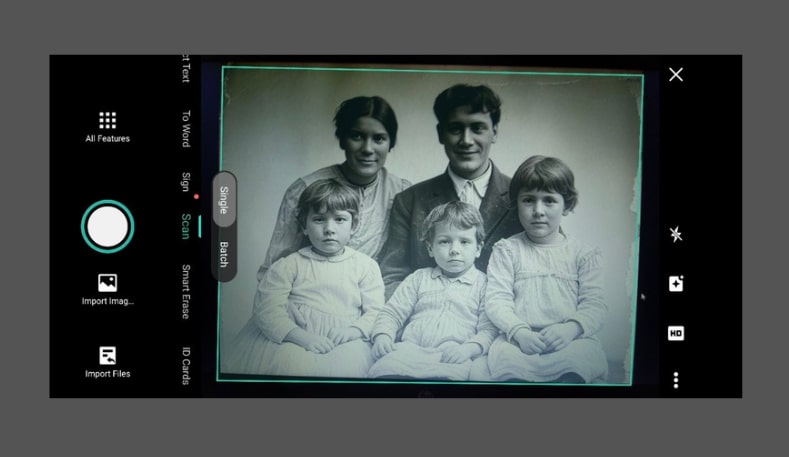
While the free version is solid, you’ll need the premium version to get the more advanced and fancy features.
In addition, the scanning process is fast and reliable. Considering the quality of the free-tier work, you wouldn’t know it isn’t tailored for photo scanning. However, it lacks glare removal, which may be a dent in an otherwise perfect photo-digitizing app.
So there you have it – five top apps to digitize old photos right from your smartphone. Once you’ve got those photos digitized, you can turn your smart display into a photo frame to show them off. Pick the apps, try them out, and tell us which is your favorite in the comments.
Image credit: Unsplash and all screenshots by Henderson Jayden Harper