Streaming music doesn’t have to cost you hundreds every year. Instead, stream music free legally and skip the expensive subscriptions that seem to just keep going up year after year.
1. Spotify Free
Available for: Windows, macOS, iOS, Android, Web
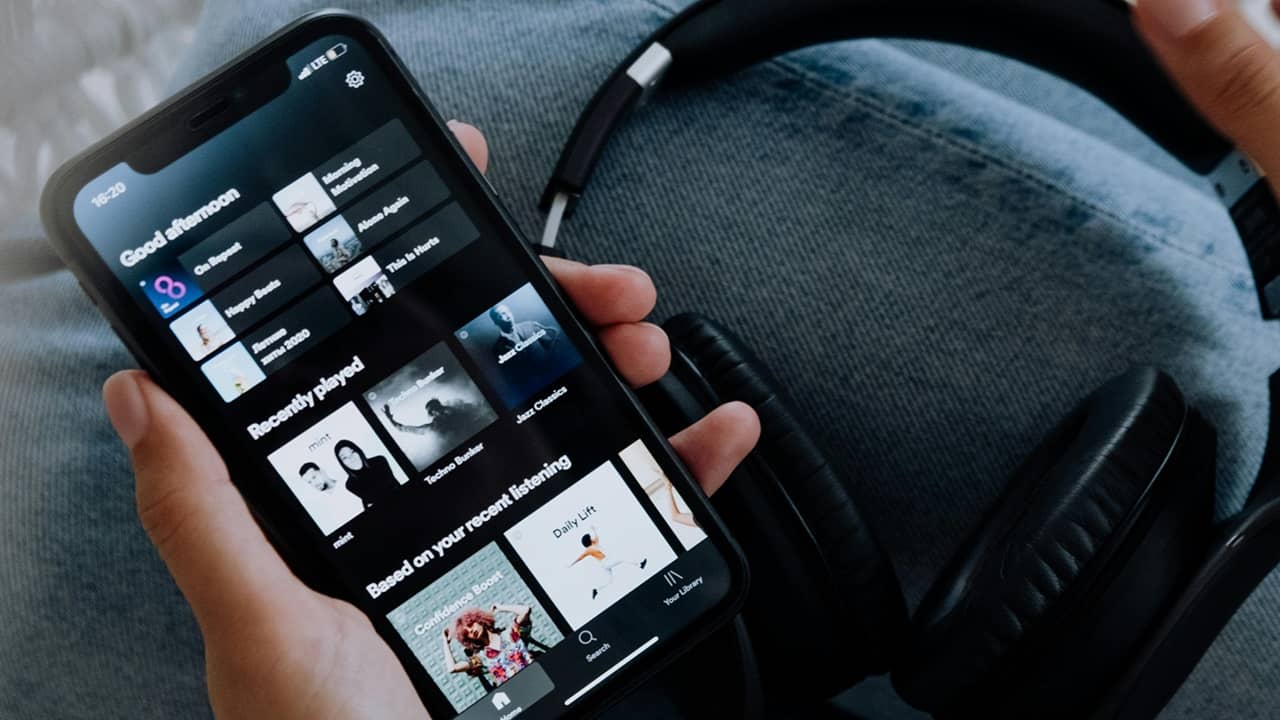
Spotify is mainly known for its subscription service, but did you realize there is a free version? Yes, I know the ads can get rather annoying, but if you just want to stream music for free, Spotify lets you, but you do have to create a free account.
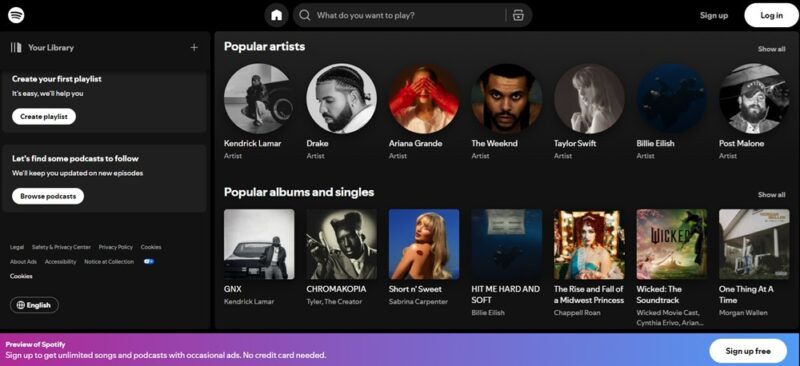
You won’t get as many features as the premium version of Spotify, such as offline listening and organizing a playlist. I used it for several years before subscribing, though, and I loved having all my favorite albums at my fingertips. You can even use a few tricks to improve your recommendations. And, if you’re ready for a premium service, either upgrade or try these Spotify alternatives.
2. YouTube Music Free
Available for: iOS, Android, Web
YouTube Music Free works similarly to Spotify Free. You get access to the entire music catalog, but you have to deal with ads. I do like that I don’t have to create an account to listen. Of course, no account means that I can’t save anything either.
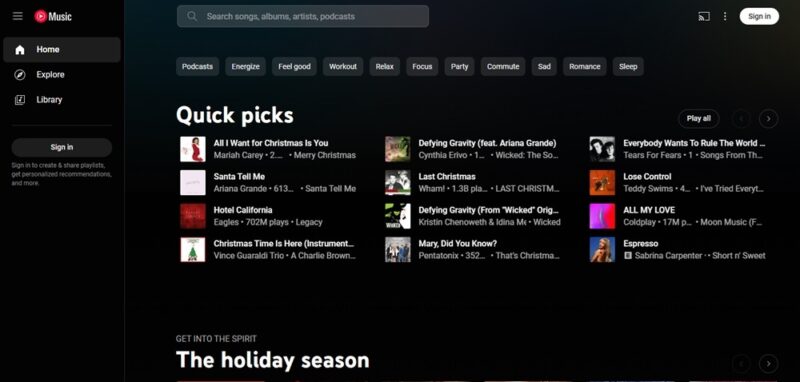
Unlike Spotify, YouTube Music doesn’t have desktop apps. However, you can use the PWA version (progressive web app) through your browser, and create a shortcut on your desktop.
3. Jango
Available for: iOS, Android, Web
Jango was a hidden gem I found long before I started using Spotify. Why did I love it so much? Ad-free. Yes, I could stream music free legally and without ads. The service has various curated stations, or you can create your own based on an artist or song.
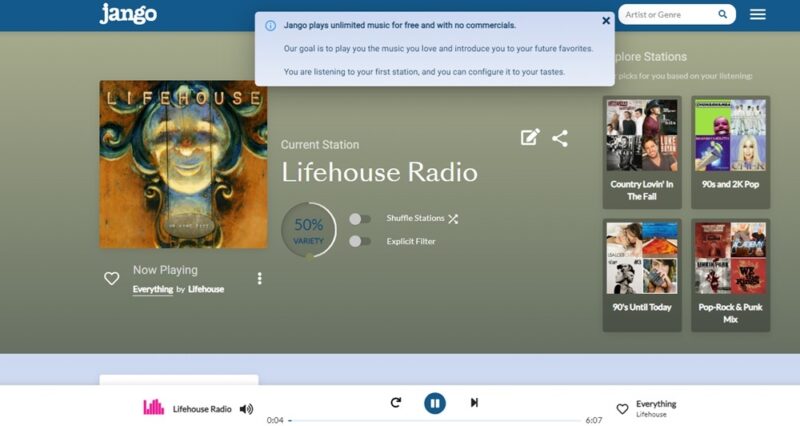
I could customize my stations (which I can save for later) by liking or disliking songs and artists. The downside is that you can’t just pick an album or song to listen to. It’s just stations, but it’s free, and there aren’t any annoying ads. Plus, sometimes you get to hear upcoming artists before anyone else.
4. Jamendo
Available for: iOS, Android, Web
Love independent artists? Check out Jamendo. You won’t find mainstream artists here, though I’ve found a few songs here and there. Instead, this is all about finding the next great independent artists. The platform boasts over 500,000 tracks submitted by 40,000 artists around the world.
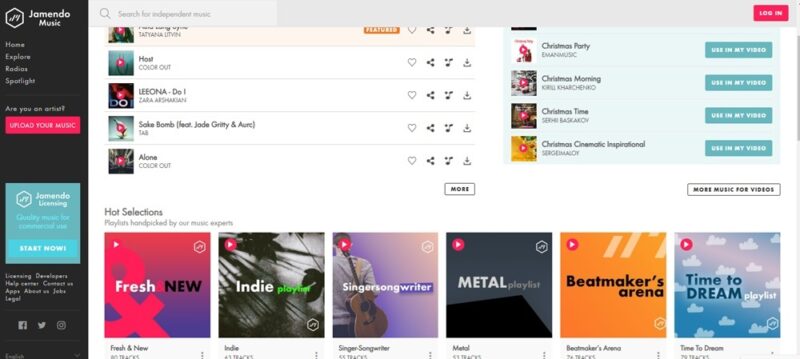
Before I had unlimited high-speed Internet, I often turned to Jamendo because I could also download songs for free. Now, it’s just a great way to stream independent music. Personally, I recommend checking out the curated playlists to find something new.
5. iHeartRadio
Available for: Windows, ChromeOS, iOS, Android, Web
iHeartRadio works on a wide variety of devices, from mobile, to gaming systems and much more. If you like a more traditional radio experience, this is easily the best way to stream music free legally. Check out live local radio stations, curated stations, and artist-inspired stations.
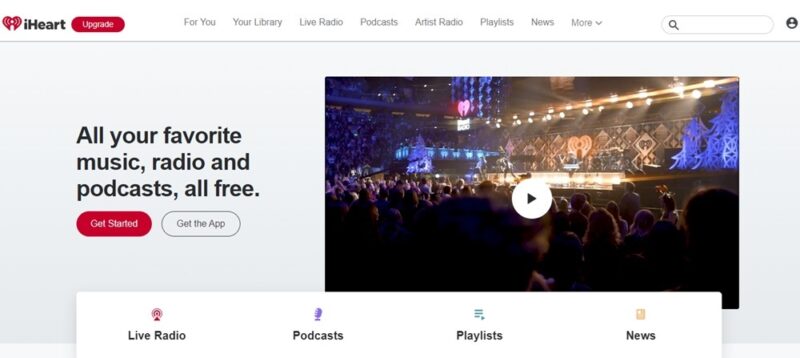
Another nice feature is podcasts. There’s a surprising number of free podcasts, along with tons of music news. The downside is that there are ads. Premium plans let you skip the ads, outside of live stations. And, you only get limited skips in the free version, which can be annoying sometimes.
6. SoundCloud
Available for: Windows, iOS, Android, Web
SoundCloud is similar to Jamendo. Artists can upload their tracks and build a fan base. I have found more tracks from mainstream artists here, but it’s mainly for up-and-coming and independent artists. As you’d expect, the platform is ad-supported, but this also helps pay artists.
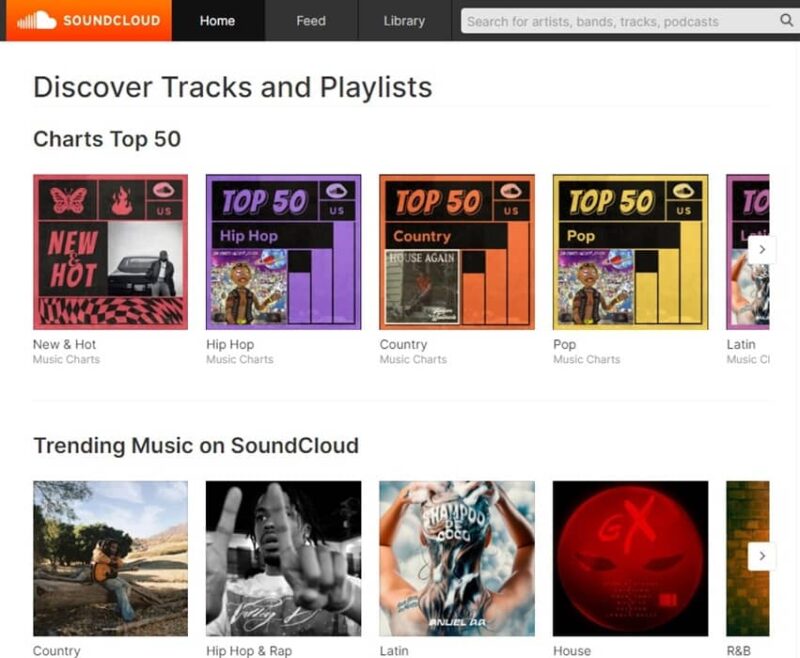
Of course, a premium version is available to eliminate ads, but I honestly don’t mind the ads here as much as other platforms. It’s a good balance that doesn’t disrupt the listening experience quite as much. While you can pick songs and artists, I love checking out the playlists to just stream and enjoy new music.
7. Pandora
Available for: Windows, iOS, Android, Web
My very first music streaming app was Pandora, which is now owned by SiriusXM. Enter an artist or song, and boom! You get a custom radio station filled with things Pandora thinks you might like. A simple thumbs up or down helps adjust the algorithm to your tastes. Overall, it actually did a great job of playing my favorites and introducing me to new artists and songs.
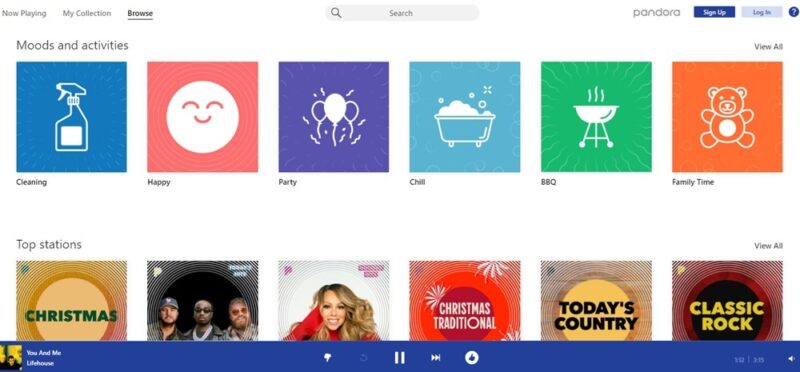
Admittedly, I stopped using Pandora a few years ago because the ads got far more frequent. Plus, I had to listen to ads just to skip songs. Premium eliminates those issues. Despite all that, it’s still free music, and that’s hard to beat. Plus, ample curated stations and some podcasts make it well worth trying.
8. TuneIn Radio
Available for: Windows, iOS, Android, Web
Much like iHeartRadio, TuneIn Radio is available on a wide variety of devices to help you stream live radio almost anywhere. In fact, iHeartRadio is on TuneIn Radio. You’ll find traditional radio, talk radio, podcasts, news, sports, audiobooks (find more audiobooks here), and more.
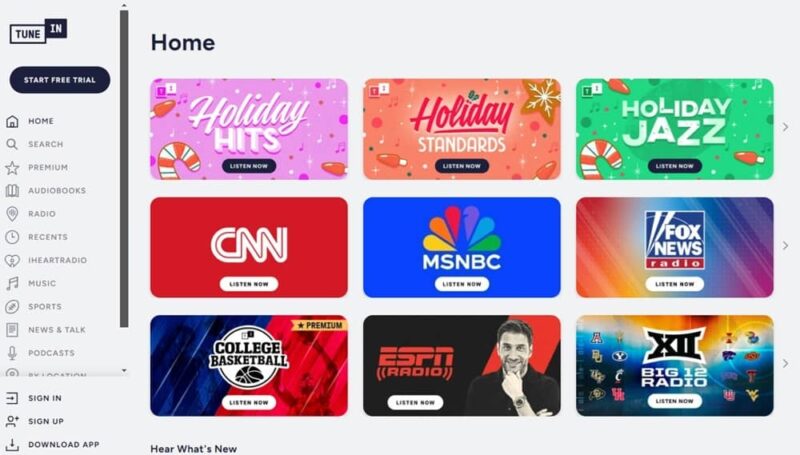
There are ads, and the free version doesn’t have nearly as many stations, especially sports and news, as the premium version. Overall, it’s far more limited than other free options on this list, but I’d recommend trying it just to see how it compares. Depending on your tastes, it could be the perfect option.
It’s easier than you think to stream free music legally and save on expensive subscriptions. If you use Chrome to listen to music, check out these Chrome music extensions for more control over your tunes.
Image credit: Pexels, All screenshots by Crystal Crowder.