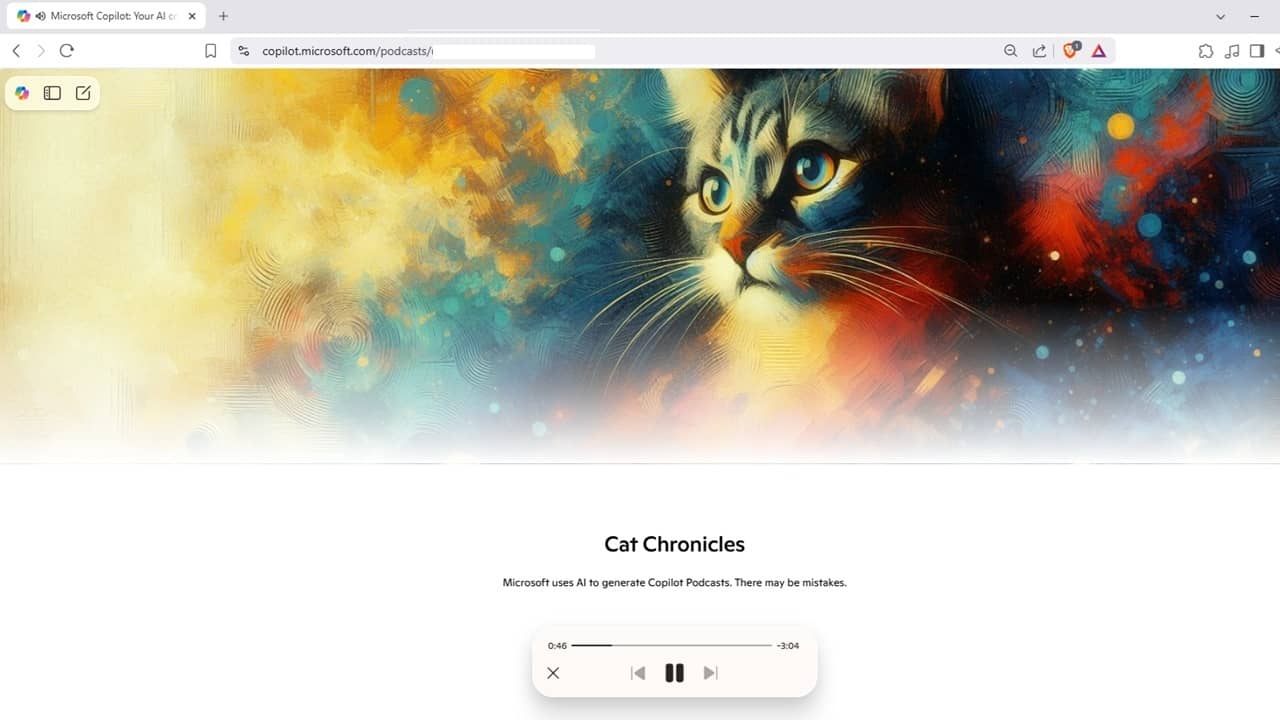
Are you having trouble finding podcasts that match your interests? You’re not alone. That’s why Microsoft launched Copilot Podcasts to help you create fully personalized podcasts all about your interests. It’s free for all users to try, though premium users get priority access and more requests per month.
Copilot Podcasts Limitations
Before you get too excited, there are some limitations. If you’re not signed in, you only get one podcast per month. If you’re signed in and free user, you only get a limited number of requests per week, though Microsoft hasn’t specified the exact number.
Pro users get almost unlimited requests per week, though excessive use may slow down request processing.
If you want to re-listen to a podcast, you’re limited to your last five. Microsoft is planning to add a dedicated section for all your podcasts in the future. For now, you’ll find podcasts on the Discover feed by tapping the Copilot icon in the app.
Another downside is you can’t share your podcasts with others. For Android users, record the audio if you want to share it.
Prompt Copilot for a Podcast
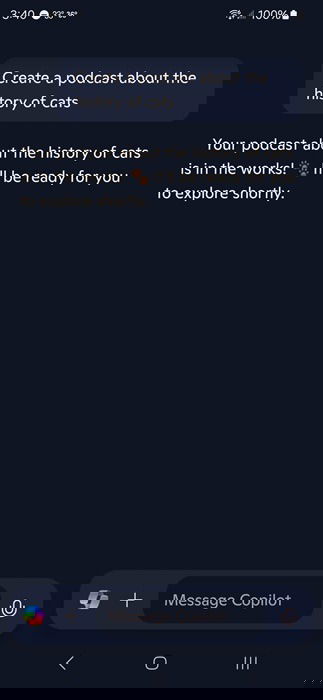
Anytime you want to create a new podcast, ask Copilot to either generate a podcast or create a podcast, along with your topic. You can be as general or specific as you want. When you use this prompt, Copilot tells you your podcast is in the works and will be ready for you shortly.
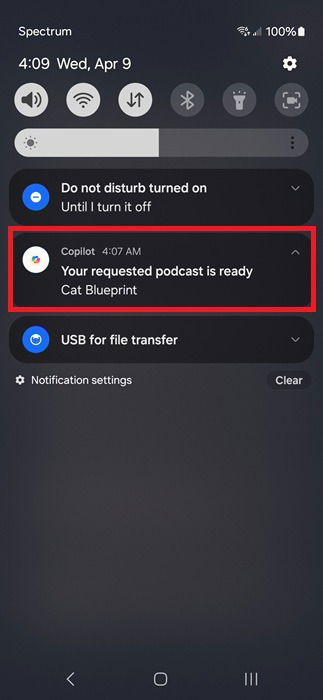
Make sure you have notifications turned on. This is how Copilot lets you know your podcast is ready for you to listen to.
In my experience, it took anywhere from a few minutes to over 30 minutes to get a podcast as free user. A few times, it didn’t work at all, but since it’s a new feature, expect some glitches.
Each podcast is approximately five minutes, though this may vary slightly.
Include Preferred Sources
In my original prompt, I asked for a podcast about the history of cats. While Copilot Podcasts worked well with that prompt, I could make it even more personalized by choosing some preferred sources.
While this isn’t required, it’s your podcast and you get control over where Copilot pulls information. In your prompt to create a podcast, including as many sources as you want. Ask Copilot to only use those sources or ask Copilot to make those sources a priority while still puling from others.
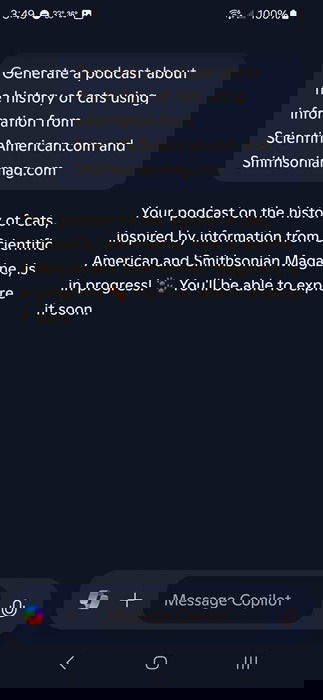
As an alternative, you can exclude sources. Don’t want a summary of a Wikipedia page? Tell Copilot to exclude it or any other site.
Interact During the Podcast
Unlike your typical podcasts where you’re just a passive listener, Copilot Podcasts are interactive. Got a question about what you just heard? Ask immediately and Copilot answers.
The podcast continues playing while you interact with Copilot. I’d suggest pausing it so you don’t miss anything.
Create Podcasts to Make Decisions
Many podcasts are designed to help you make important decisions, such as the best investments or where to go on vacation. The only problem is podcasts are personalized to your needs.
Copilot Podcasts lets you compare things and personalize the topic with other criteria. For instance, you might ask for a podcast about the best winter vacation spots within 500 miles for your location if you’re on a budget of $2,000.
Yes, you can get that specific. I recommend being as detailed as possible.
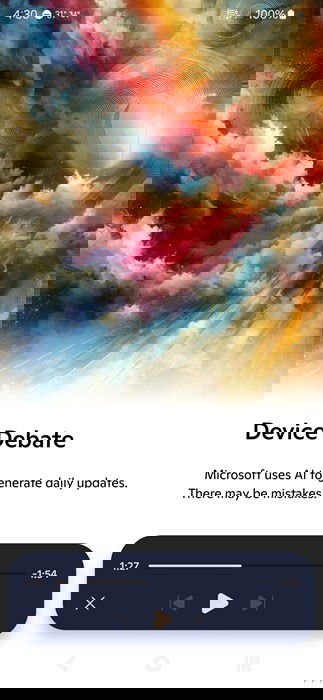
Use the same technique to help you compare items for a major purchase, such as two vehicles or choosing between Android and iPhone. I tried creating a podcast comparing iPhone and Android for a freelance writer that also enjoys photography. I was pleasantly surprised to hear a real debate between Android’s flexibility for a more creative experience versus iPhone’s camera capabilities.
Create Educational Podcasts
You don’t have to stick with entertainment podcasts. Use Copilot as a study buddy. Ask for an educational podcast using specific sources. If your study material is freely available on certain sites, limit Copilot to those sites only.
Then, use your podcast as a study tool. Remember to follow up with questions to help you better understand the topic.
Get Inspiration From Pre-Created Podcasts
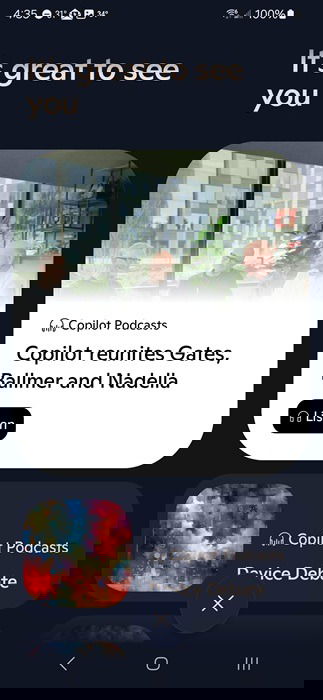
Currently, the library of pre-created podcasts is limited. But, they are good examples of what Copilot Podcasts are like. For instance, I only have one pre-created option per day. These don’t count against your limits and you’re free to listen to them at any time.
Tap the Copilot icon at the left of the chat text box to access the Discover feed. The latest pre-created podcasts are listed at the top, with any podcasts you’ve created listed directly below them.
If you still prefer more traditional podcasts, see how to create a podcast playlist in Spotify. Or, if you’re done listening to Copilot Podcasts for the day, check out the other things you can do with Copilot.